
Screens people get instantly
Research, user flows, wireframes and a Figma design system — tested with real users and handed to developers with every state specified.
- User research
- Figma
- Prototypes
- Dev handoff
- Send money
- Header
- Amount
- Keypad
- Button / Primary
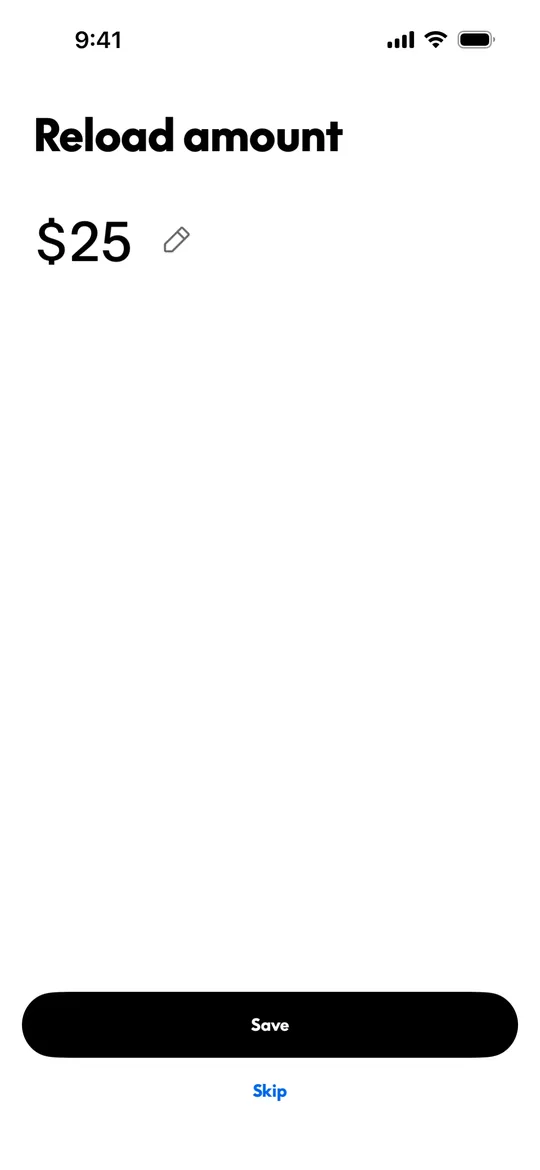
What does Joldisoft's UI/UX design service include?
Joldisoft's UI/UX design covers user research, user flows, wireframes, high-fidelity screens in Figma, a reusable design system, clickable prototypes, usability testing and developer handoff. Design is included in every custom MVP and can also be booked on its own for an existing product.
What you get
User research
Interviews and competitor reviews to learn what your users actually need.
User flows
Every path through the product mapped before a single screen is drawn.
Wireframes
Low-fidelity layouts to agree structure and content quickly.
Figma design system
Colours, type, spacing and components that keep every screen consistent.
Clickable prototypes
Tap-through prototypes to test and pitch before any code is written.
Developer handoff
Specs, assets, states and edge cases documented for the build team.
Our stack
Proven tools we use every day — chosen for speed now and room to grow later.
- Design
- FigmaAuto layoutVariables & tokensComponents
- Prototyping
- Figma prototypesInteractive flowsMicro-interactions
- Research
- User interviewsUsability testingCompetitor audits
- Handoff
- Dev mode specsExported assetsFlutter & React components
How it works
Typical timeline for a standalone design project. Inside an MVP, design runs in weeks 2–3 alongside discovery.
- 01Week 1
Research
Interviews, competitor review and goals for each user role.
- 02Week 2
Flows & wireframes
User flows and wireframes for every key journey.
- 03Weeks 3–4
Visual design
High-fidelity screens and the Figma design system.
- 04Week 5
Prototype & test
Clickable prototype tested with users, then revised.
- 05Week 6
Handoff
Specs, assets and states handed to developers.
- 06During build
Build support
We review the implementation against the design.
Included, no surprises
- User flows for every role
- Wireframes for key journeys
- High-fidelity screens in Figma
- Design system with reusable components
- Light and dark states, empty, error and loading screens
- Clickable prototype
- Usability test with revisions
- Developer handoff with specs and assets
Pick your start
- White-label
Your logo, colours, name and splash applied across a ready-made platform.
From $3,0002–3 weeks - MVPRecommended
Custom UI/UX for every screen, built into the product.
From $10,0008–12 weeks - Design only
Research, Figma design system and prototype for your own team.
Custom quoteScoped together
Support: 30 days on White-label, 90 days on MVP, then optional monthly maintenance. Full pricing →
Built for you if…
Founders before the build
A clickable prototype to validate the idea and pitch to investors.
Products that confuse users
Redesigning flows where people drop off or contact support.
Growing teams
A design system so new screens stay consistent as you scale.
Developers without a designer
Production-ready Figma files that are easy to build from.
Designs we've built
Industries
Questions, answered
What design tool do you use?
Figma. You get access to the file, the design system and the prototype, and they remain yours.
Can you design only, without building?
Yes. Standalone design projects are quoted after a short call. Design is also included in every custom MVP.
Do you do user research?
Yes. We interview users or customers where possible, review competitors and test the prototype before handoff.
How long does UI/UX design take?
A standalone design project typically takes around six weeks from research to handoff. Inside an MVP, design runs in weeks 2–3.
Will developers be able to build from your designs?
Yes. Every screen has its states and edge cases documented, components match the design system, and we review the build against the design.
Do you redesign existing apps?
Yes. We start by reviewing the current product and where users struggle, then redesign the flows that matter most.
Let's design it right
Show us your idea or your current product. We'll suggest where design will make the biggest difference.