Joldisoft
    UI reference · 20 screens

    Airtasker Clone app screens

    The complete Airtasker-style user flow. Your app ships with these flows in your own brand, colours and languages.
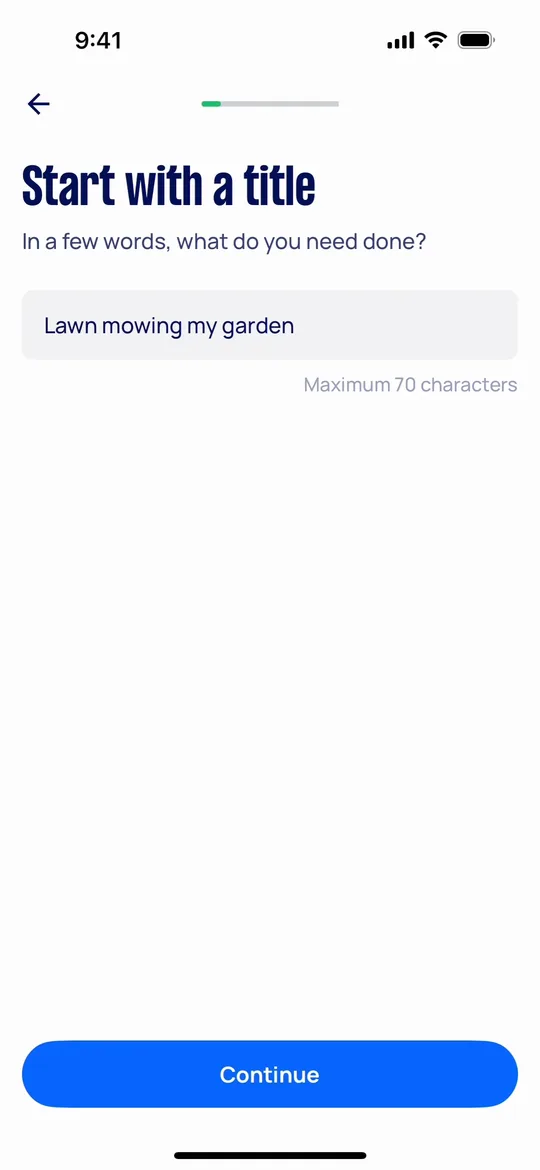
    Airtasker Clone — Start with a title screen
    01

    Start with a title

    Customers post a task by describing in a few words what they need done.
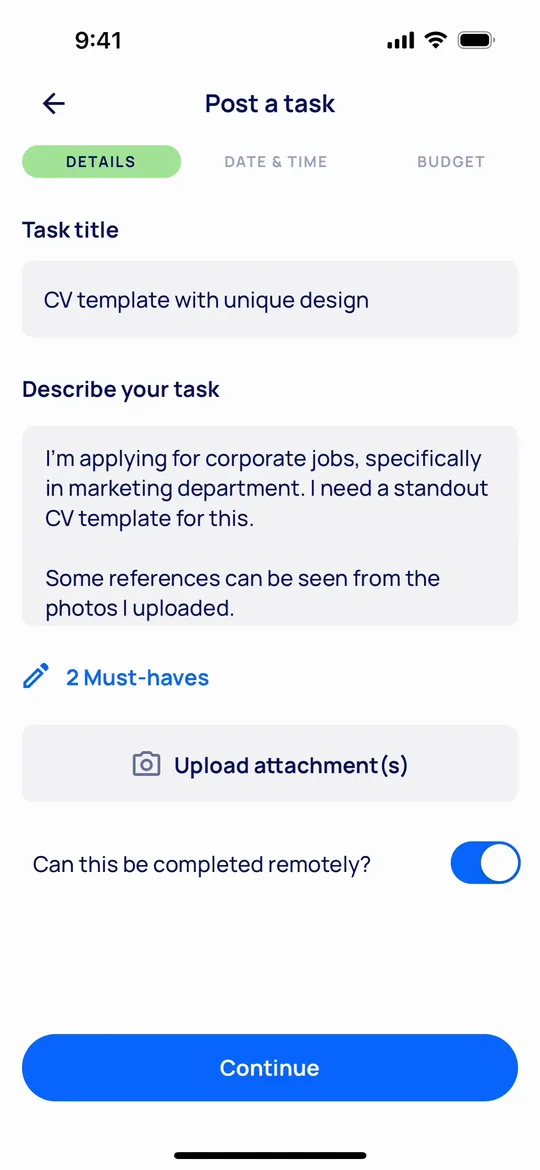
    Airtasker Clone — Describe the task screen
    02

    Describe the task

    Customers add details, must-haves and photos, and mark whether the task can be done remotely.
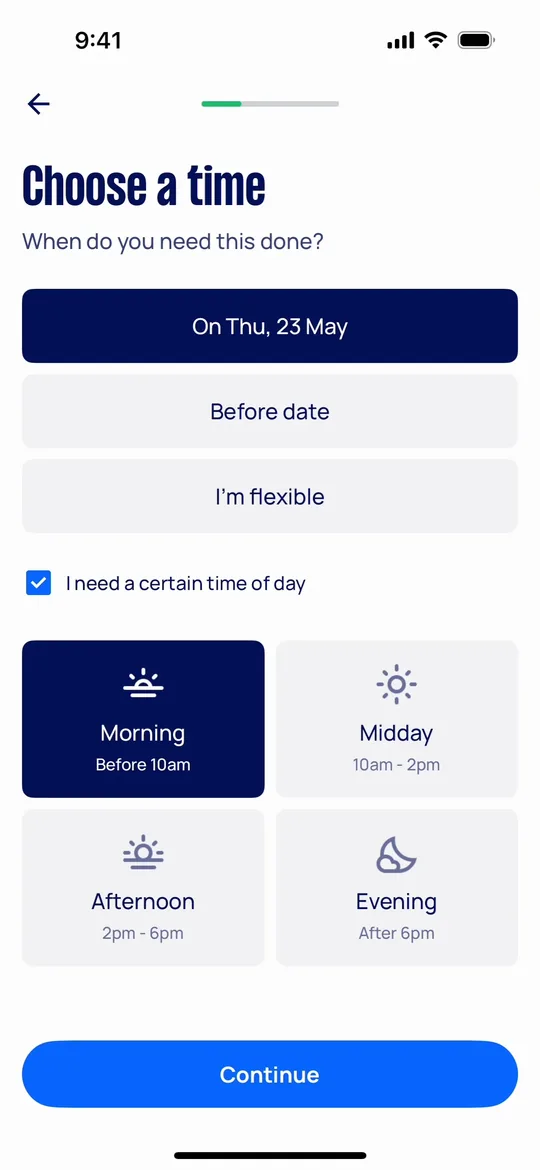
    Airtasker Clone — Choose a time screen
    03

    Choose a time

    Customers set a date or a deadline, or stay flexible, and pick a preferred time of day.
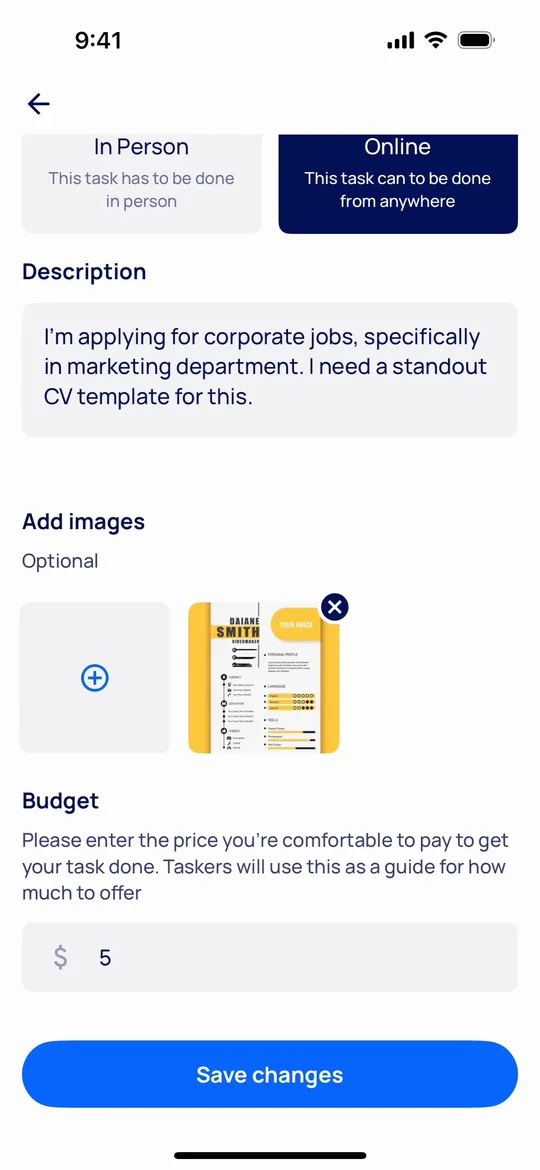
    Airtasker Clone — Set a budget screen
    04

    Set a budget

    Customers set a budget that taskers use as a guide when making offers.
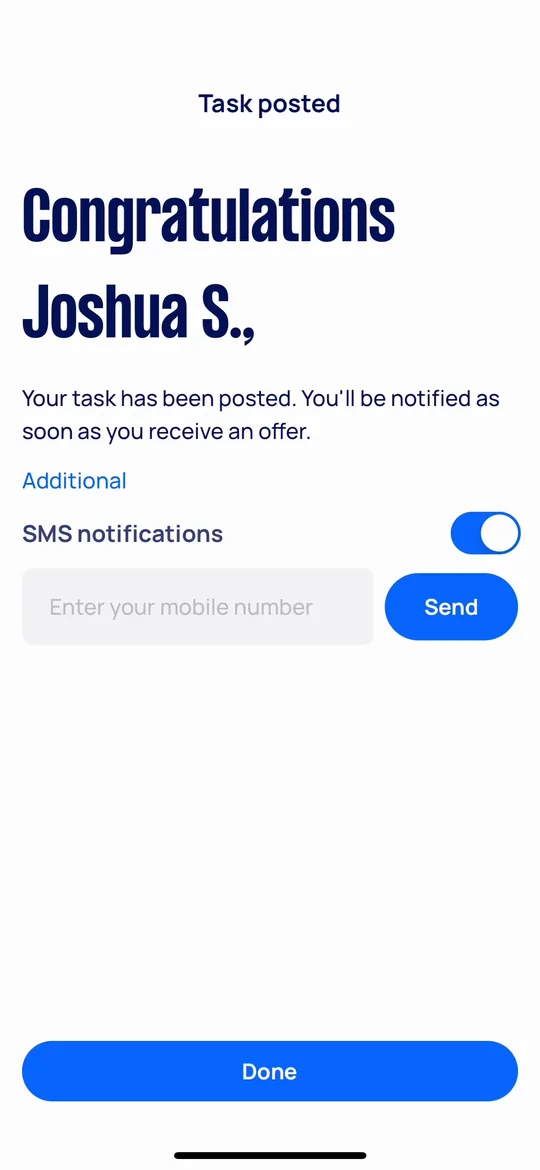
    Airtasker Clone — Task posted screen
    05

    Task posted

    Customers get confirmation that the task is live and can turn on SMS alerts for new offers.
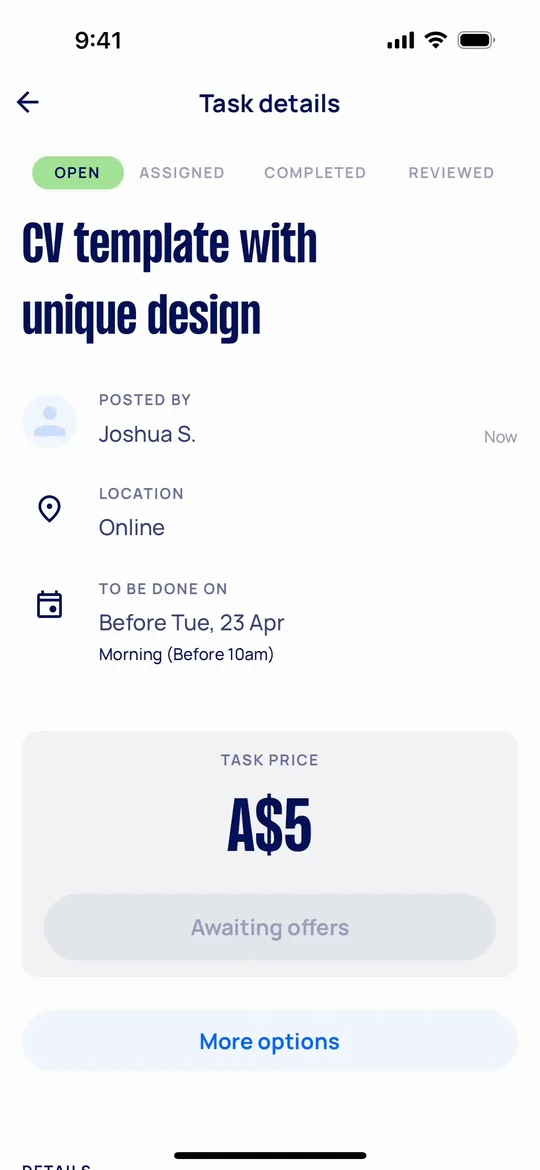
    Airtasker Clone — Awaiting offers screen
    06

    Awaiting offers

    Customers see the open task with location, timing and price while offers come in.
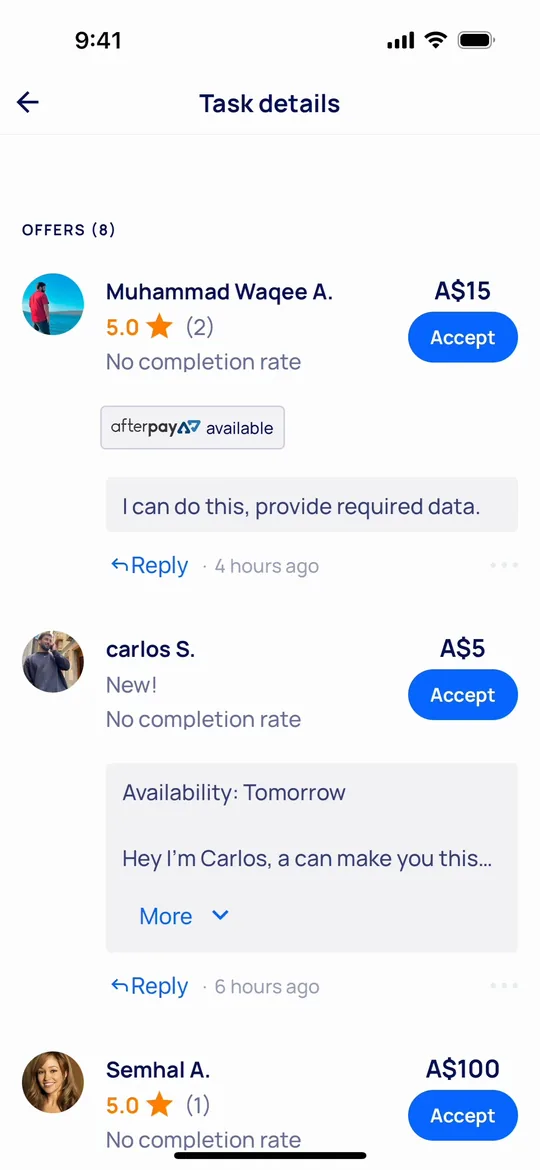
    Airtasker Clone — Compare offers screen
    07

    Compare offers

    Customers compare offers by price, rating and completion rate and accept the best one.
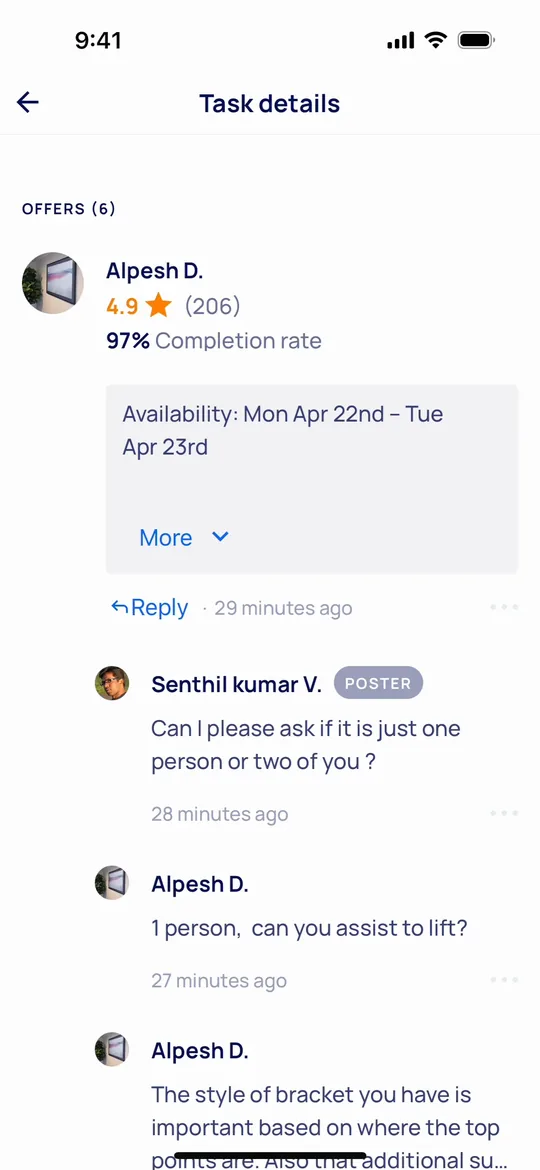
    Airtasker Clone — Offer conversations screen
    08

    Offer conversations

    Customers reply to each offer to clarify details before choosing a tasker.
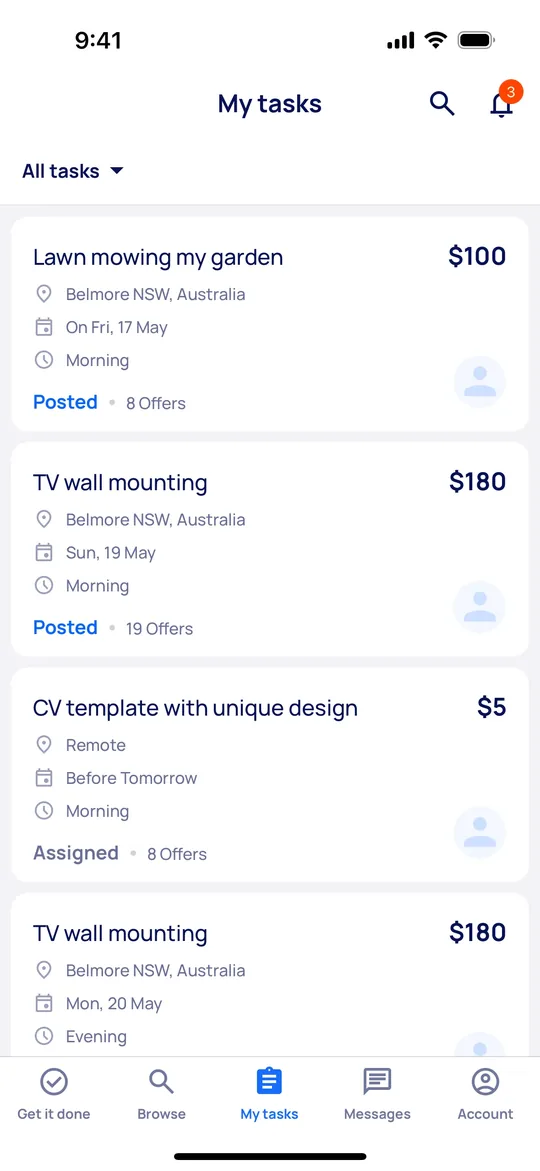
    Airtasker Clone — My tasks screen
    09

    My tasks

    Customers track every posted task with its status, date, budget and number of offers.
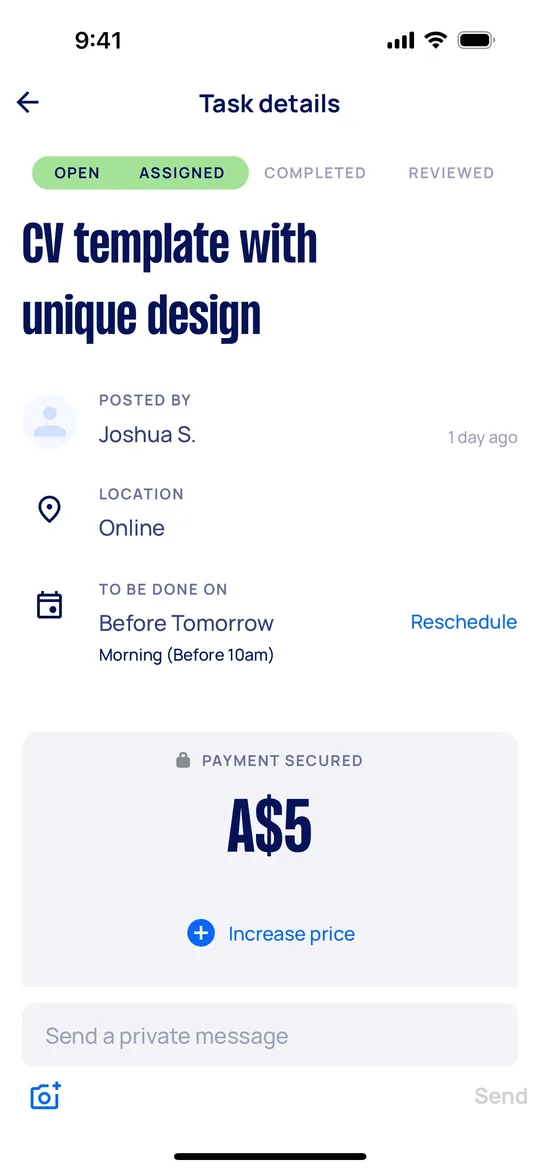
    Airtasker Clone — Payment secured screen
    10

    Payment secured

    Customers see the task assigned with payment held safely until the job is done.
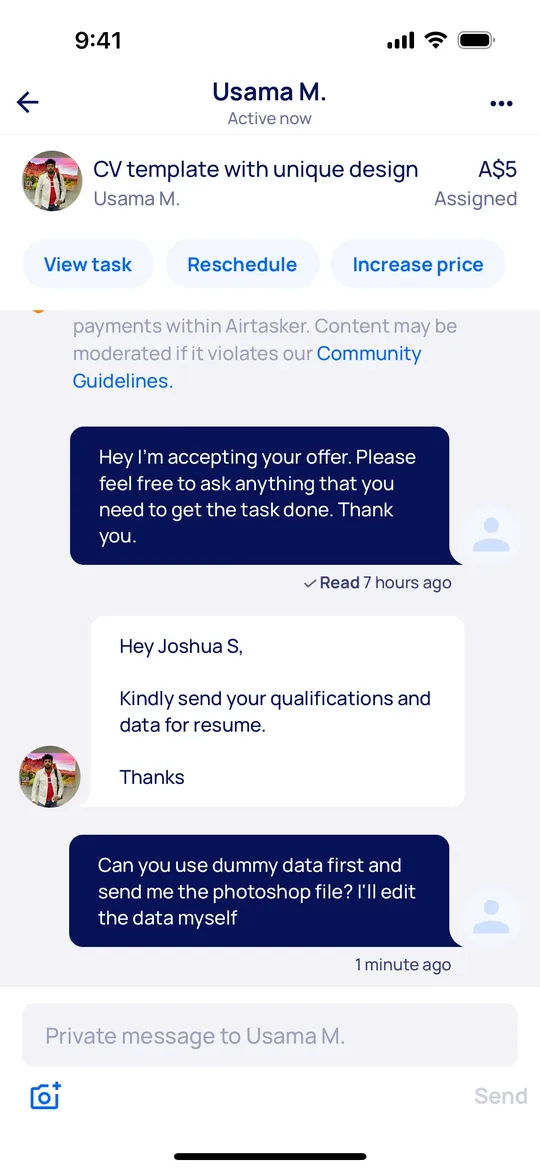
    Airtasker Clone — Private chat screen
    11

    Private chat

    Customers message the assigned tasker, reschedule or increase the price from the chat.
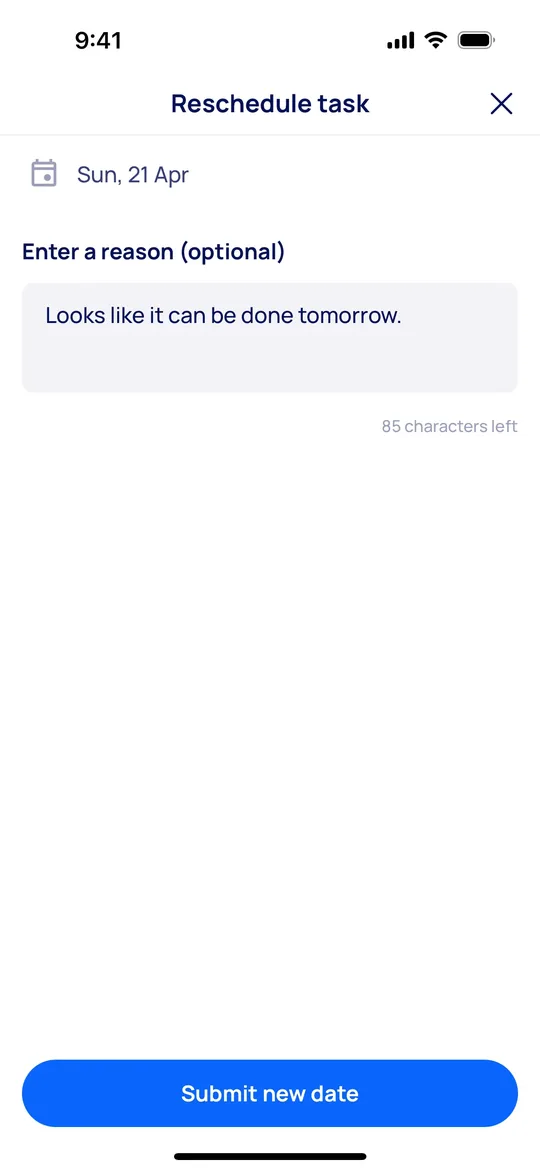
    Airtasker Clone — Reschedule task screen
    12

    Reschedule task

    Customers propose a new date with a short reason, and the tasker is notified.
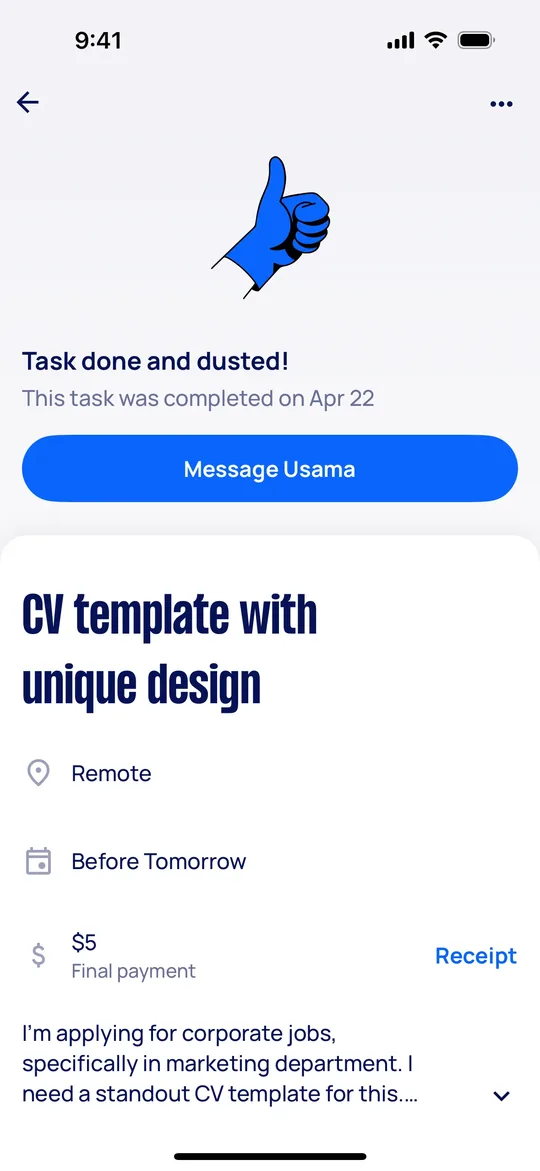
    Airtasker Clone — Task completed screen
    13

    Task completed

    Customers see the task marked complete with the final payment and receipt.
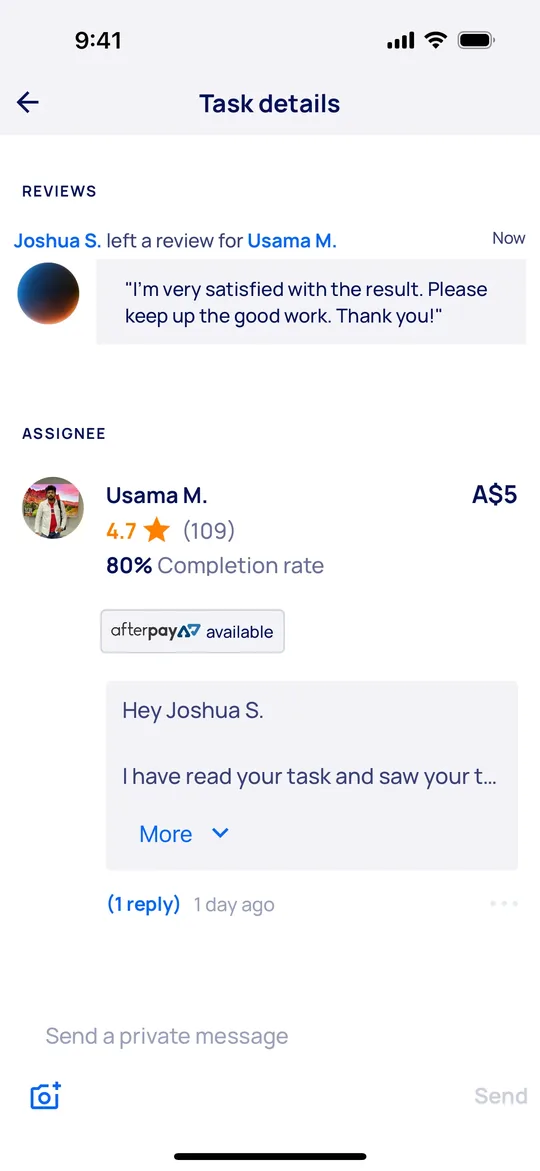
    Airtasker Clone — Leave a review screen
    14

    Leave a review

    Customers leave a review for the tasker, which builds their rating and completion rate.
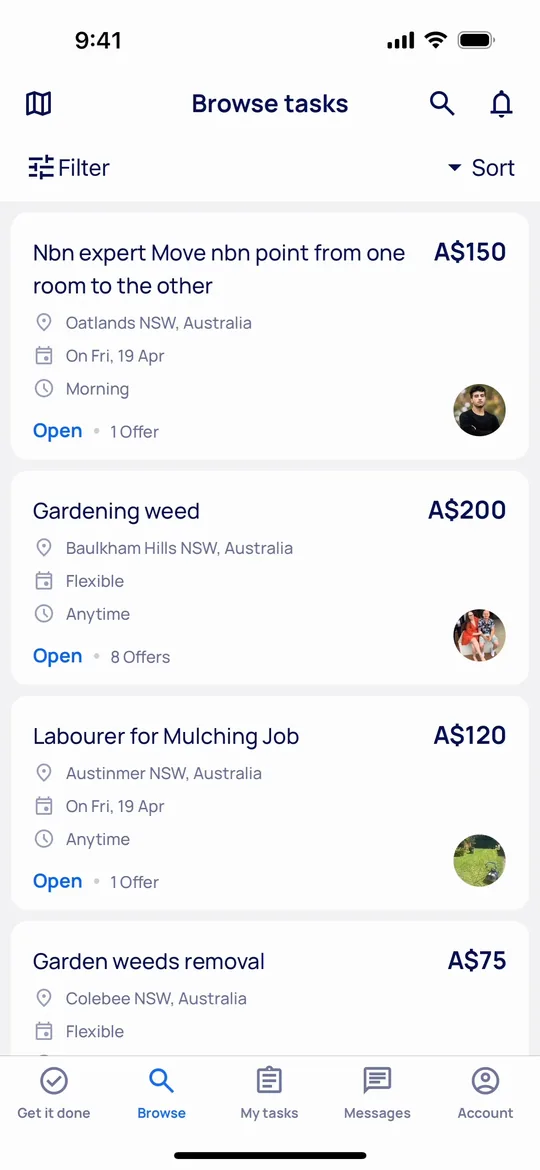
    Airtasker Clone — Browse tasks screen
    15

    Browse tasks

    Taskers browse open tasks nearby with budget, location, timing and offer count.
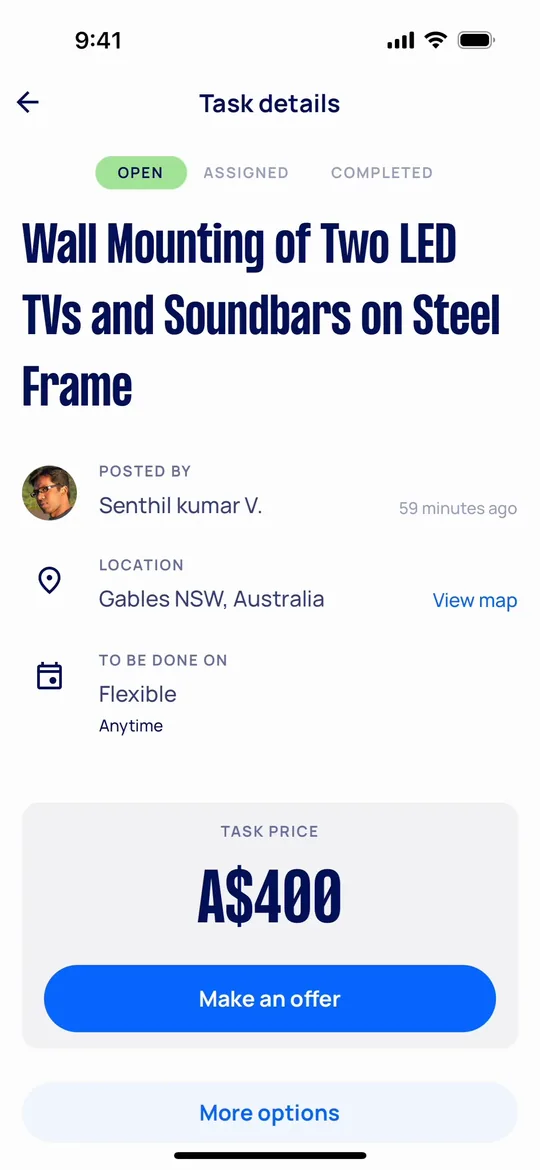
    Airtasker Clone — Task detail screen
    16

    Task detail

    Taskers open a task to check the location, timing and posted price before making an offer.
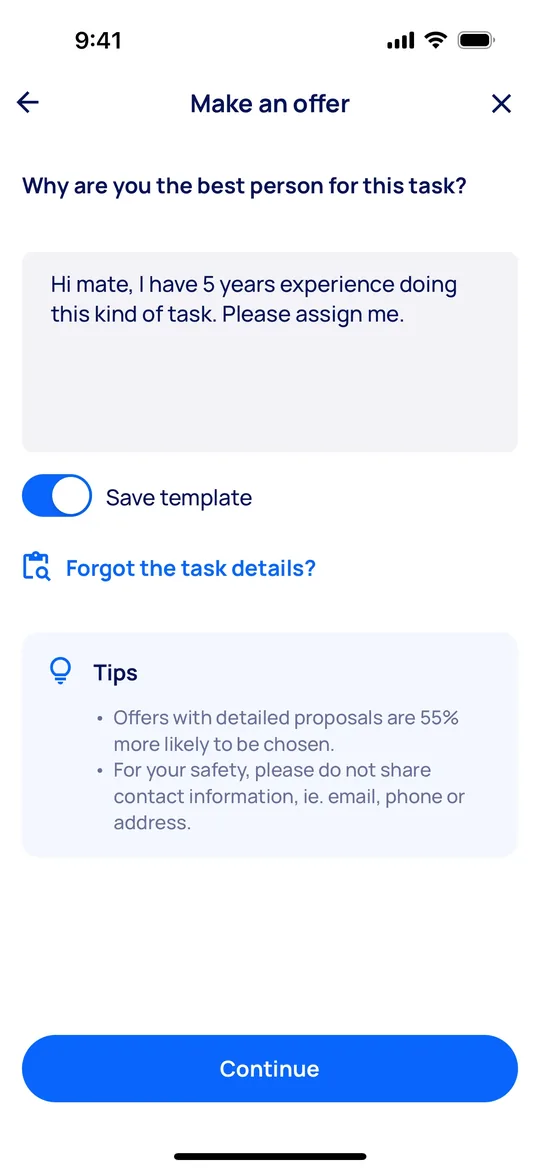
    Airtasker Clone — Make an offer screen
    17

    Make an offer

    Taskers explain why they are the best fit and save the message as a template.
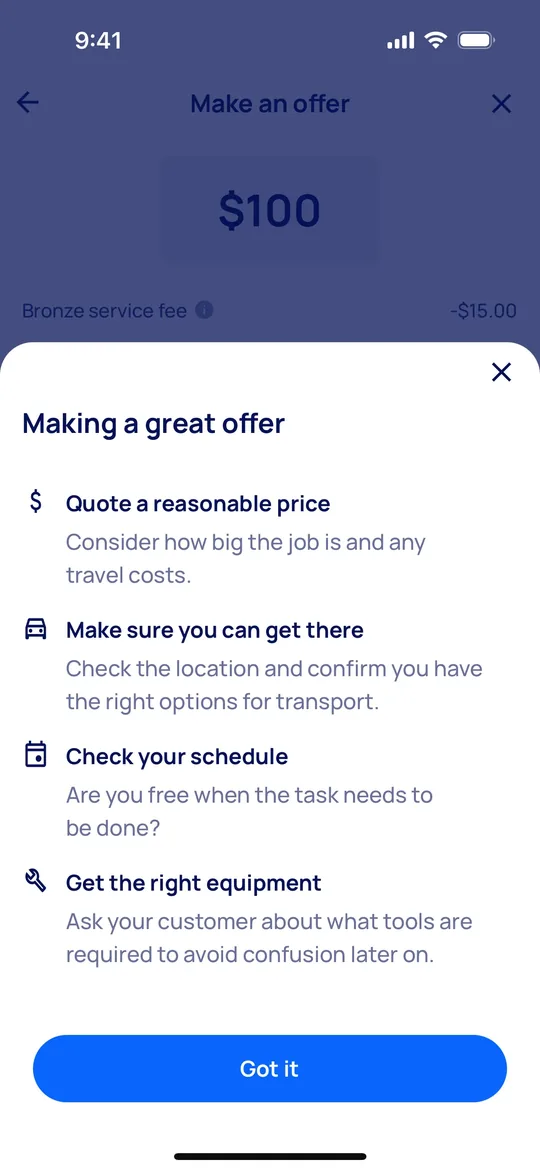
    Airtasker Clone — Offer tips screen
    18

    Offer tips

    Taskers get guidance on pricing, travel, schedule and equipment before sending an offer.
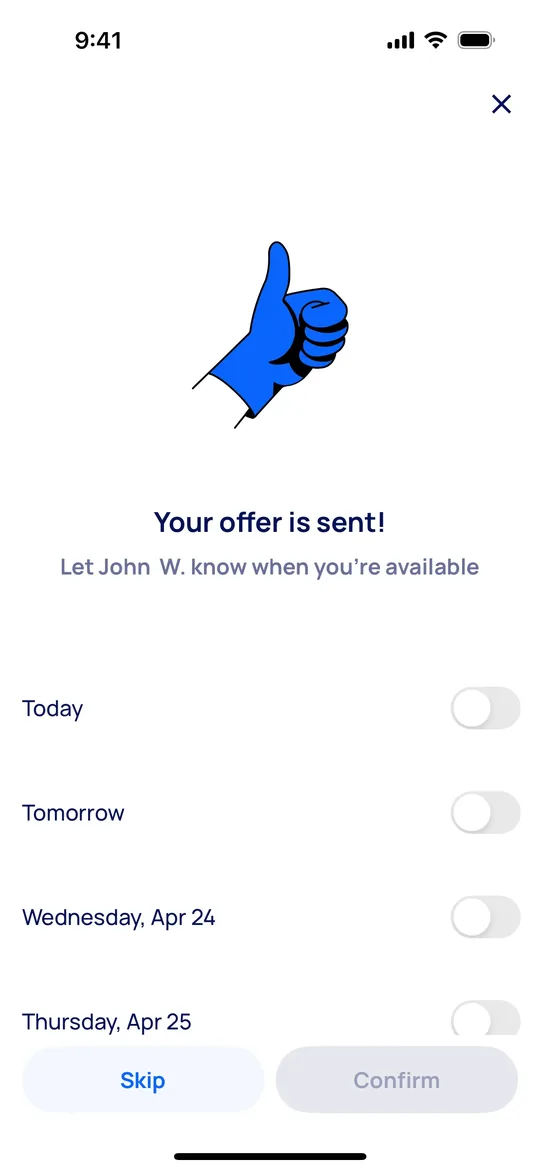
    Airtasker Clone — Offer sent screen
    19

    Offer sent

    Taskers confirm their offer and share the days they are available.
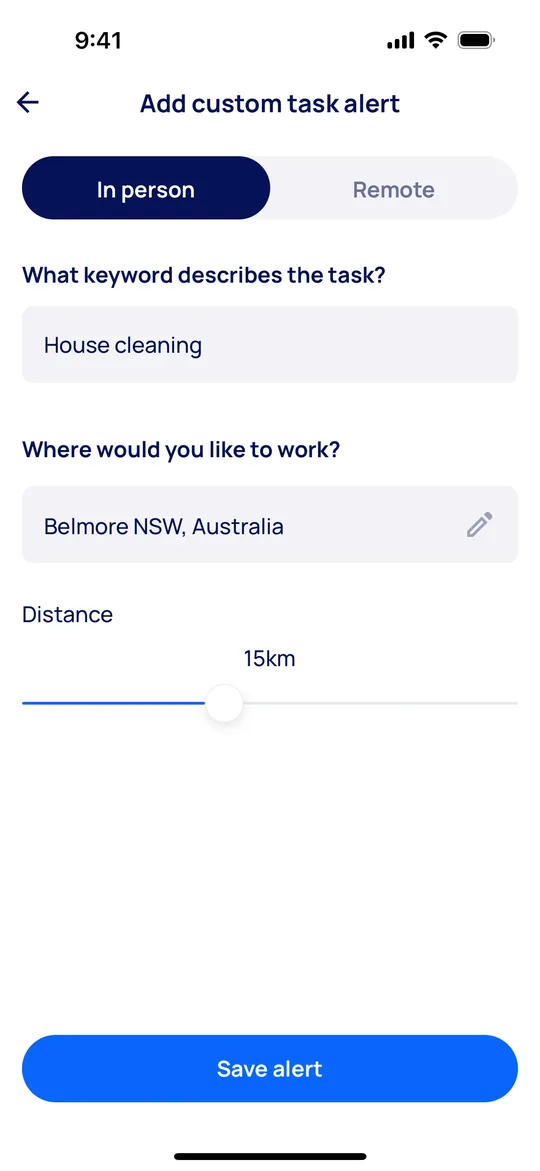
    Airtasker Clone — Task alerts screen
    20

    Task alerts

    Taskers create alerts by keyword and distance so new matching tasks reach them first.

    Want these screens in your brand?

    White-label from $3,000 in 2–3 weeks, or a custom Airtasker Clone MVP from $11,000.

    Explore more

    Other clone apps we build
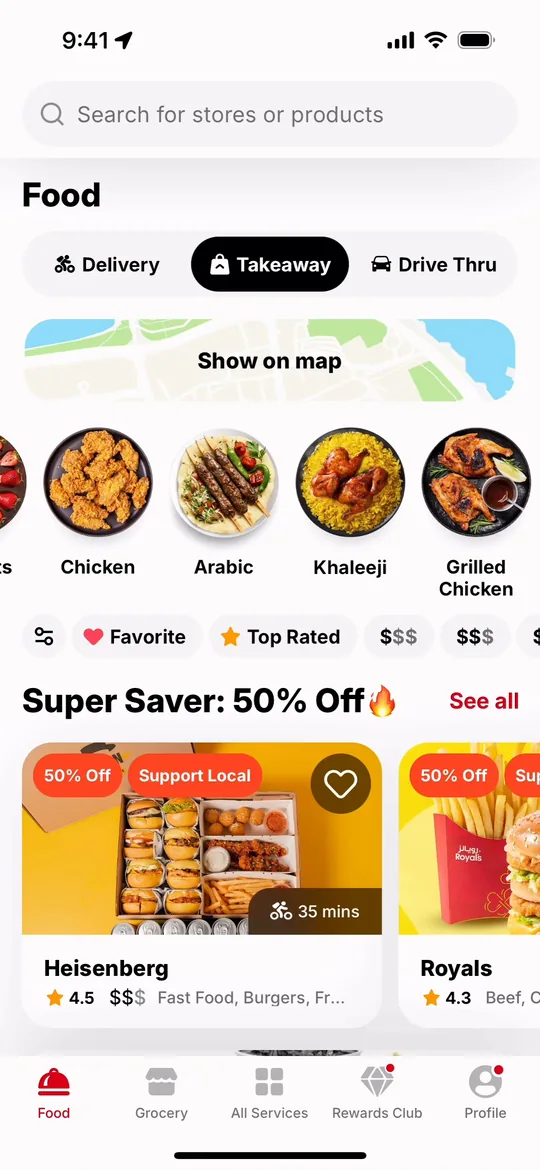
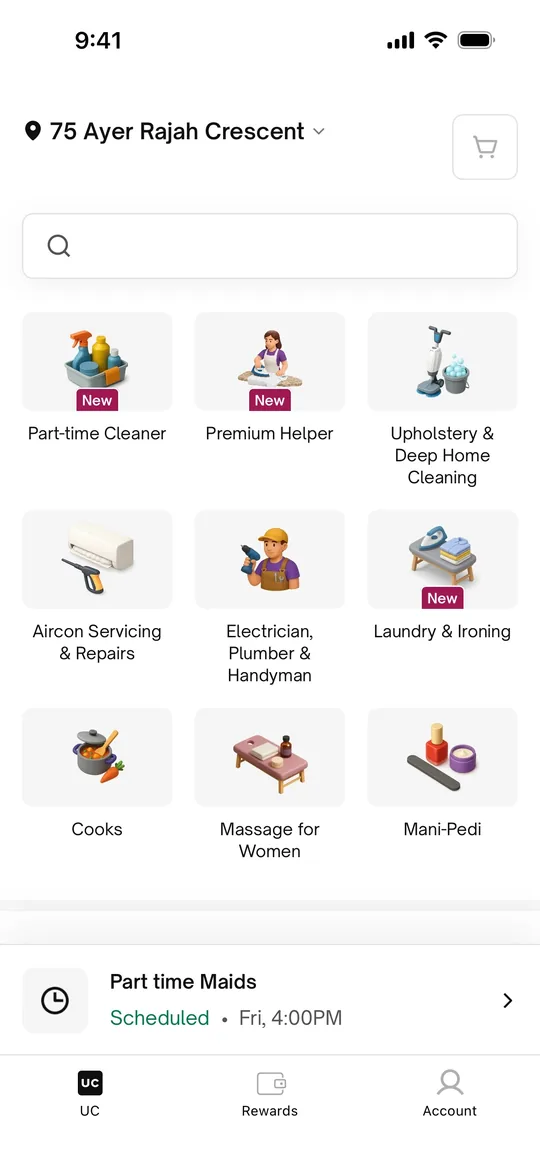
    Urban Company Clone — Home screen
    Urban Company Clone
    Home services · India, Middle East & South Asia
    Screens
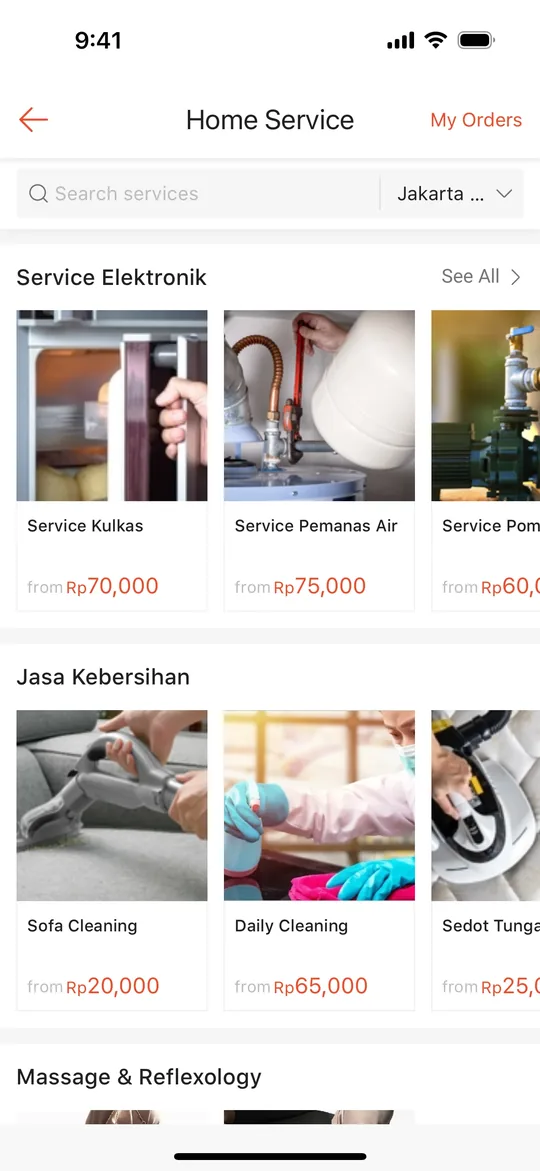
    Sheba.xyz Clone — Home screen
    Sheba.xyz Clone
    Home services · Bangladesh
    Screens
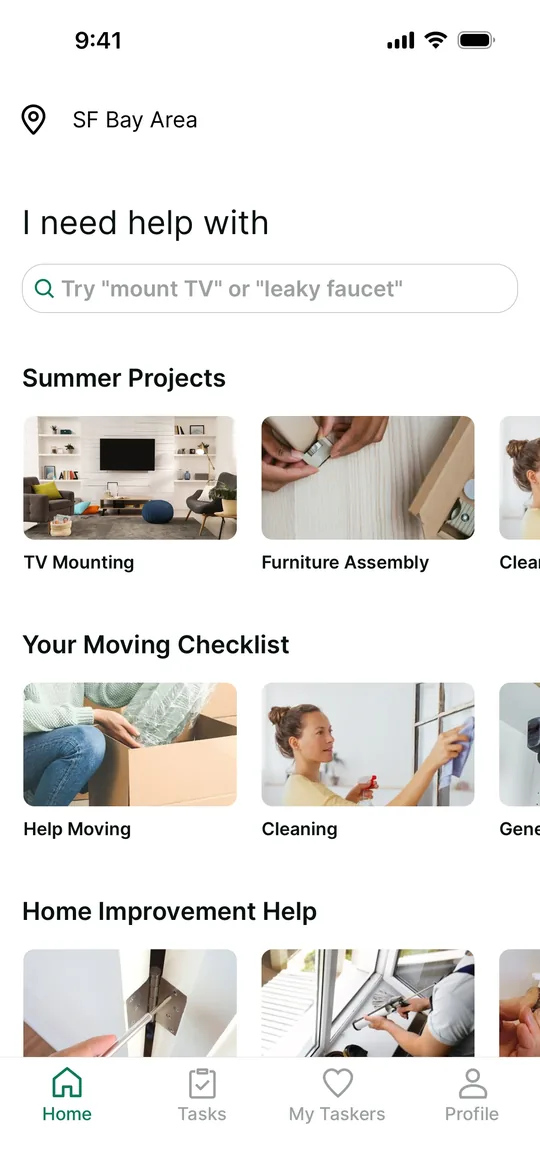
    TaskRabbit Clone — Home screen
    TaskRabbit Clone
    Home services · North America & Europe
    Screens
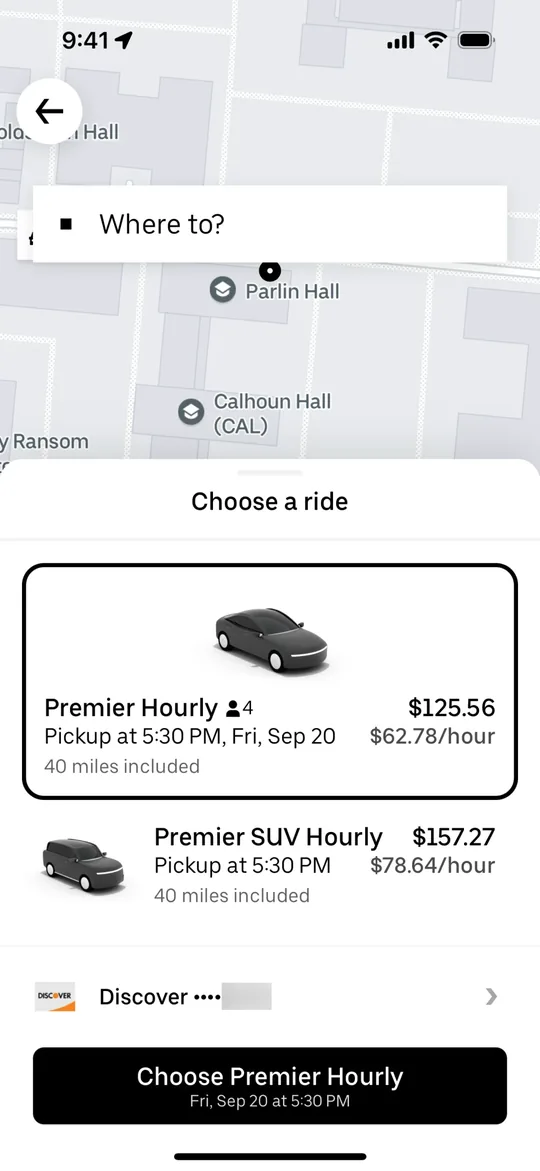
    Uber Clone — Choose a ride screen
    Uber Clone
    Ride-hailing · Global
    Screens
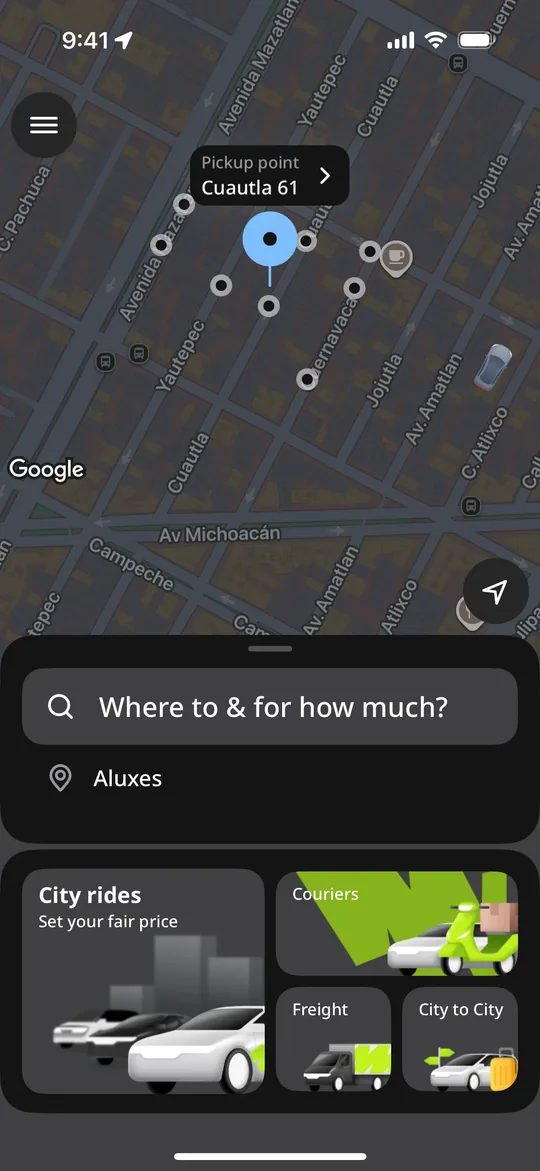
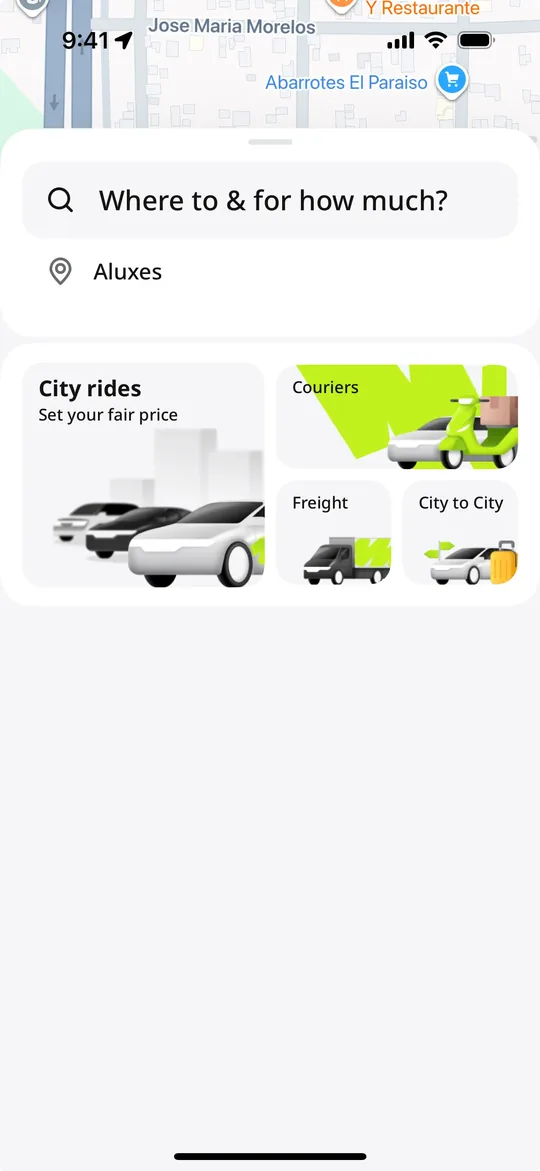
    inDrive Clone — Where to and for how much screen
    inDrive Clone
    Ride-hailing · Global, strong in Asia, Africa & Latin America
    Screens
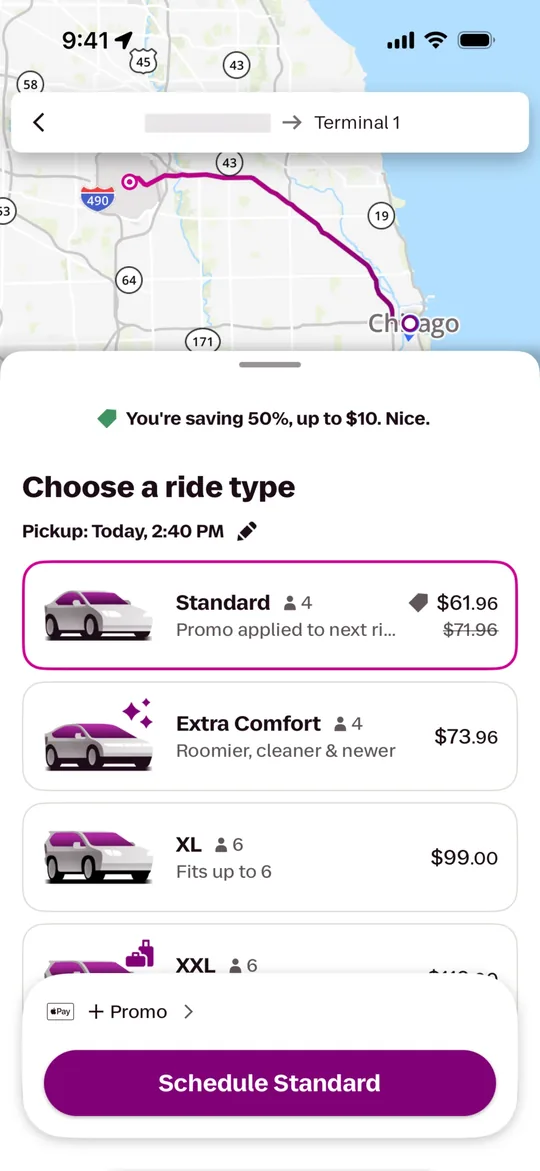
    Lyft Clone — Choose a ride type screen
    Lyft Clone
    Ride-hailing · North America
    Screens
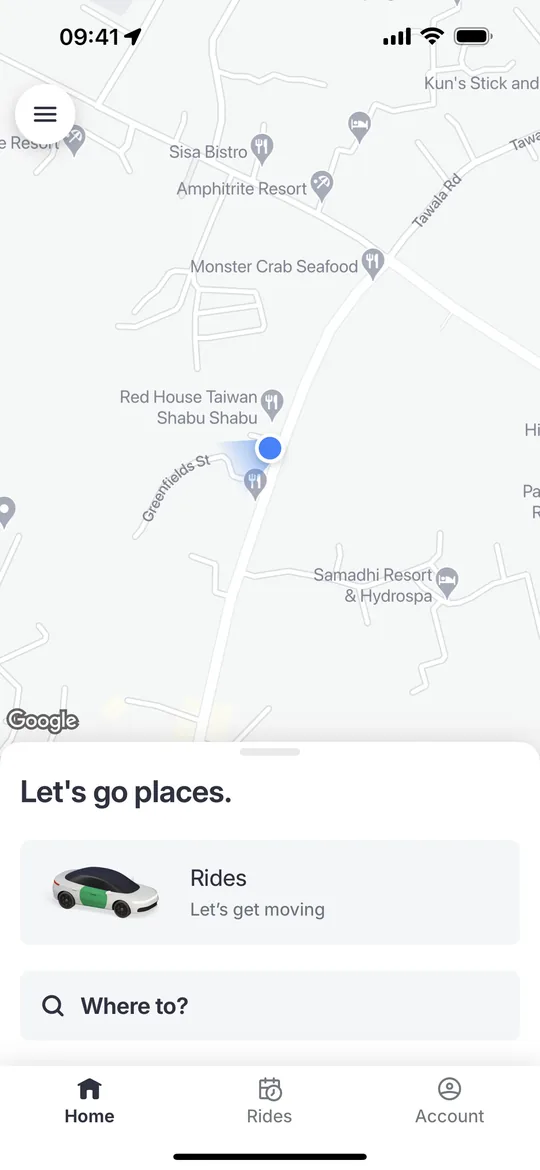
    Bolt Clone — Home screen
    Bolt Clone
    Ride-hailing · Europe & Africa
    Screens
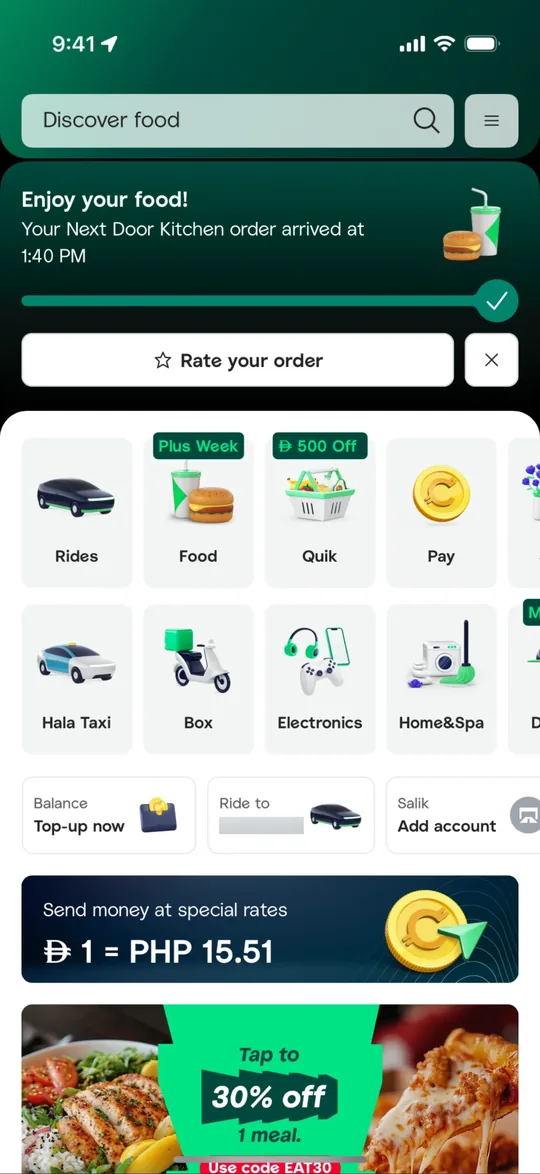
    Careem Clone — Super app home screen
    Careem Clone
    Super app · Middle East & North Africa
    Screens
    Gojek Clone — Service launcher screen
    Gojek Clone
    Super app · Southeast Asia
    Screens
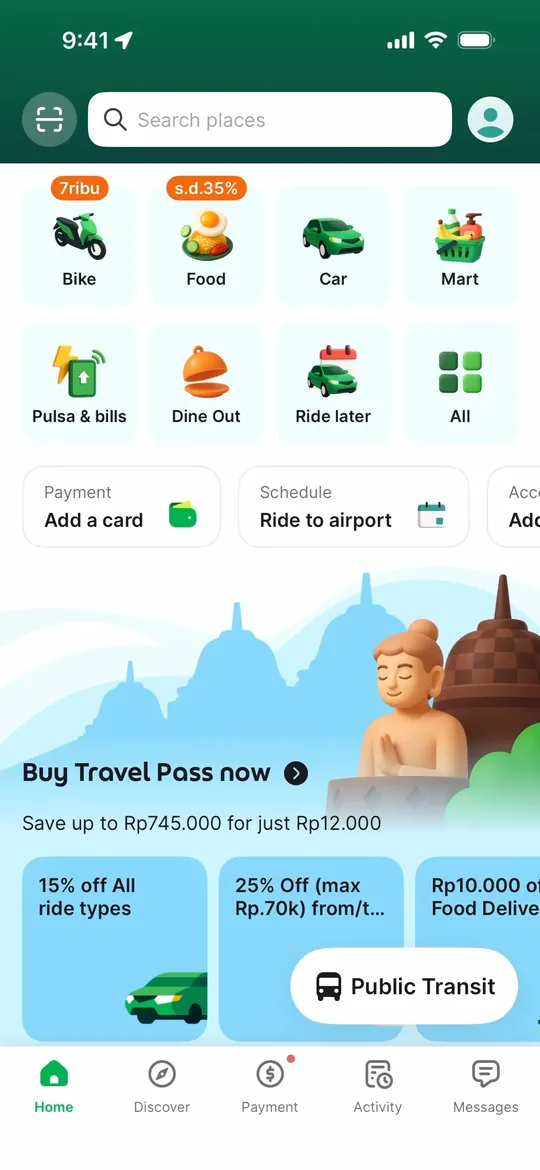
    Grab Clone — Super app home screen
    Grab Clone
    Super app · Southeast Asia
    Screens
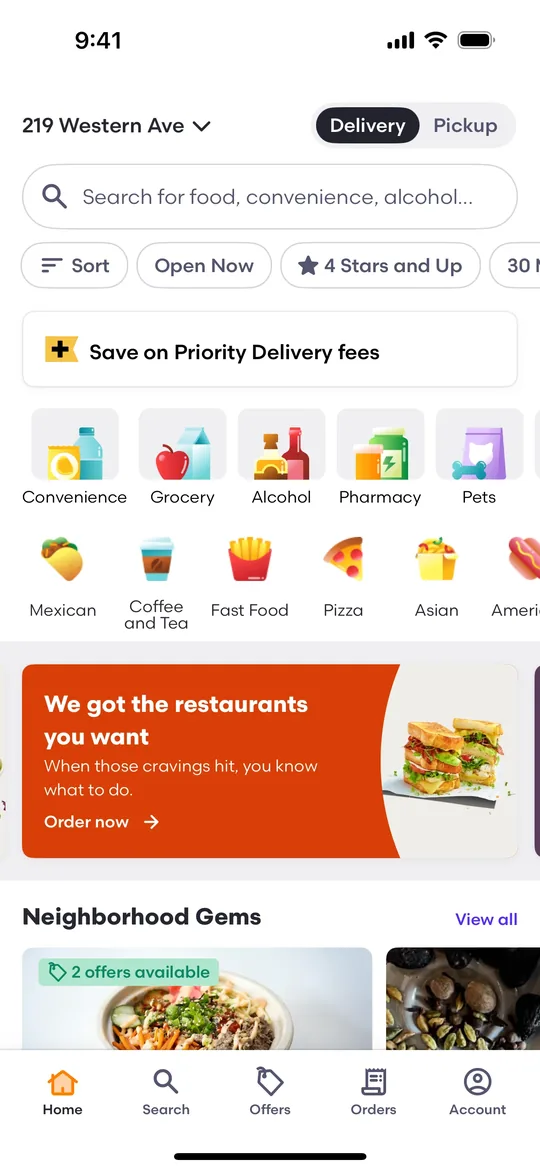
    DoorDash Clone — Home screen
    DoorDash Clone
    Food delivery · North America & Australia
    Screens
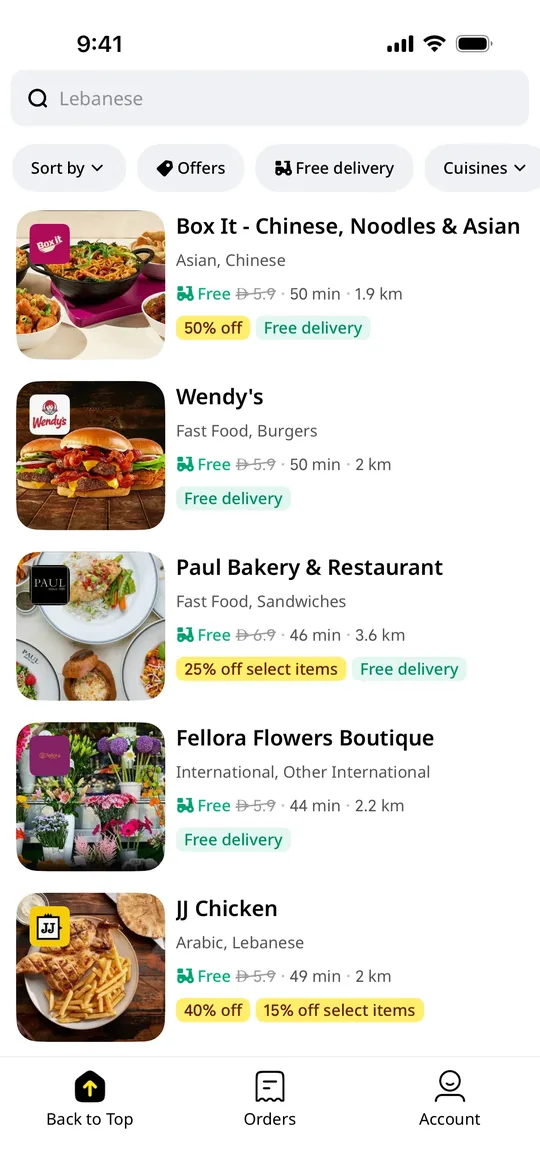
    Talabat Clone — Restaurant deals screen
    Talabat Clone
    Food delivery · Middle East (GCC)
    Screens
    Zomato Clone — Offers screen
    Zomato Clone
    Food delivery · South Asia & Middle East
    Screens
    Foodpanda Clone — Home screen
    Foodpanda Clone
    Food delivery · South & Southeast Asia
    Screens
    Swiggy Clone — Home feed screen
    Swiggy Clone
    Food delivery · India & South Asia
    Screens
    Pathao Clone — Home screen
    Pathao Clone
    Super app · Bangladesh & South Asia
    Screens

    Airtasker is a trademark of its respective owner. Joldisoft LLC is not affiliated with or endorsed by Airtasker. “Clone” describes the business model and feature set we build; every app ships with your own brand, design and code.