Joldisoft
    UI reference · 20 screens

    Careem Clone app screens

    The complete Careem-style user flow. Your app ships with these flows in your own brand, colours and languages.
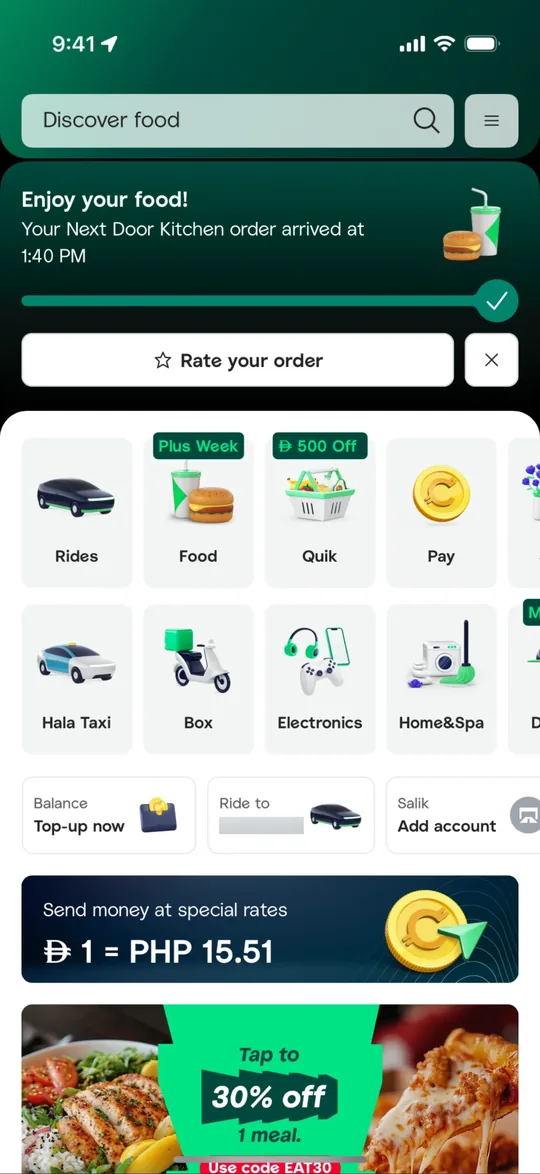
    Careem Clone — Super app home screen
    01

    Super app home

    Rides, food, groceries, payments, home services and more sit in one grid, with live order status at the top.
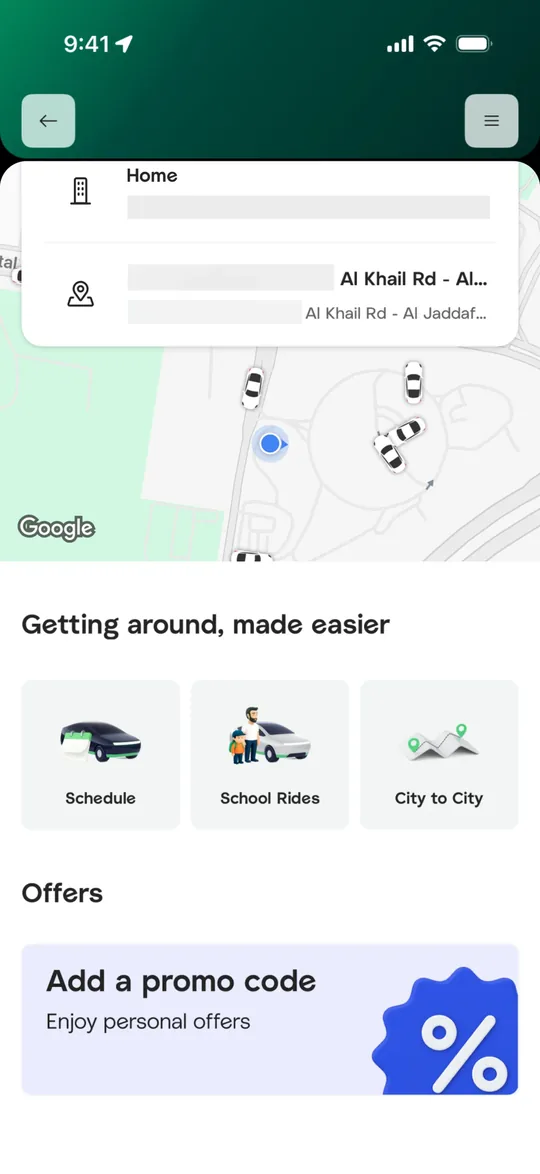
    Careem Clone — Rides home screen
    02

    Rides home

    Customers see nearby cars on the map and pick saved places, scheduled rides or city-to-city trips.
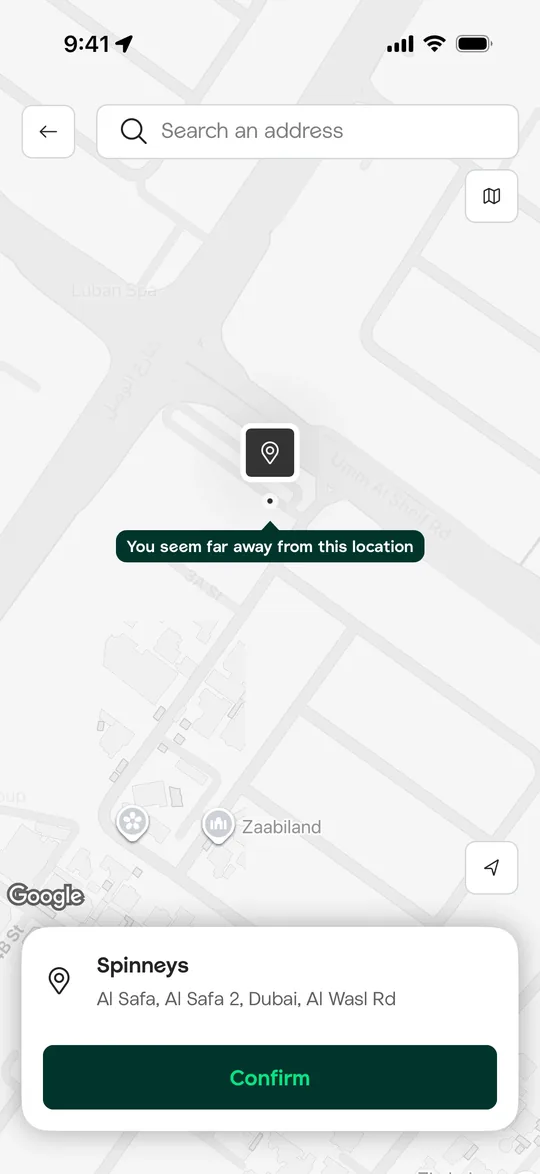
    Careem Clone — Set address on map screen
    03

    Set address on map

    Customers drag the pin to the exact spot and confirm the address before booking.
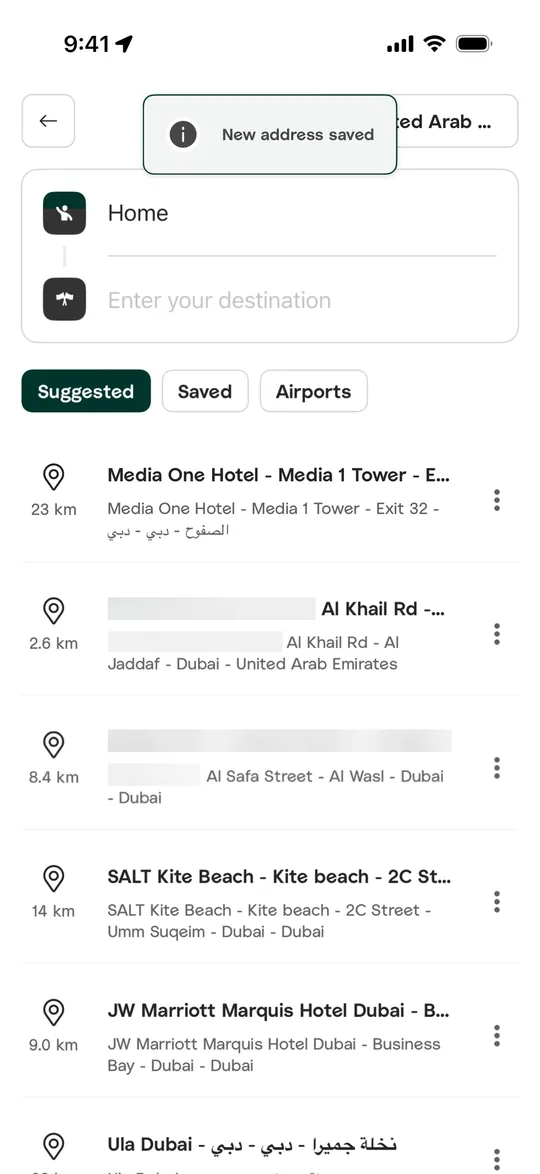
    Careem Clone — Destination search screen
    04

    Destination search

    Customers enter a destination or pick from suggested, saved and airport places.
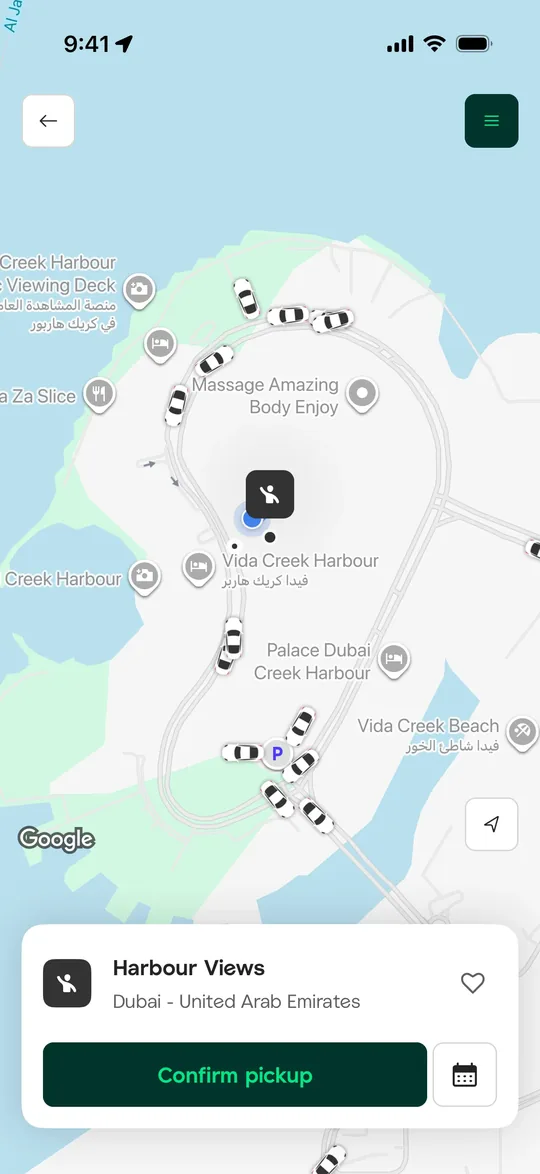
    Careem Clone — Confirm pickup screen
    05

    Confirm pickup

    Available cars are shown around the pickup pin and the customer confirms or schedules the pickup.
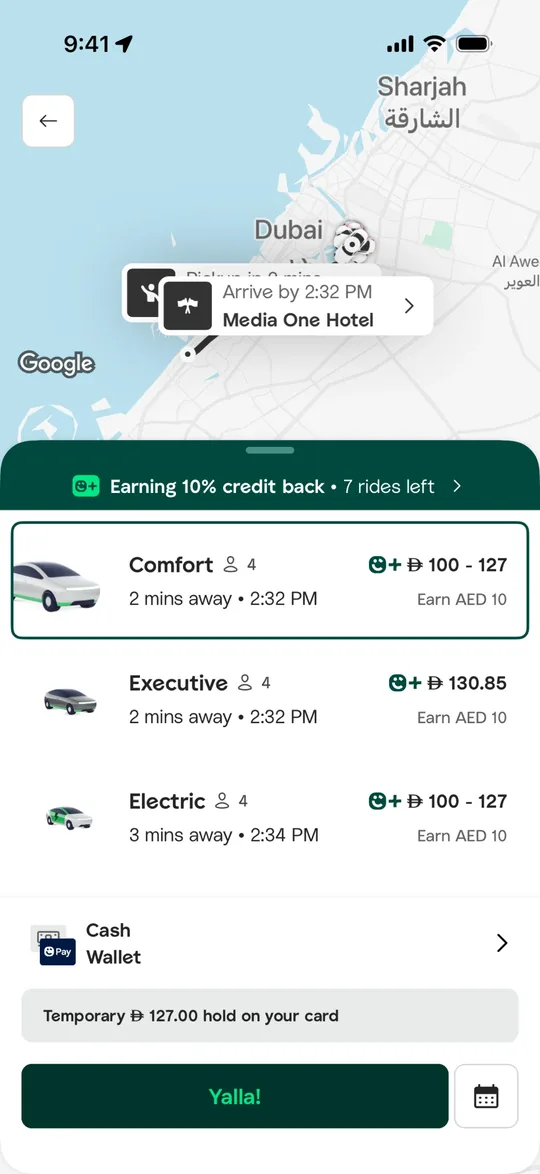
    Careem Clone — Choose a car type screen
    06

    Choose a car type

    Customers compare comfort, executive and electric cars with arrival times, fares and cashback earned.
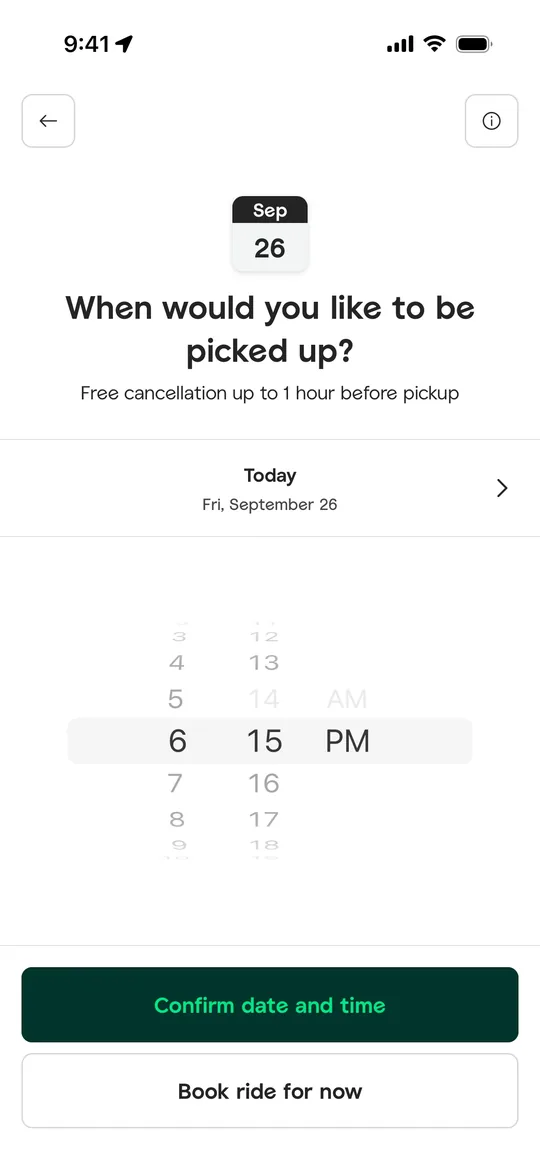
    Careem Clone — Schedule pickup screen
    07

    Schedule pickup

    Customers choose the date and time they want to be picked up, with free cancellation shown upfront.
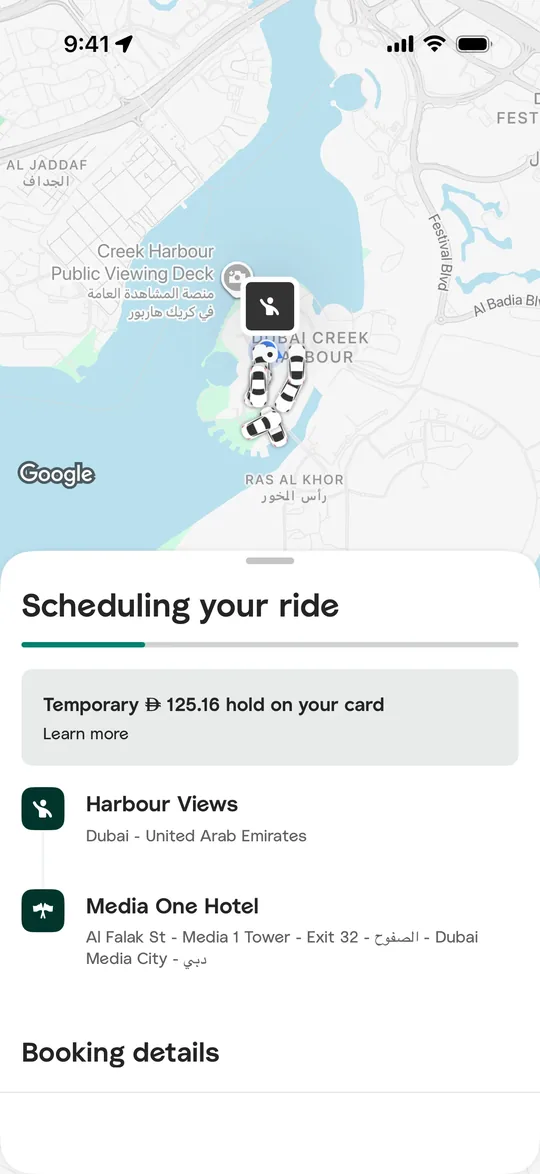
    Careem Clone — Finding a captain screen
    08

    Finding a captain

    While a driver is assigned the customer sees nearby cars on the map, the route and the card hold.
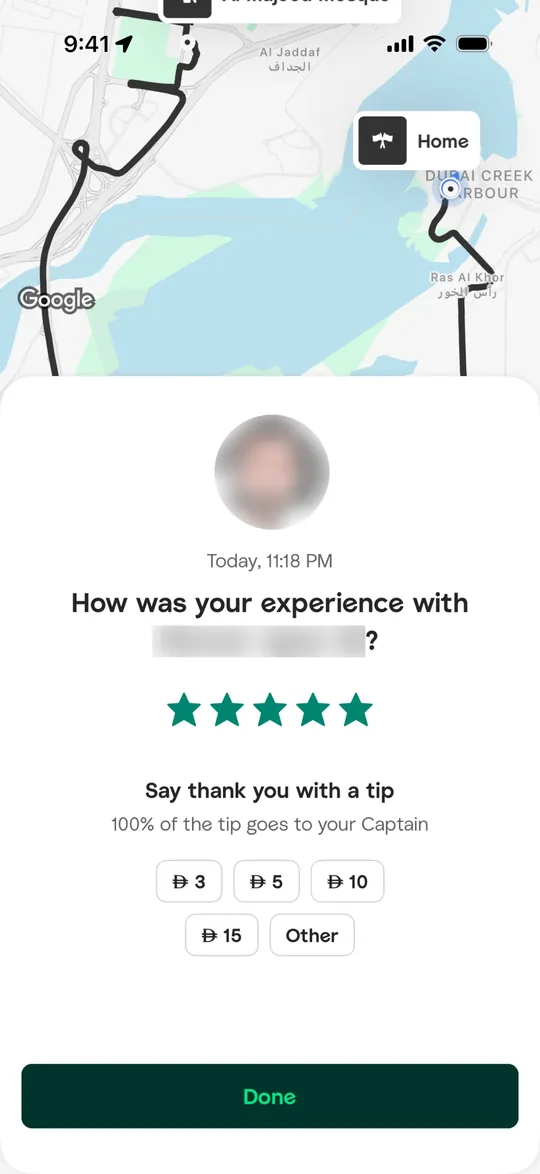
    Careem Clone — Rate and tip screen
    09

    Rate and tip

    After the ride the customer rates the driver and adds a tip in one tap.
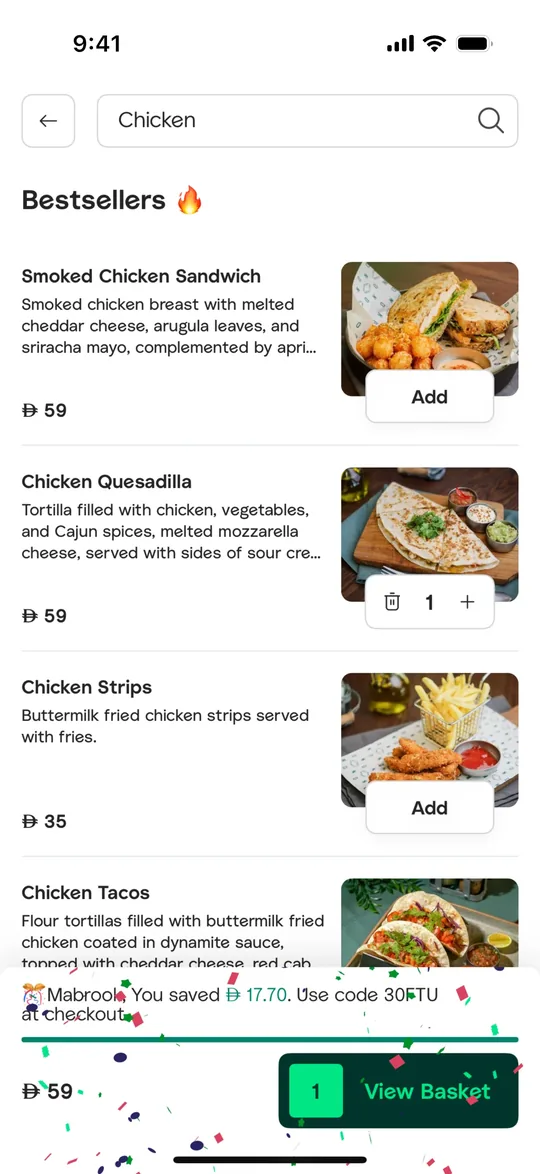
    Careem Clone — Restaurant menu screen
    10

    Restaurant menu

    Customers search a menu, browse bestsellers with photos and add items straight to the basket.
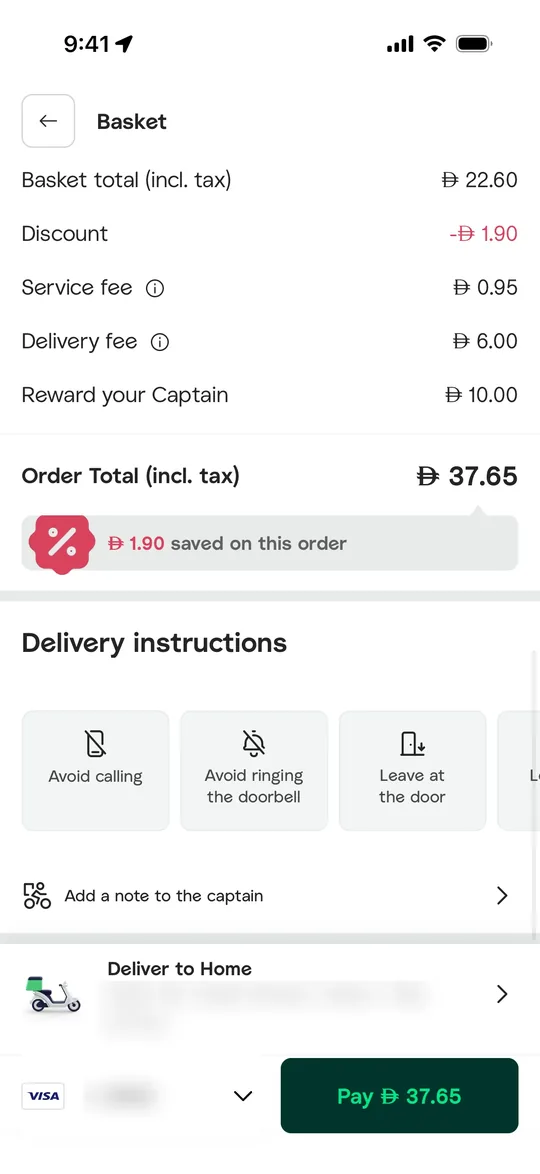
    Careem Clone — Basket and checkout screen
    11

    Basket and checkout

    Checkout shows the price breakdown, discounts, rider tip and contact-free delivery instructions.
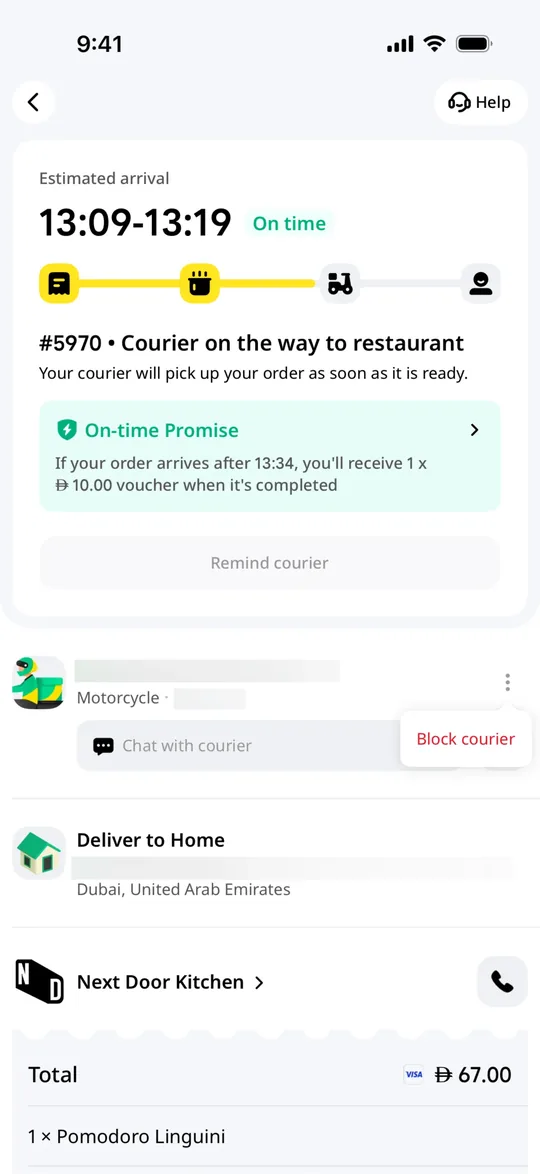
    Careem Clone — Order tracking screen
    12

    Order tracking

    Customers see the arrival window, each delivery stage and an on-time promise while the courier is on the way.
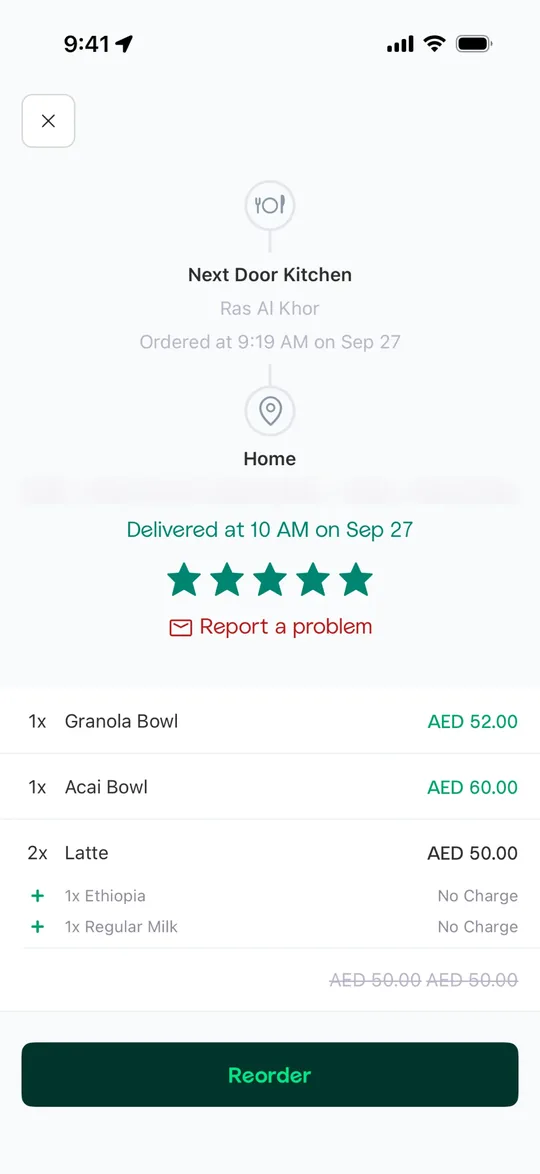
    Careem Clone — Order receipt screen
    13

    Order receipt

    Past orders show what was delivered, when, the rating given and a one-tap reorder button.
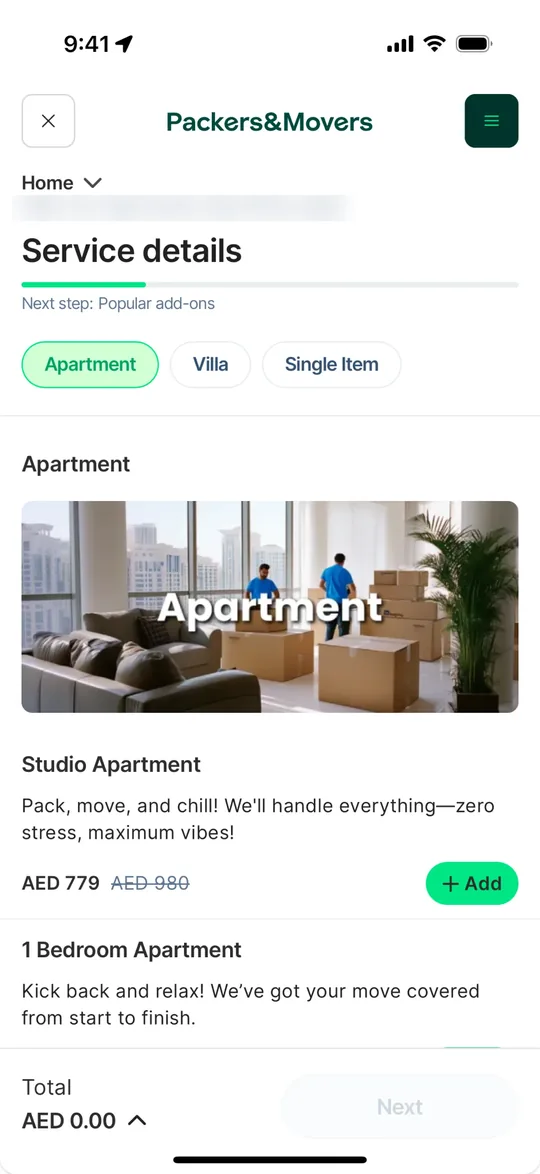
    Careem Clone — Home services booking screen
    14

    Home services booking

    Customers book movers, cleaning and other home services by choosing a package and adding it to the order.
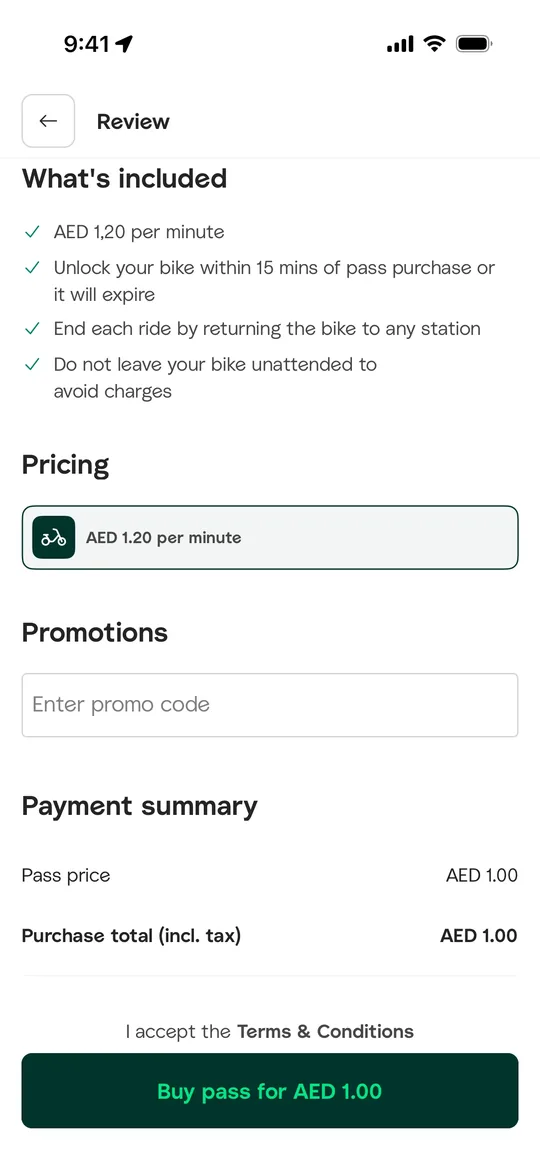
    Careem Clone — Bike rental pass screen
    15

    Bike rental pass

    Customers review e-bike pricing and rules, apply a promo code and buy a pass.
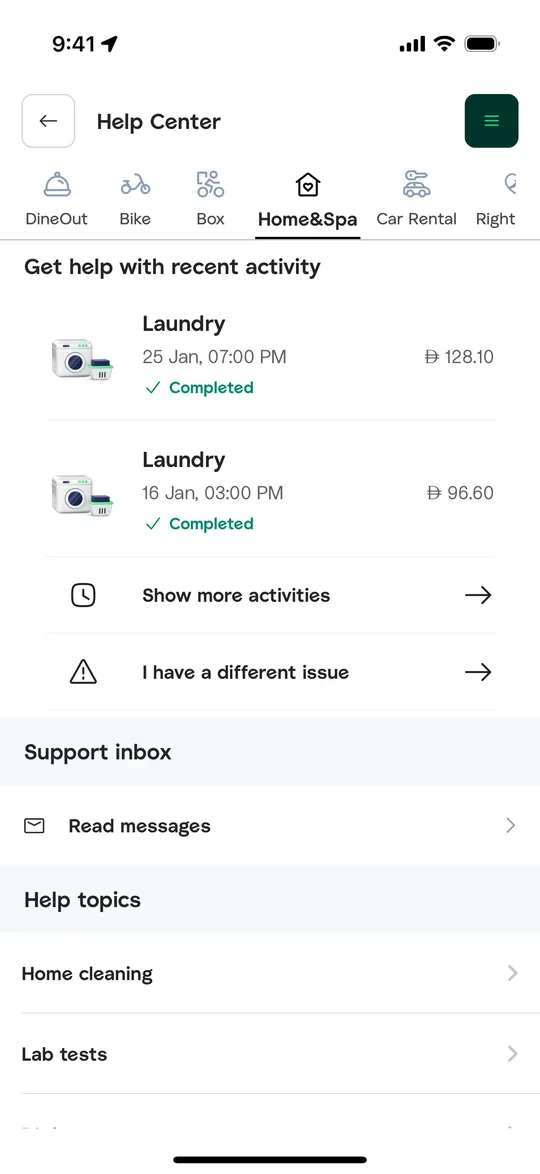
    Careem Clone — Help center screen
    16

    Help center

    Customers get help on recent orders across every service from one support hub.
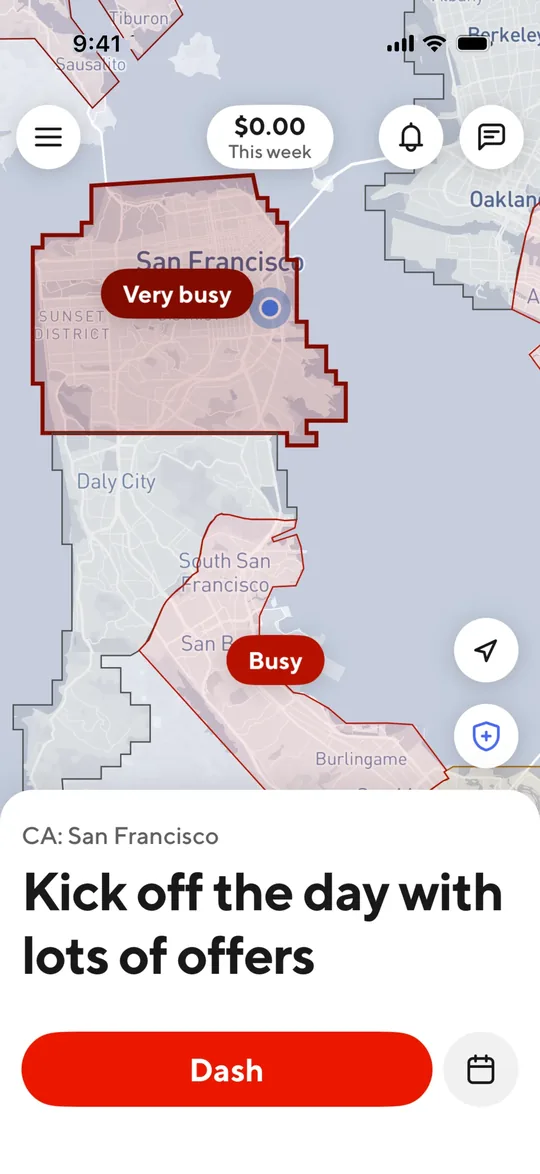
    Careem Clone — Go online screen
    17

    Go online

    Drivers see busy zones on a live heat map and tap one button to start accepting jobs.
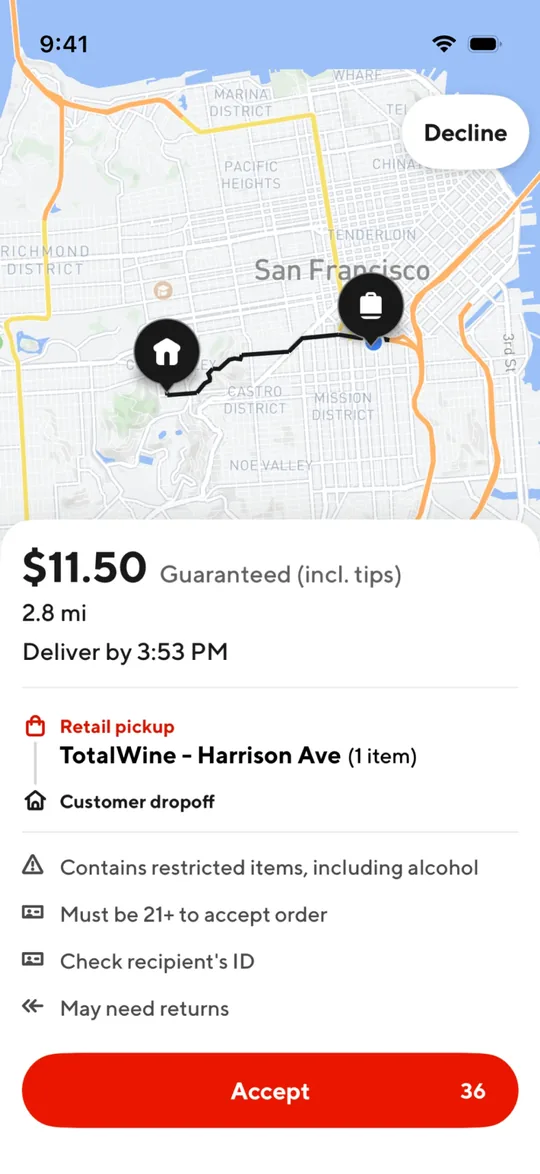
    Careem Clone — New job request screen
    18

    New job request

    A new job pops up with the guaranteed payout, distance, pickup and drop-off so the driver can accept or decline.
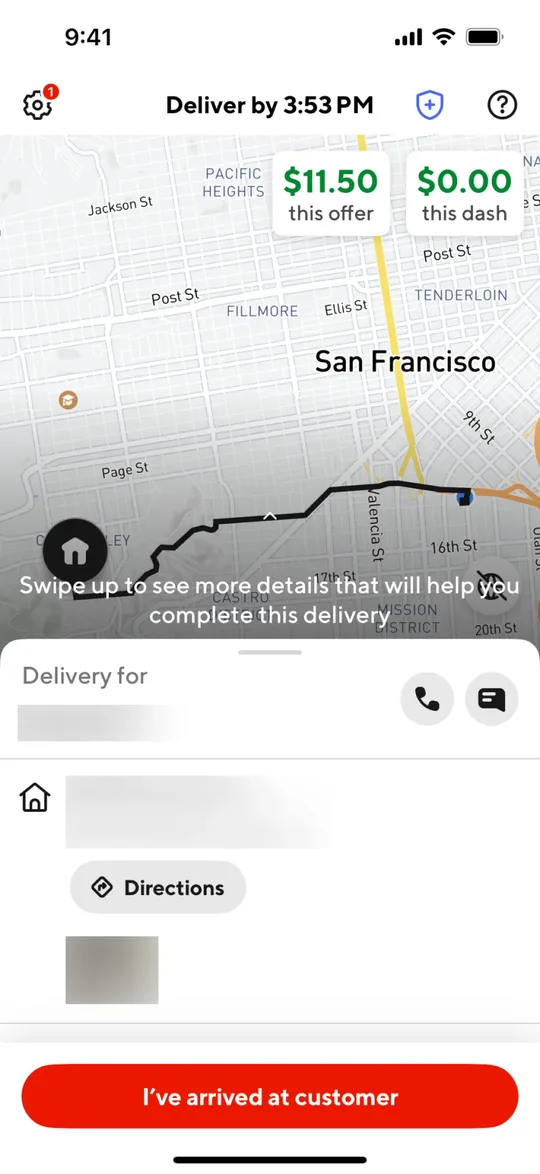
    Careem Clone — Navigate to customer screen
    19

    Navigate to customer

    Turn-by-turn route to the drop-off with call and chat buttons and a one-tap arrived confirmation.
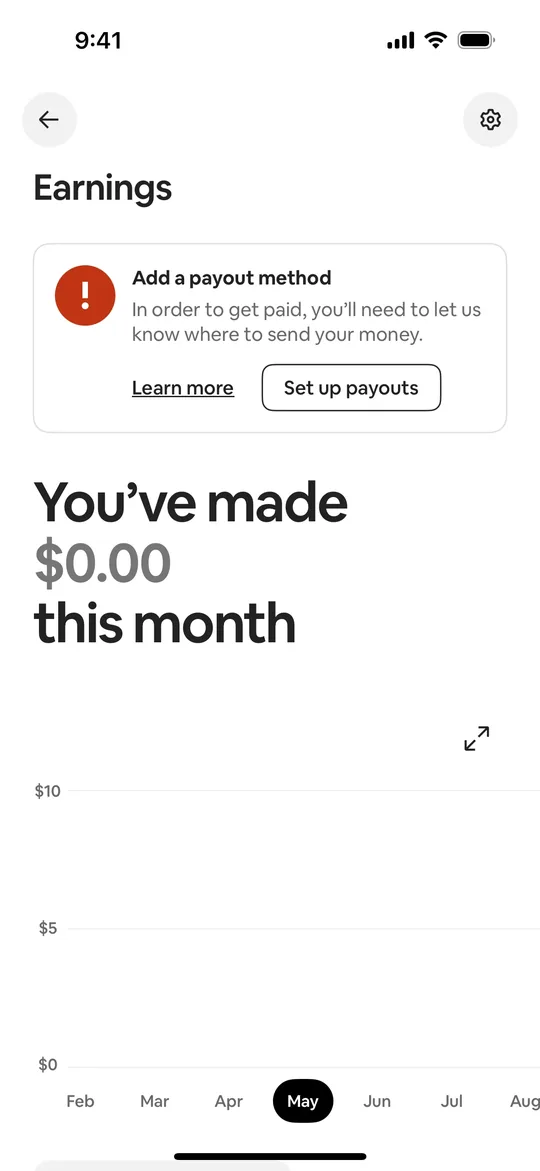
    Careem Clone — Monthly earnings screen
    20

    Monthly earnings

    Drivers see what they made this month on a chart and set up where payouts are sent.

    Want these screens in your brand?

    White-label from $3,000 in 2–3 weeks, or a custom Careem Clone MVP from $14,000.

    Explore more

    Other clone apps we build
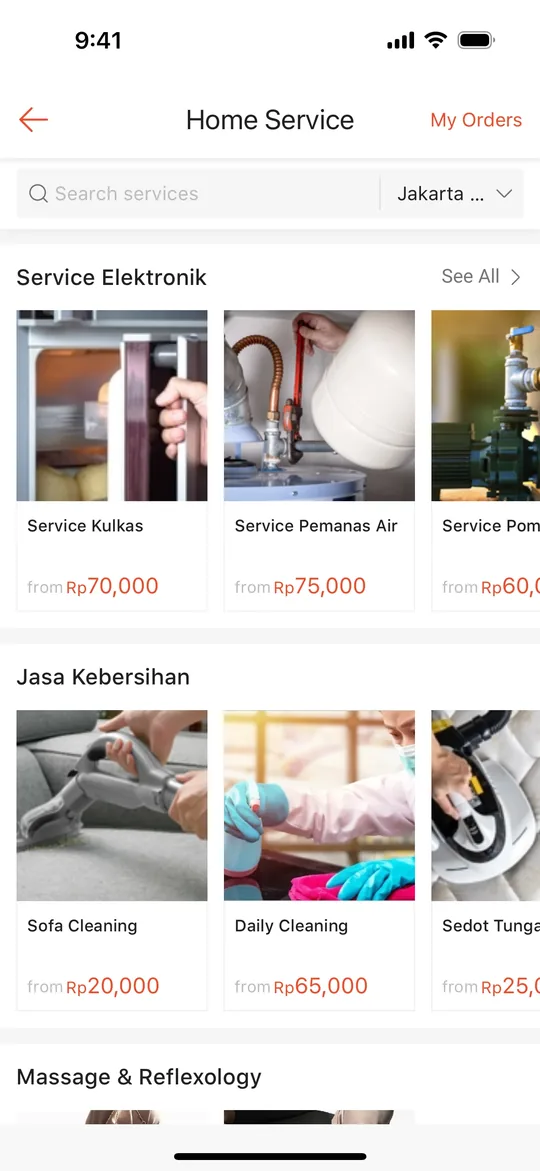
    Gojek Clone — Service launcher screen
    Gojek Clone
    Super app · Southeast Asia
    Screens
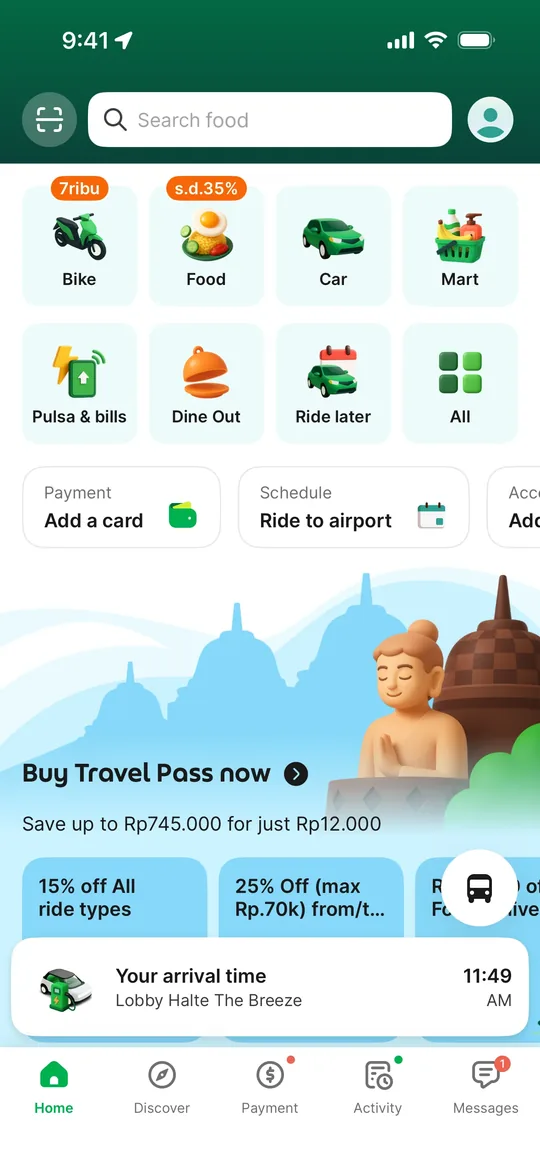
    Grab Clone — Super app home screen
    Grab Clone
    Super app · Southeast Asia
    Screens
    Pathao Clone — Home screen
    Pathao Clone
    Super app · Bangladesh & South Asia
    Screens
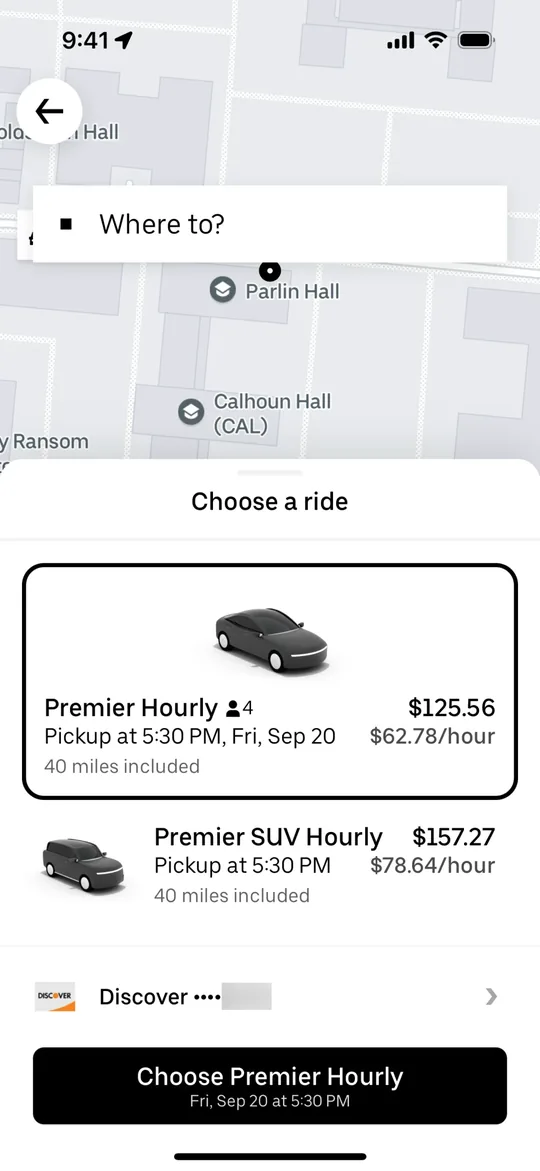
    Uber Clone — Choose a ride screen
    Uber Clone
    Ride-hailing · Global
    Screens
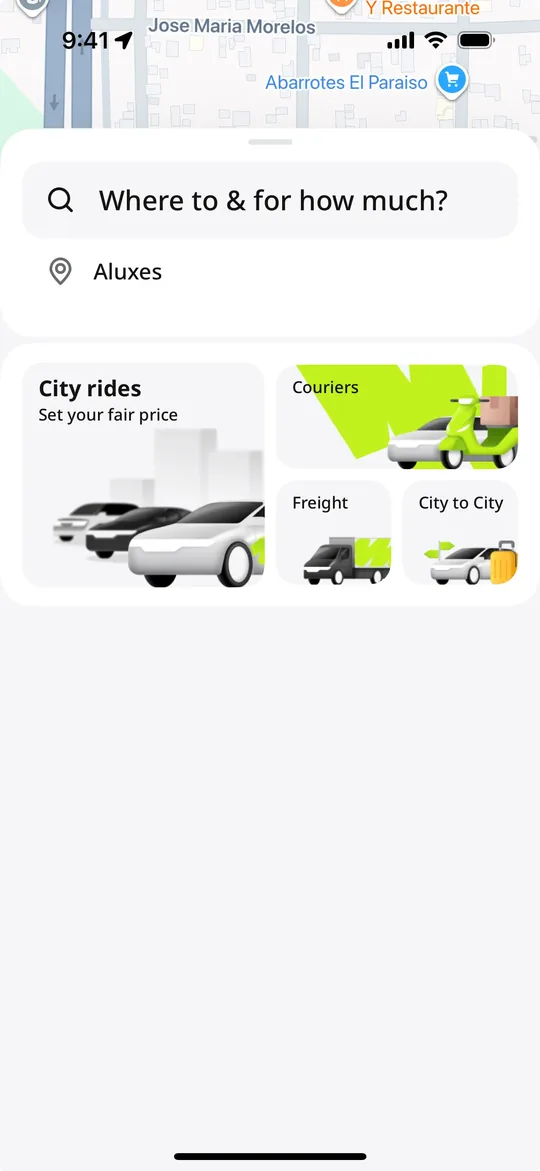
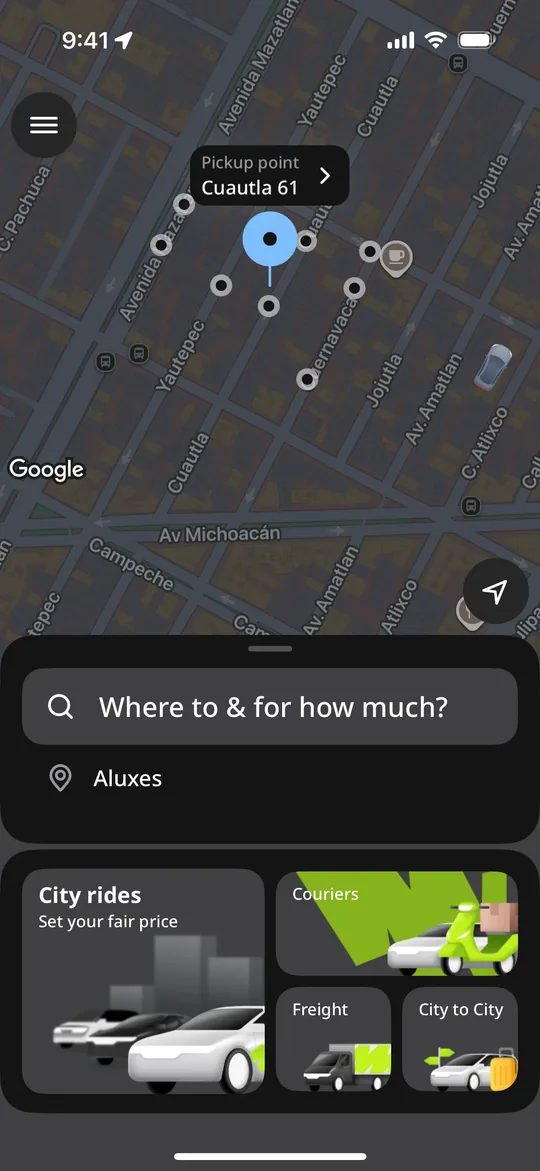
    inDrive Clone — Where to and for how much screen
    inDrive Clone
    Ride-hailing · Global, strong in Asia, Africa & Latin America
    Screens
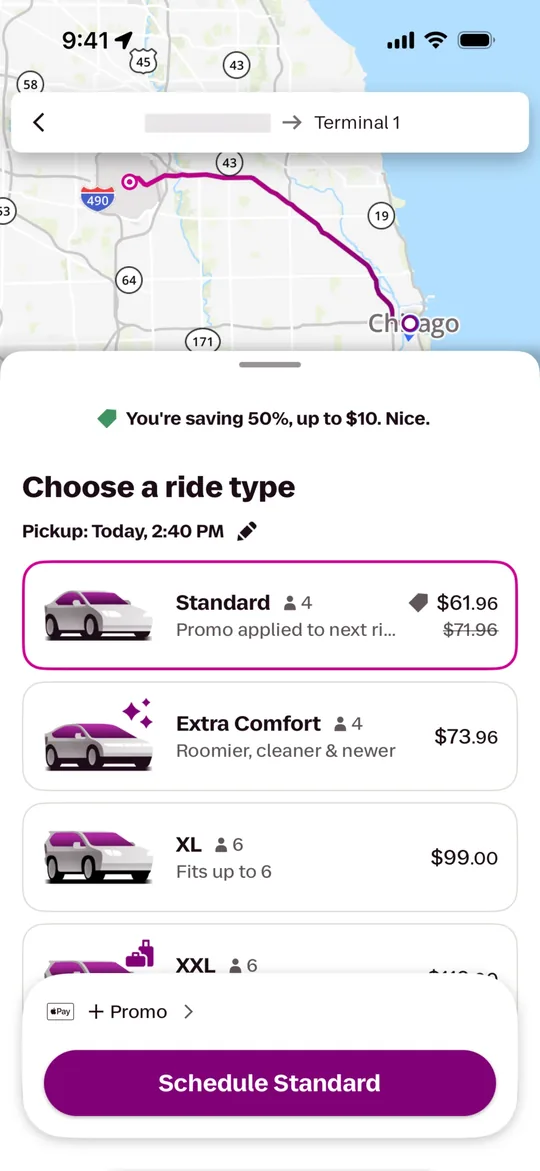
    Lyft Clone — Choose a ride type screen
    Lyft Clone
    Ride-hailing · North America
    Screens
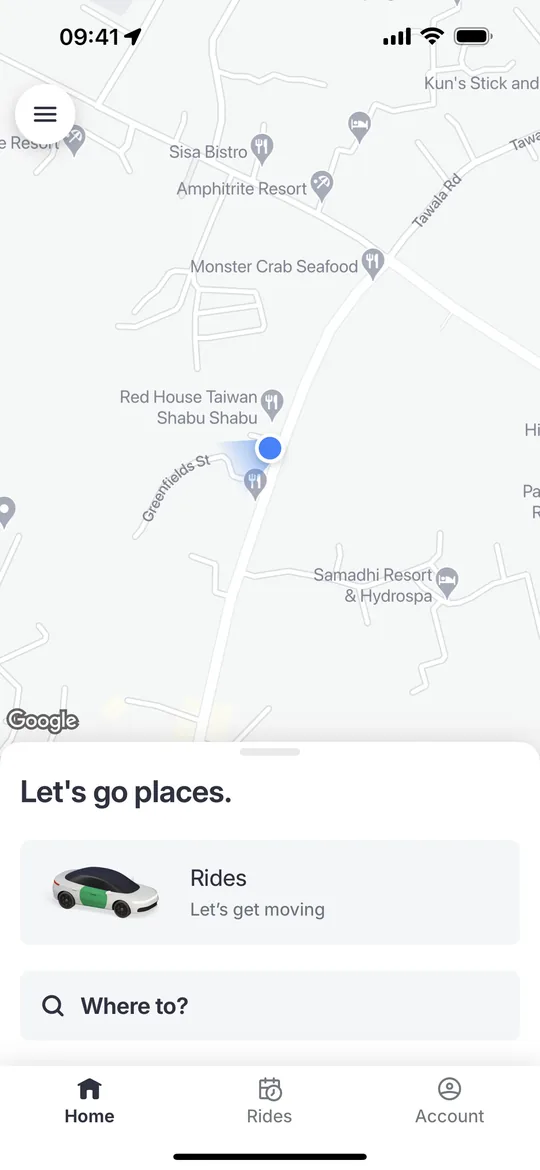
    Bolt Clone — Home screen
    Bolt Clone
    Ride-hailing · Europe & Africa
    Screens
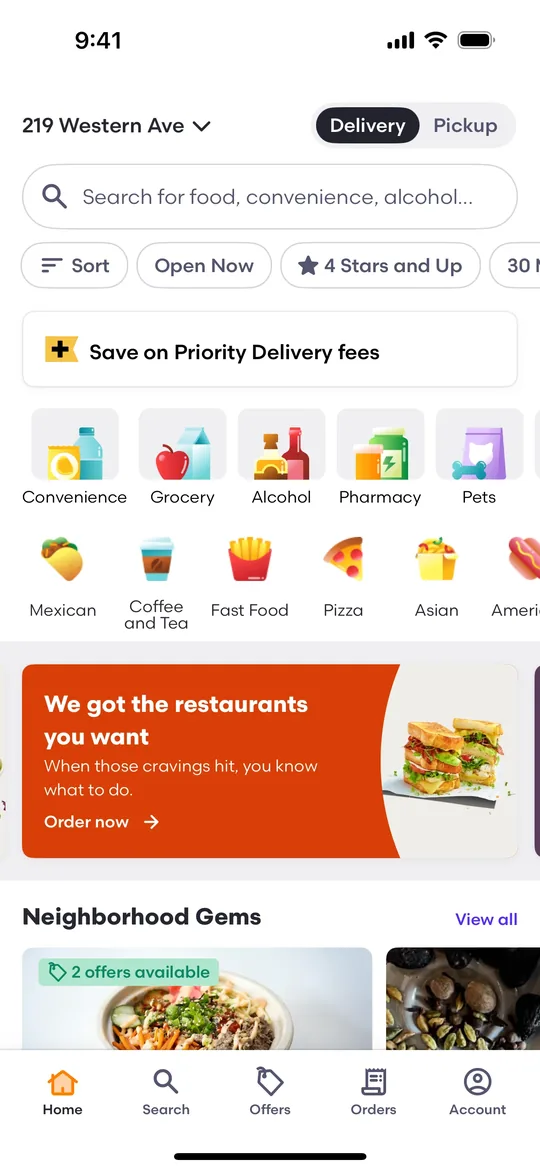
    DoorDash Clone — Home screen
    DoorDash Clone
    Food delivery · North America & Australia
    Screens
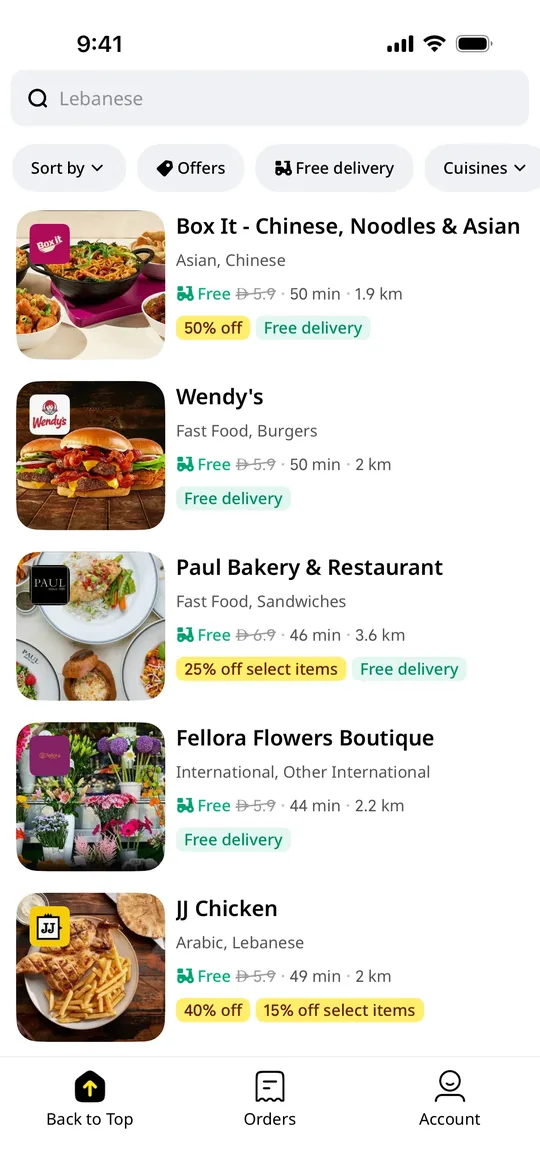
    Talabat Clone — Restaurant deals screen
    Talabat Clone
    Food delivery · Middle East (GCC)
    Screens
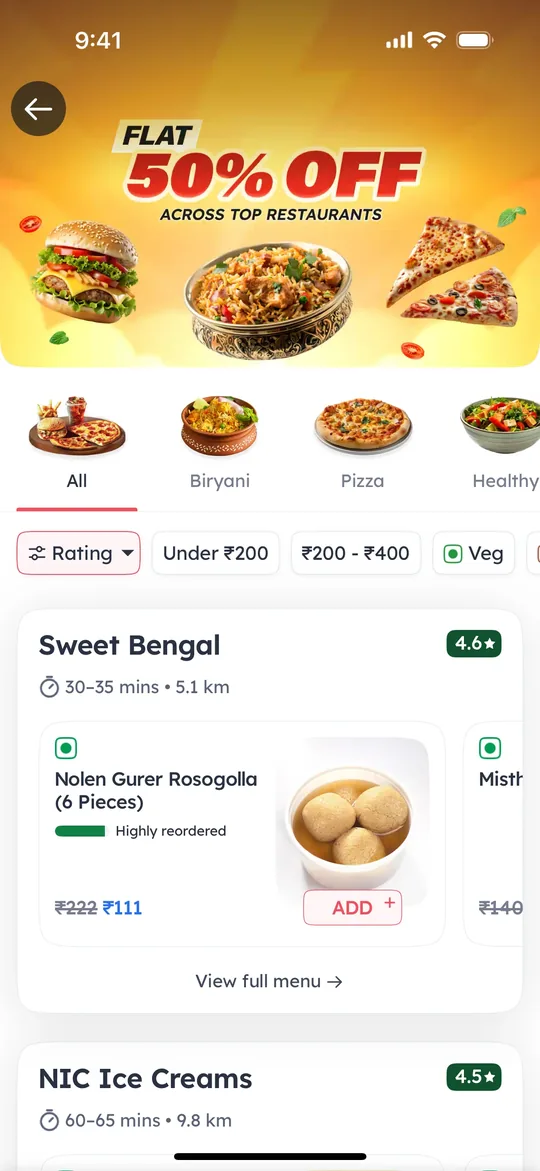
    Zomato Clone — Offers screen
    Zomato Clone
    Food delivery · South Asia & Middle East
    Screens
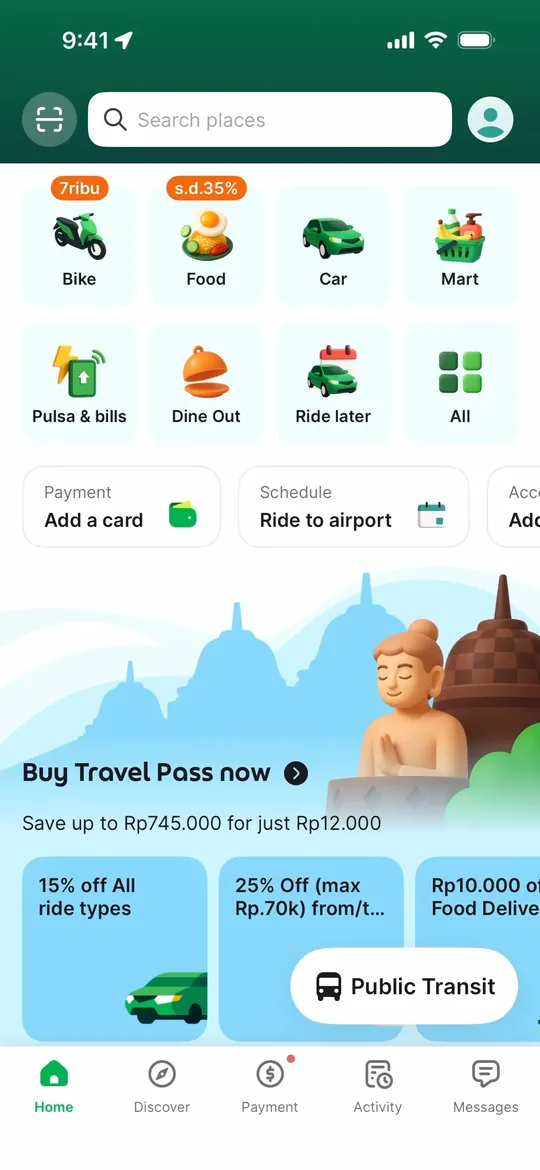
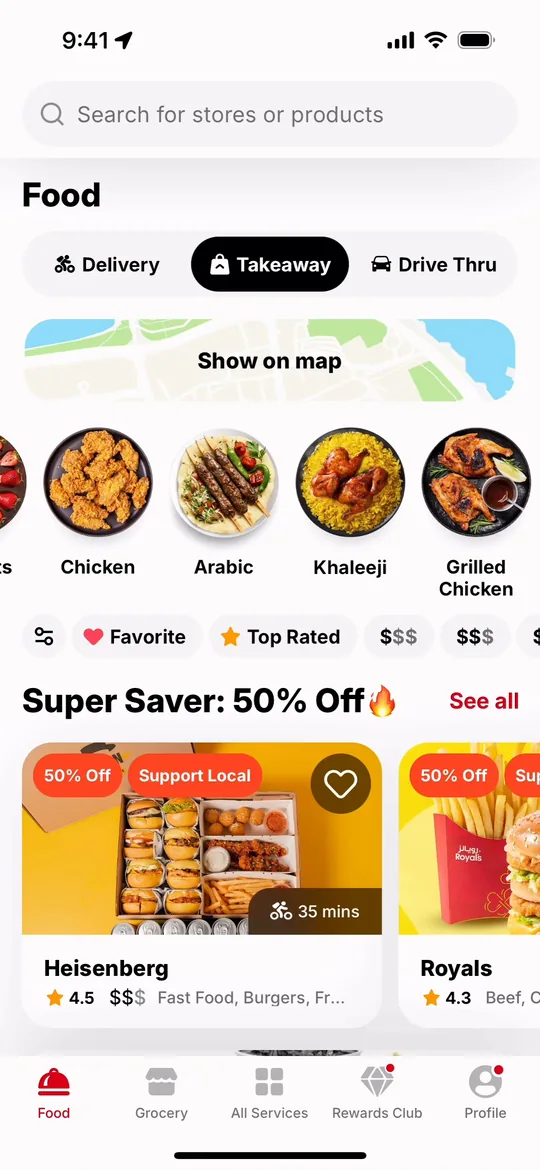
    Foodpanda Clone — Home screen
    Foodpanda Clone
    Food delivery · South & Southeast Asia
    Screens
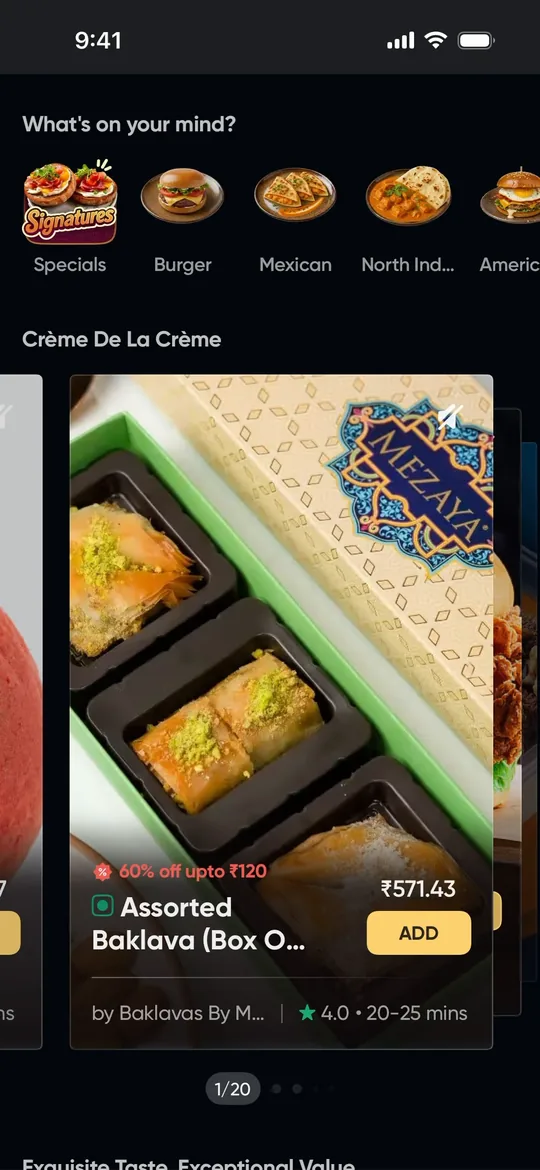
    Swiggy Clone — Home feed screen
    Swiggy Clone
    Food delivery · India & South Asia
    Screens
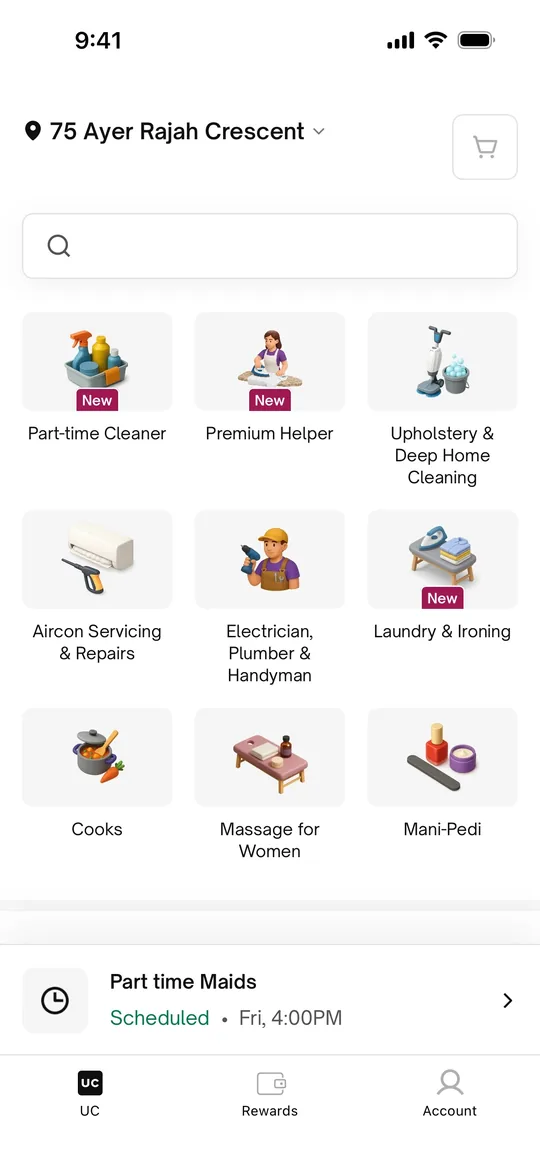
    Urban Company Clone — Home screen
    Urban Company Clone
    Home services · India, Middle East & South Asia
    Screens
    Sheba.xyz Clone — Home screen
    Sheba.xyz Clone
    Home services · Bangladesh
    Screens
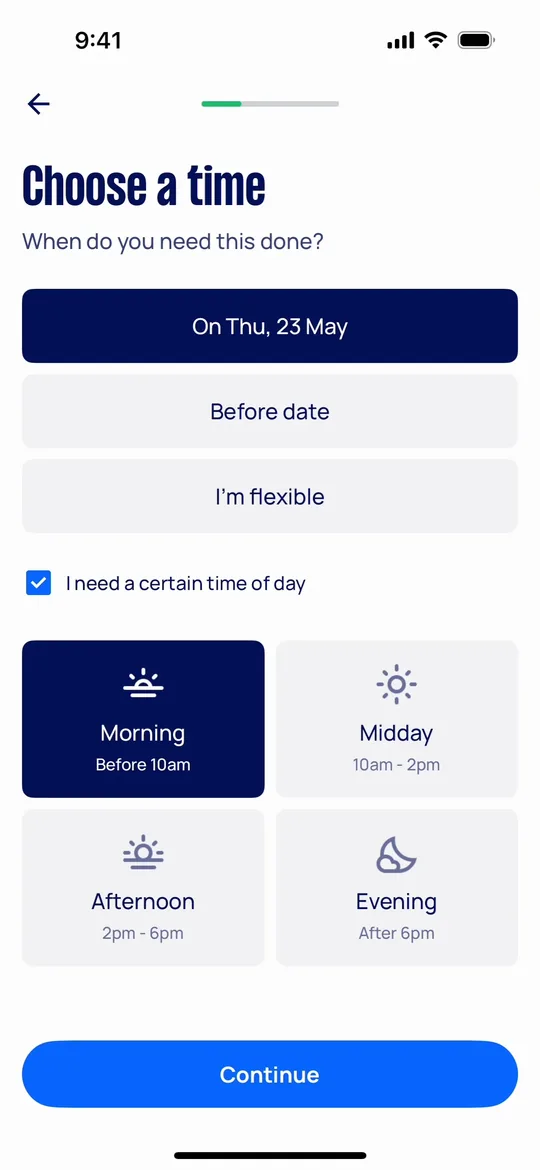
    Airtasker Clone — Choose a time screen
    Airtasker Clone
    Home services · Australia, UK & global
    Screens
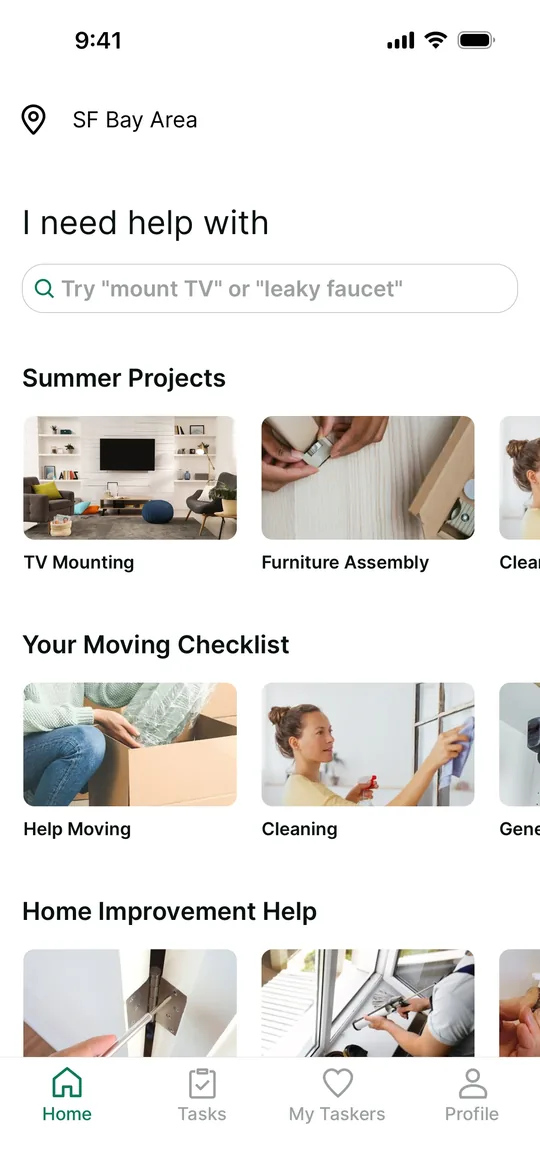
    TaskRabbit Clone — Home screen
    TaskRabbit Clone
    Home services · North America & Europe
    Screens

    Careem is a trademark of its respective owner. Joldisoft LLC is not affiliated with or endorsed by Careem. “Clone” describes the business model and feature set we build; every app ships with your own brand, design and code.