Joldisoft
    UI reference · 20 screens

    TaskRabbit Clone app screens

    The complete TaskRabbit-style user flow. Your app ships with these flows in your own brand, colours and languages.
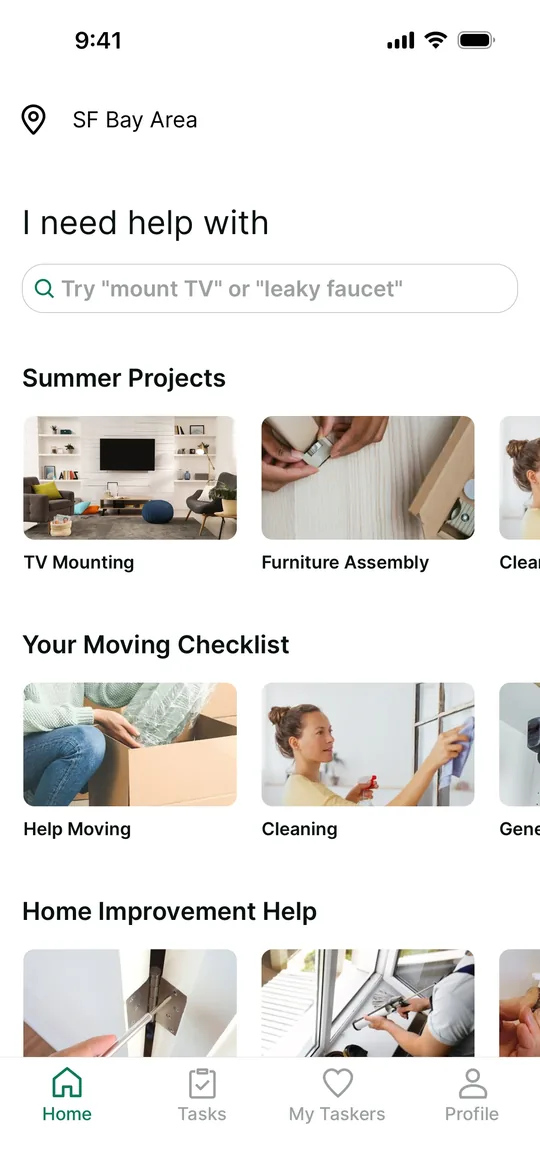
    TaskRabbit Clone — Home screen
    01

    Home

    Customers browse popular projects with photos and search for any task they need help with.
    TaskRabbit Clone — Task categories screen
    02

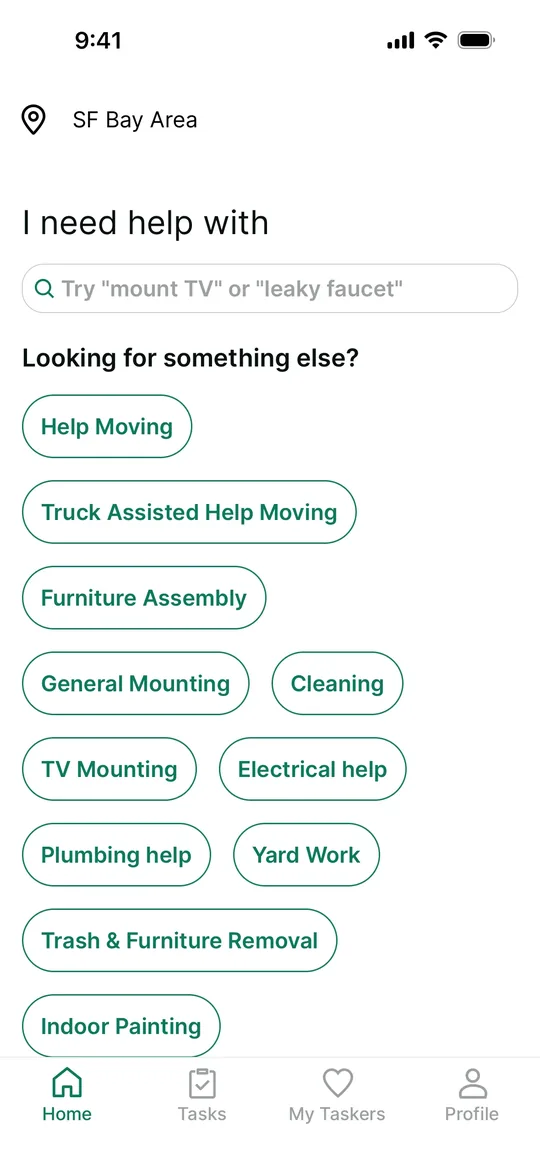
    Task categories

    Customers pick a task category such as moving, mounting, assembly, cleaning or plumbing.
    TaskRabbit Clone — Describe your task screen
    03

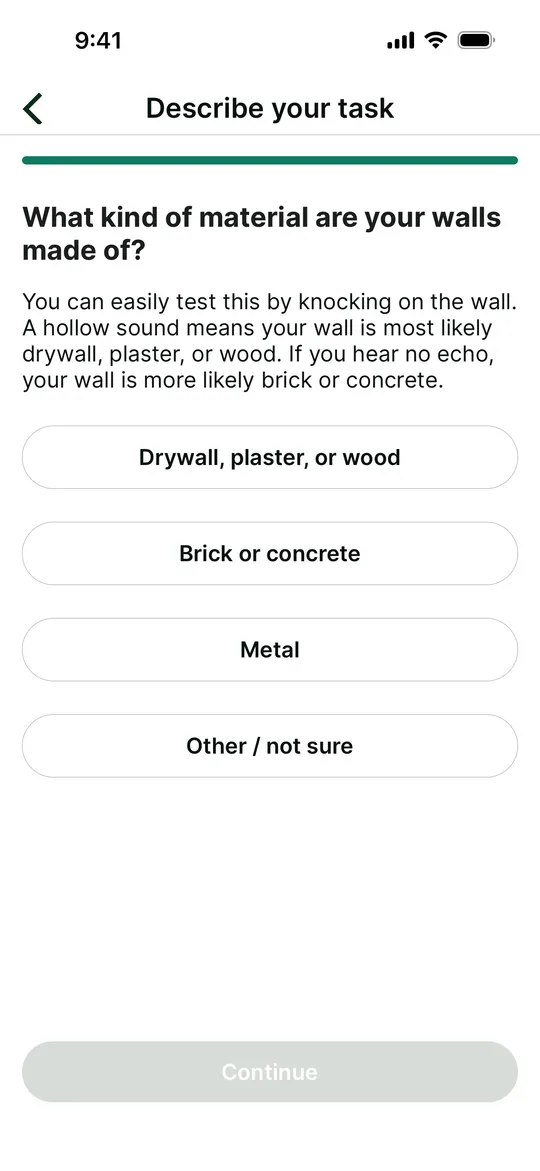
    Describe your task

    Customers answer short guided questions so taskers know exactly what the job needs.
    TaskRabbit Clone — Task requirements screen
    04

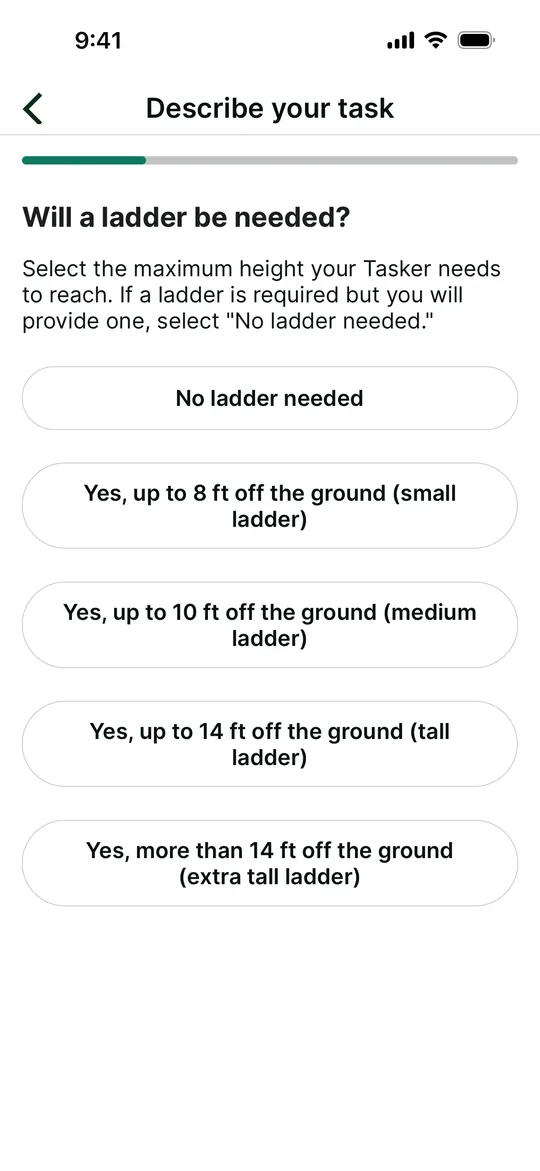
    Task requirements

    Customers specify equipment like ladder height, which helps match the right tasker.
    TaskRabbit Clone — Task location screen
    05

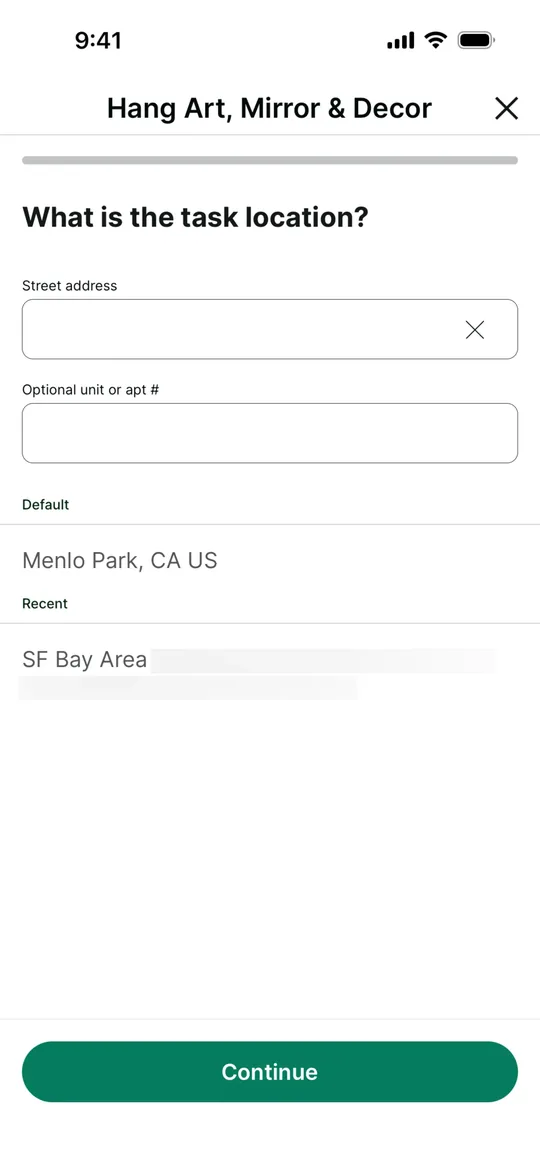
    Task location

    Customers enter the task address or pick a saved one.
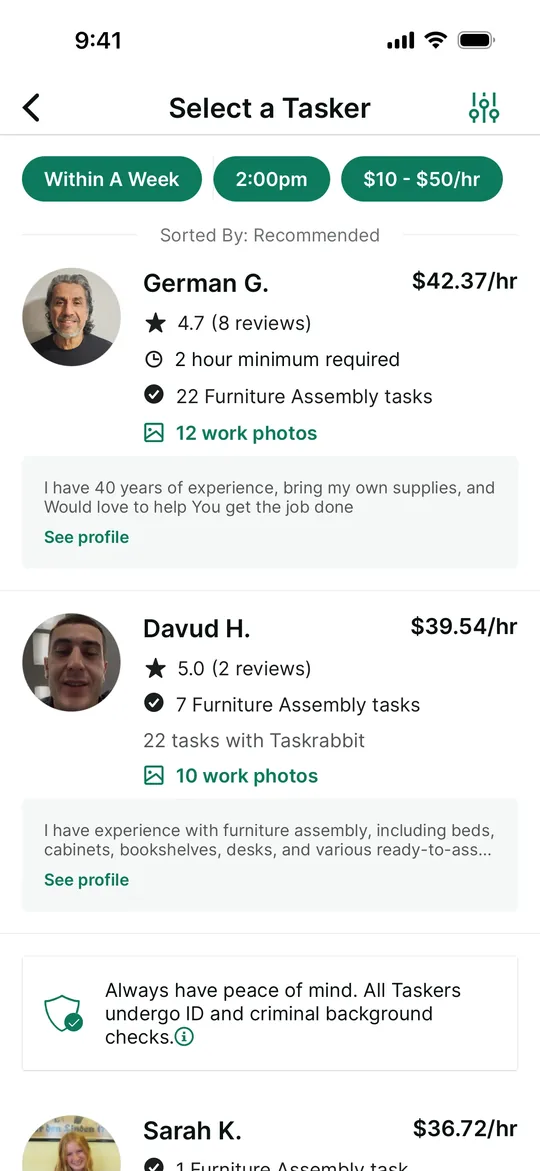
    TaskRabbit Clone — Choose a tasker screen
    06

    Choose a tasker

    Customers compare taskers by hourly rate, reviews and completed tasks, and filter by date and price.
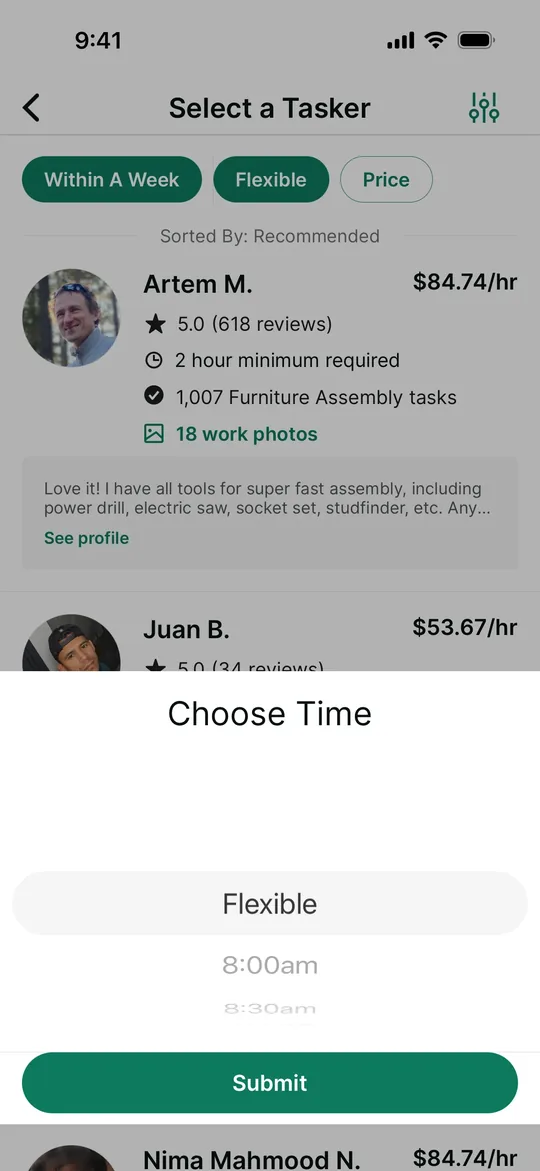
    TaskRabbit Clone — Choose a time screen
    07

    Choose a time

    Customers pick a start time or stay flexible while browsing available taskers.
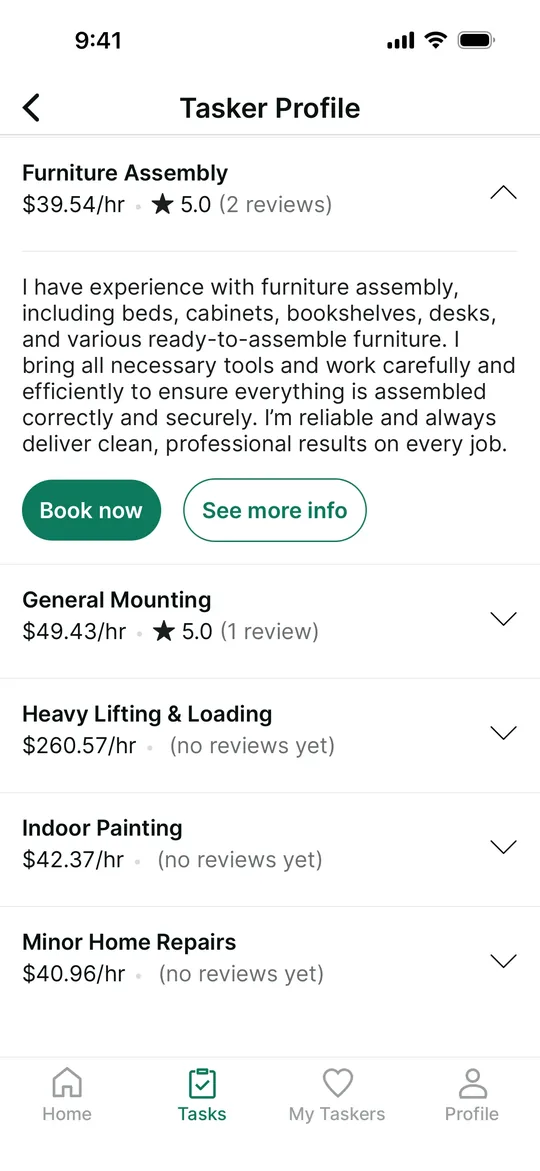
    TaskRabbit Clone — Tasker skills and rates screen
    08

    Tasker skills and rates

    Customers see each skill a tasker offers with its own hourly rate and rating, and book one directly.
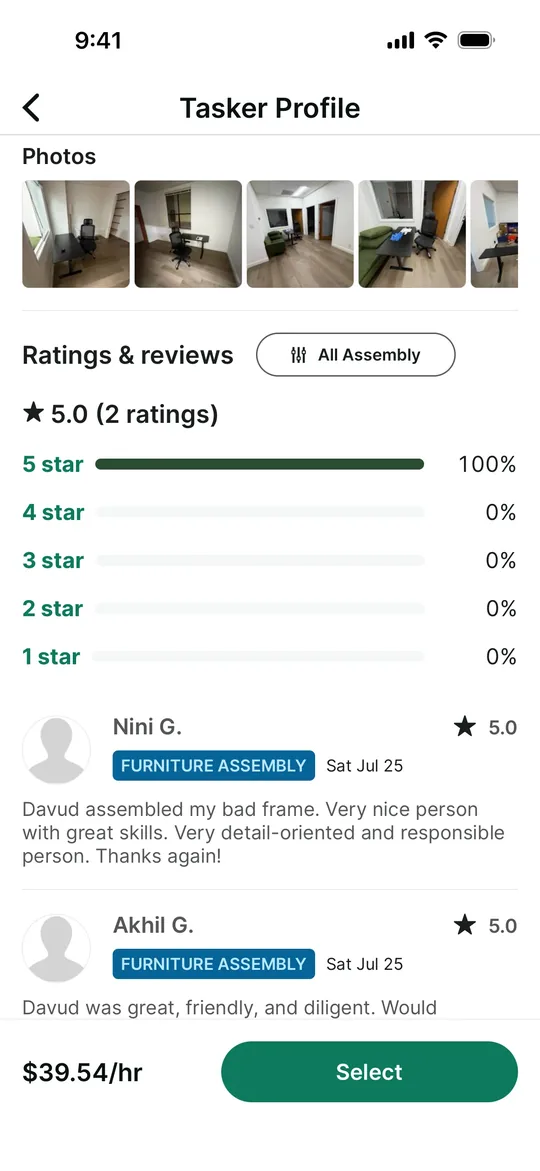
    TaskRabbit Clone — Tasker reviews screen
    09

    Tasker reviews

    Customers check work photos and a star breakdown of the tasker's reviews before selecting them.
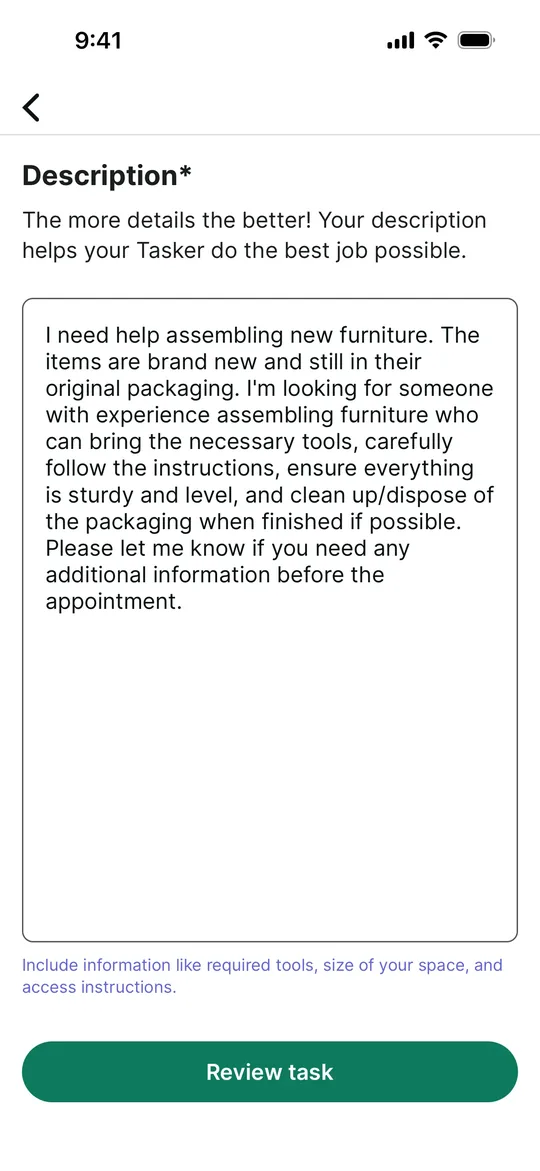
    TaskRabbit Clone — Task description screen
    10

    Task description

    Customers write the details, tools and access notes the tasker should know.
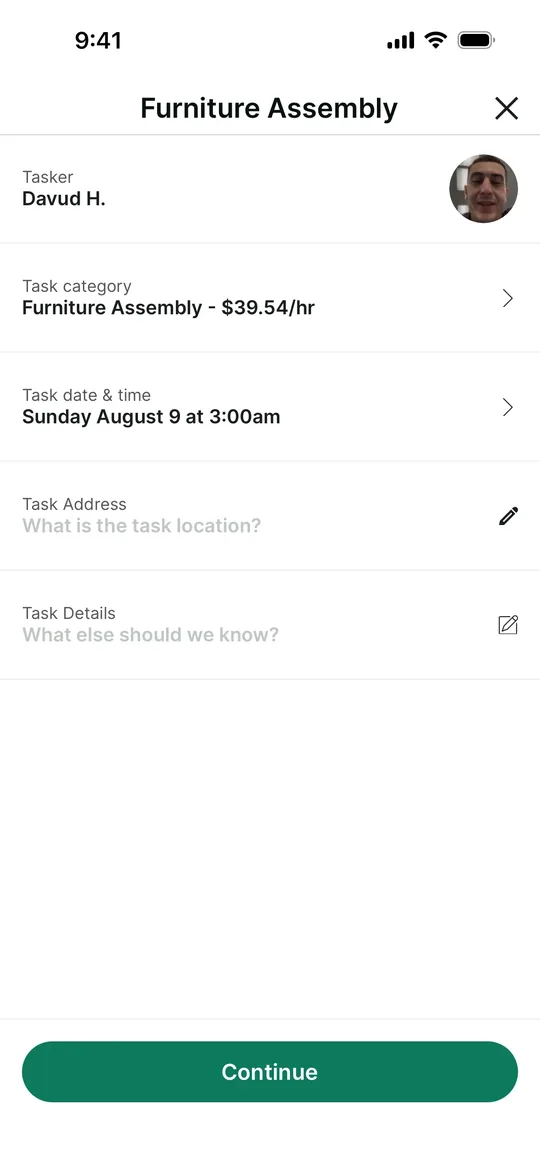
    TaskRabbit Clone — Review booking screen
    11

    Review booking

    Customers confirm the tasker, category and rate, date and time, and address before booking.
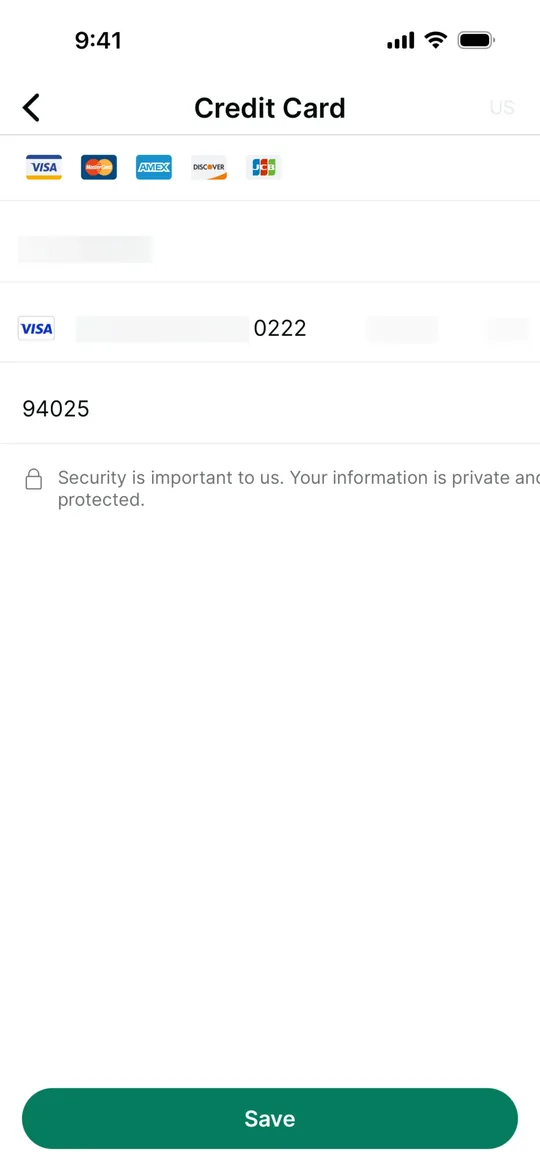
    TaskRabbit Clone — Add a card screen
    12

    Add a card

    Customers add a payment card securely to cover the booking deposit.
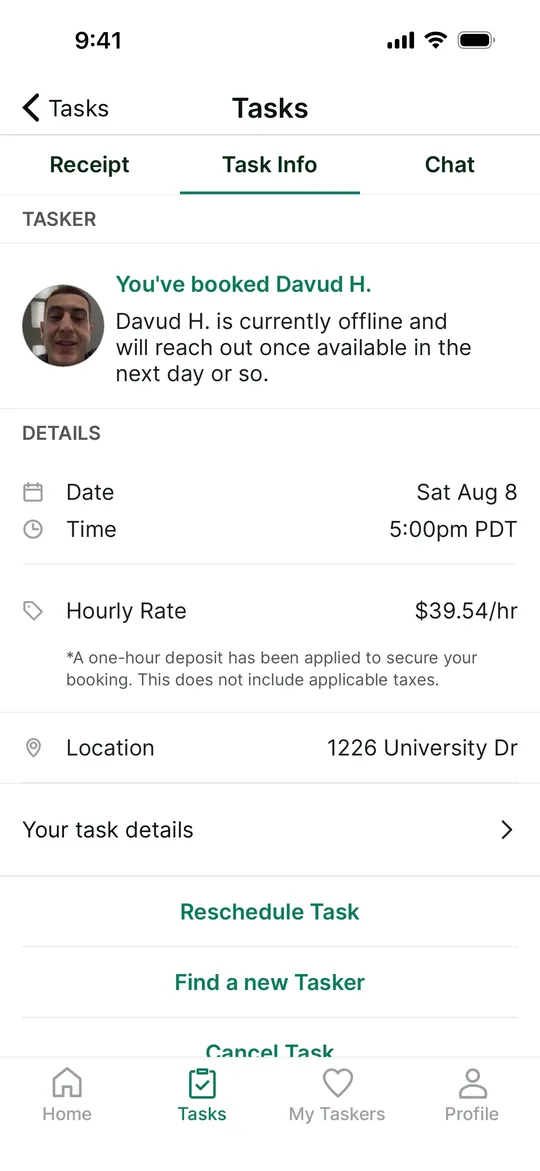
    TaskRabbit Clone — Task booked screen
    13

    Task booked

    Customers see the booked task with date, time, rate and location, and can chat, reschedule or cancel.
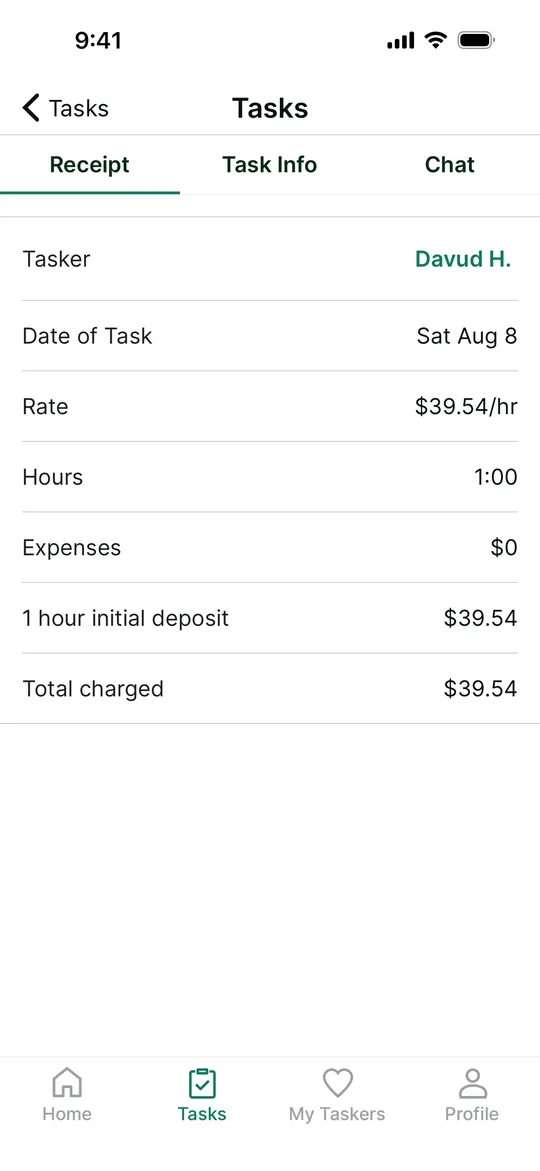
    TaskRabbit Clone — Receipt screen
    14

    Receipt

    Customers get an itemised receipt with rate, hours, expenses and the total charged.
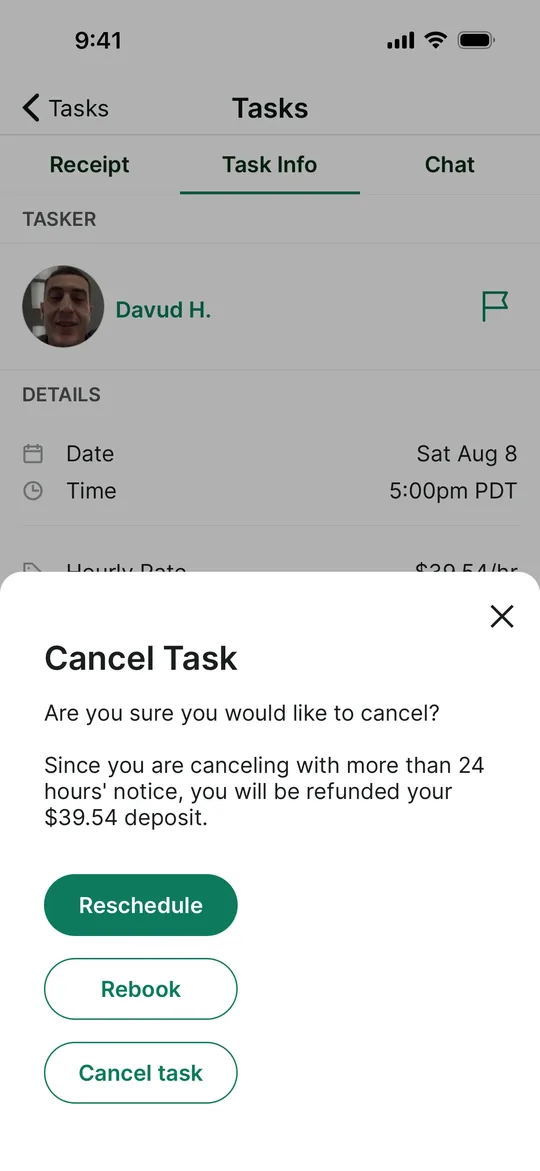
    TaskRabbit Clone — Cancel or rebook screen
    15

    Cancel or rebook

    Customers cancel with a clear refund policy, or choose to reschedule or rebook instead.
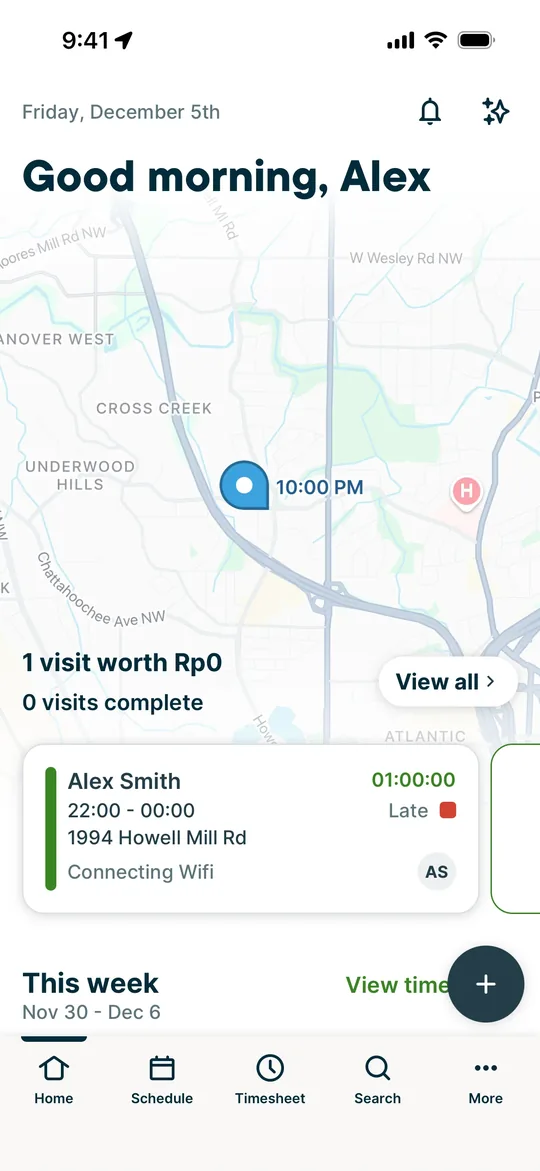
    TaskRabbit Clone — Tasker dashboard screen
    16

    Tasker dashboard

    Taskers see today's visits on a map with the next job's time, address and timer.
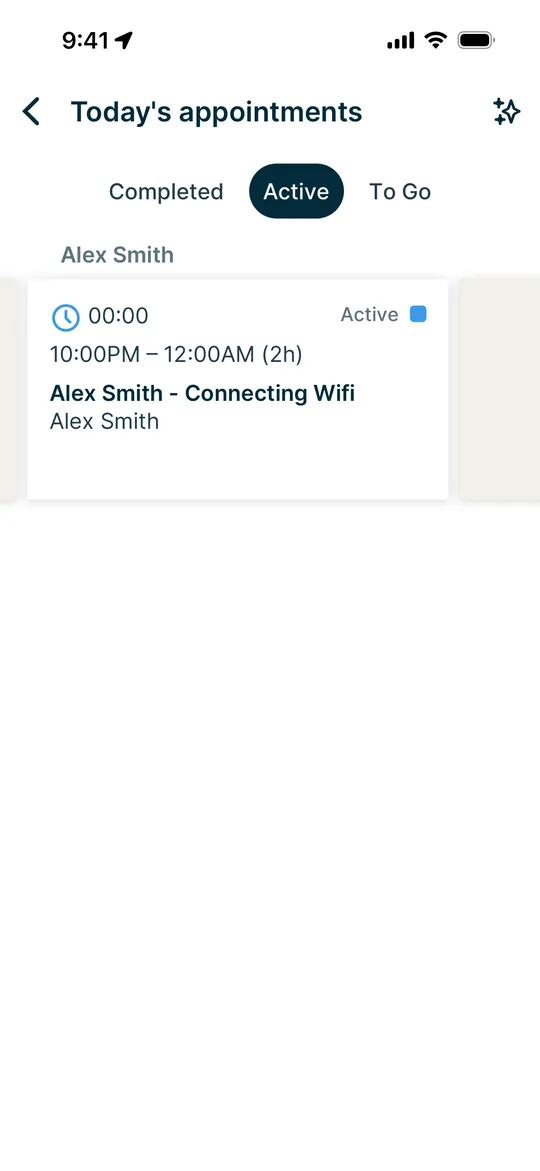
    TaskRabbit Clone — Today's appointments screen
    17

    Today's appointments

    Taskers switch between completed, active and upcoming appointments for the day.
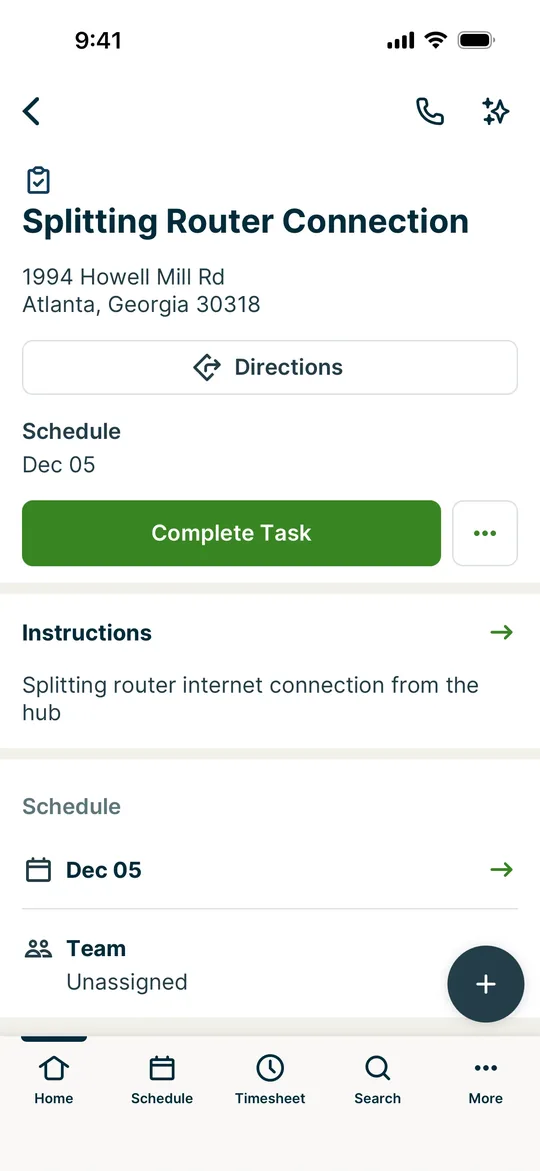
    TaskRabbit Clone — Job details screen
    18

    Job details

    Taskers open a job for directions and instructions, then mark it complete.
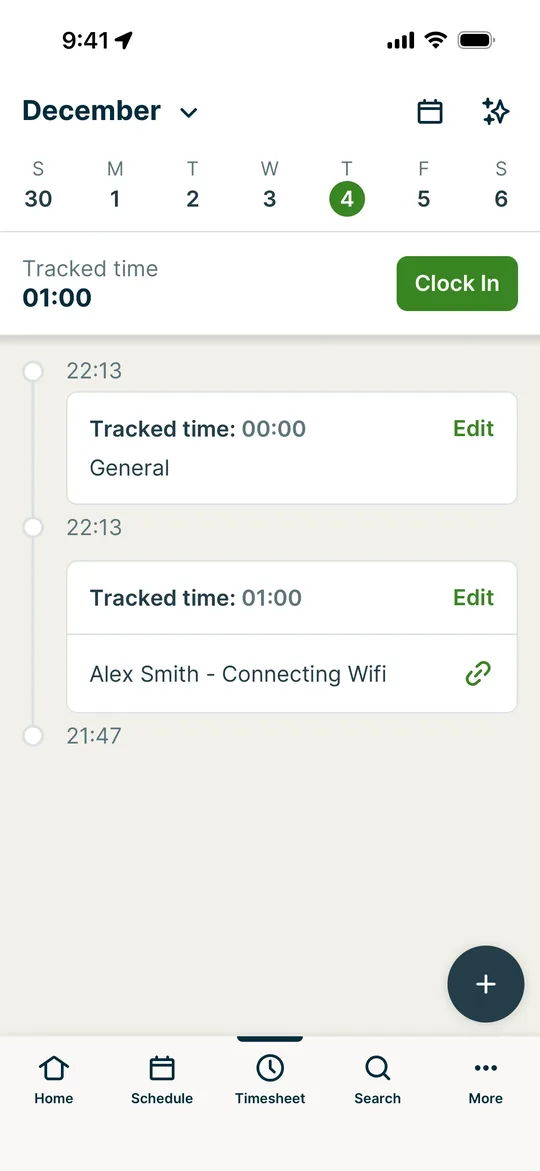
    TaskRabbit Clone — Timesheet screen
    19

    Timesheet

    Taskers clock in and out and log tracked time against each job.
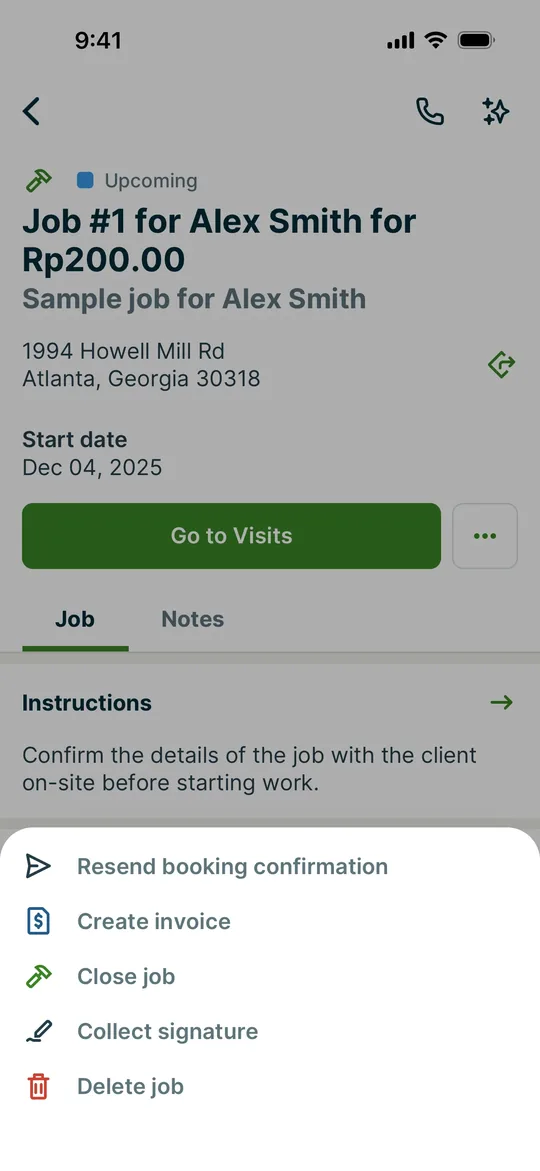
    TaskRabbit Clone — Job actions screen
    20

    Job actions

    Taskers send booking confirmations, create invoices, collect signatures or close jobs from one menu.

    Want these screens in your brand?

    White-label from $3,000 in 2–3 weeks, or a custom TaskRabbit Clone MVP from $11,000.

    Explore more

    Other clone apps we build
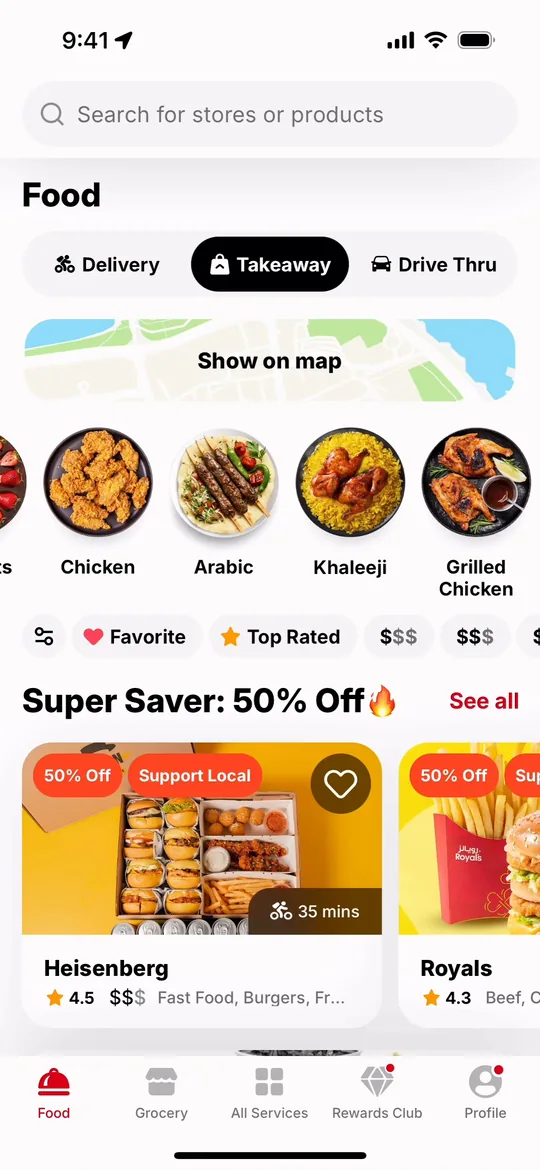
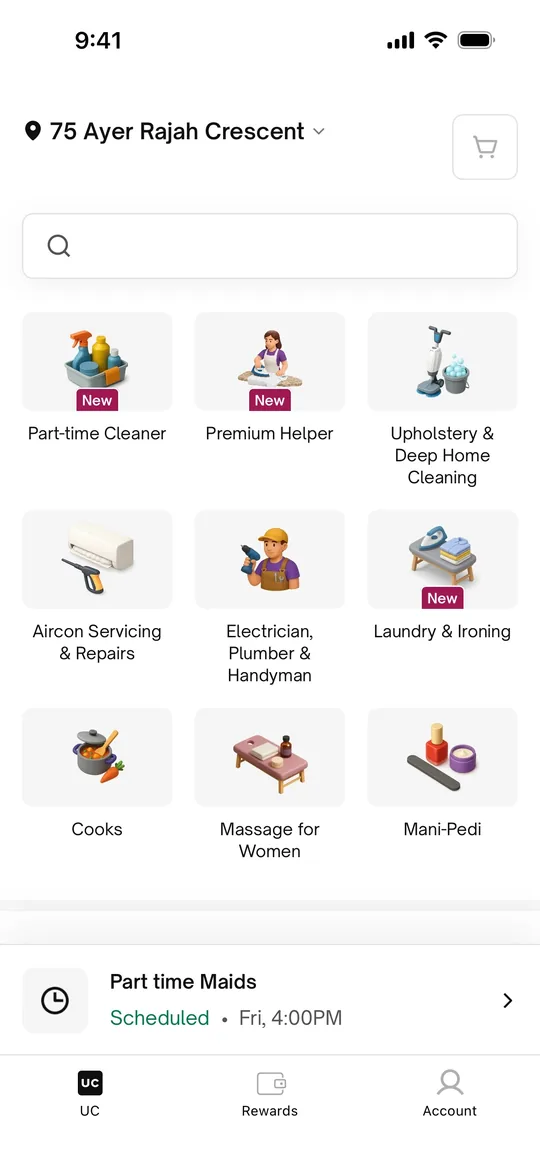
    Urban Company Clone — Home screen
    Urban Company Clone
    Home services · India, Middle East & South Asia
    Screens
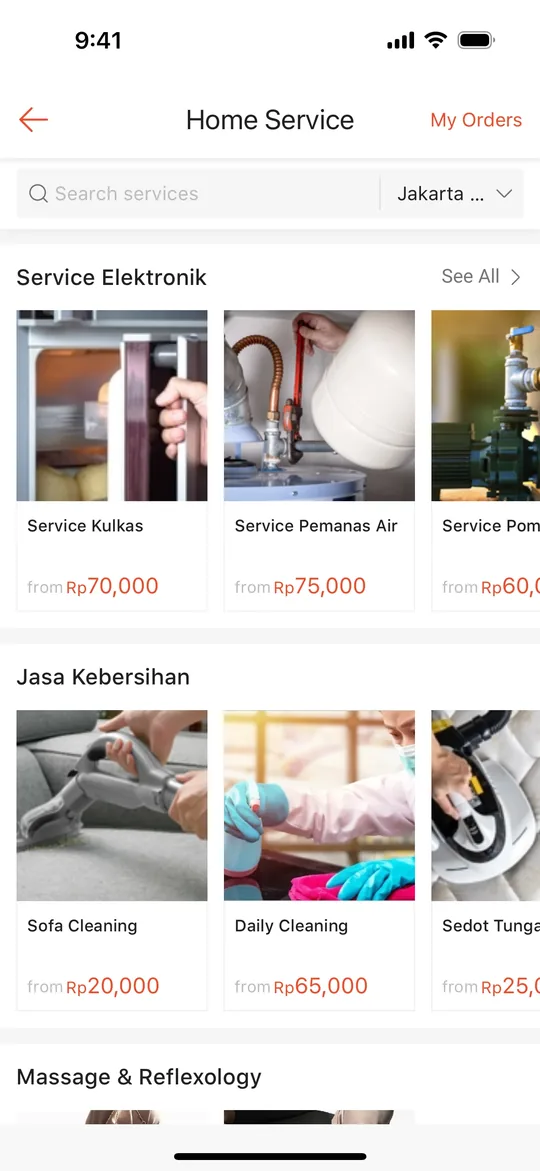
    Sheba.xyz Clone — Home screen
    Sheba.xyz Clone
    Home services · Bangladesh
    Screens
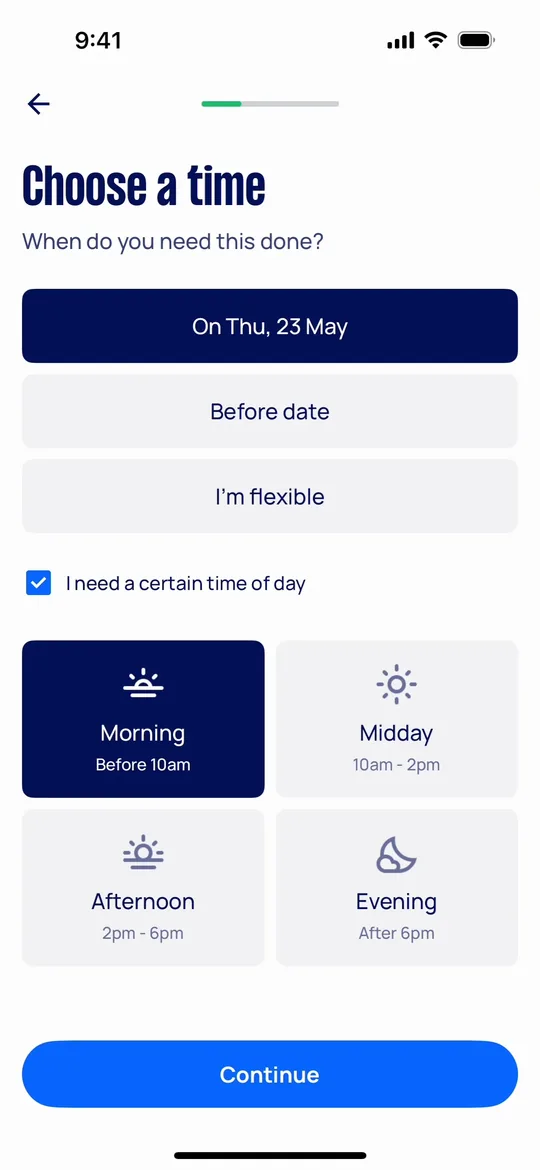
    Airtasker Clone — Choose a time screen
    Airtasker Clone
    Home services · Australia, UK & global
    Screens
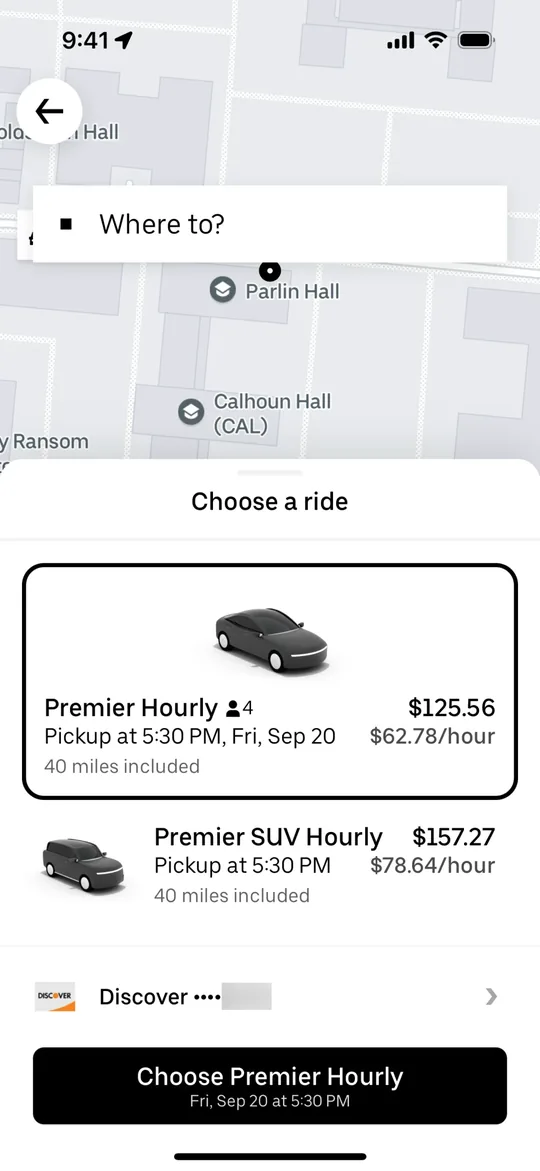
    Uber Clone — Choose a ride screen
    Uber Clone
    Ride-hailing · Global
    Screens
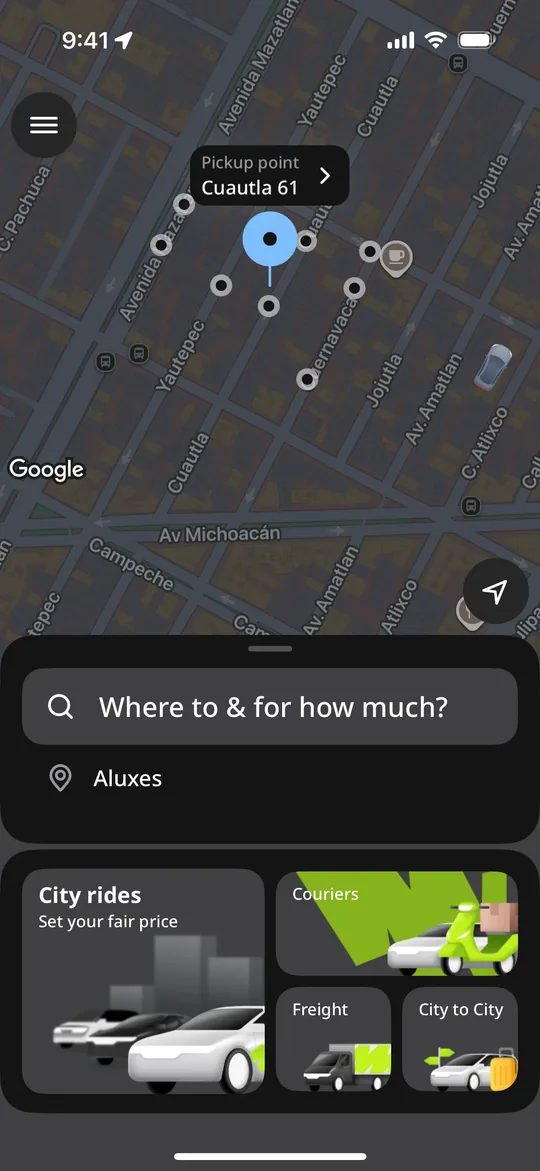
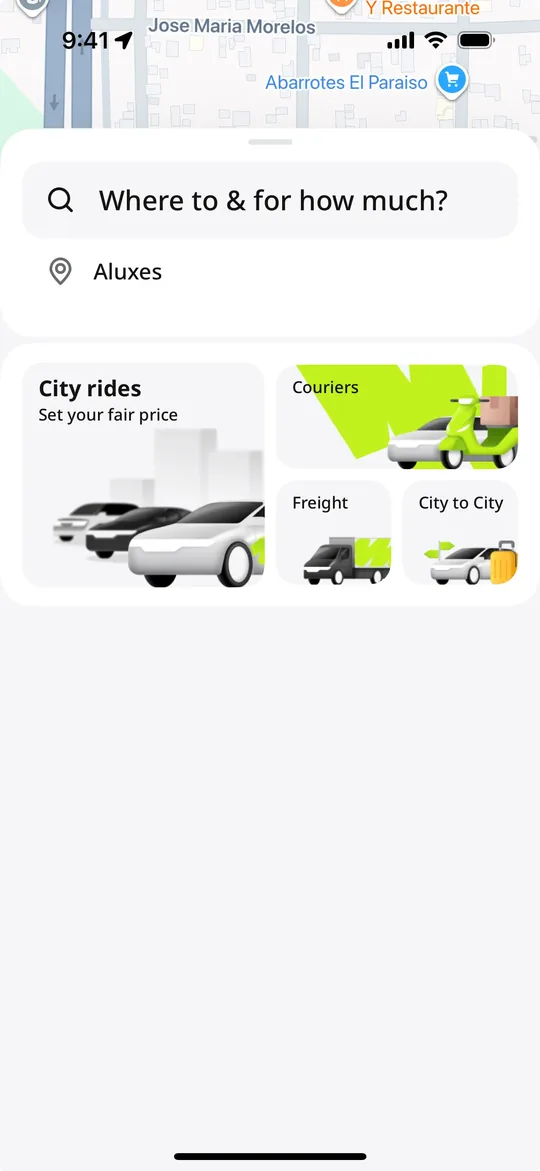
    inDrive Clone — Where to and for how much screen
    inDrive Clone
    Ride-hailing · Global, strong in Asia, Africa & Latin America
    Screens
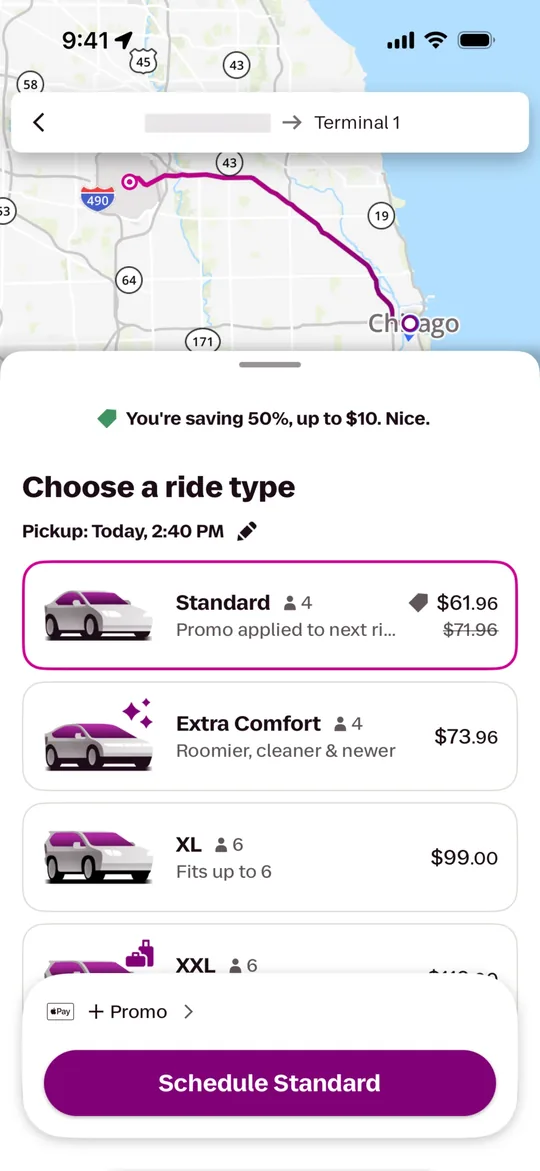
    Lyft Clone — Choose a ride type screen
    Lyft Clone
    Ride-hailing · North America
    Screens
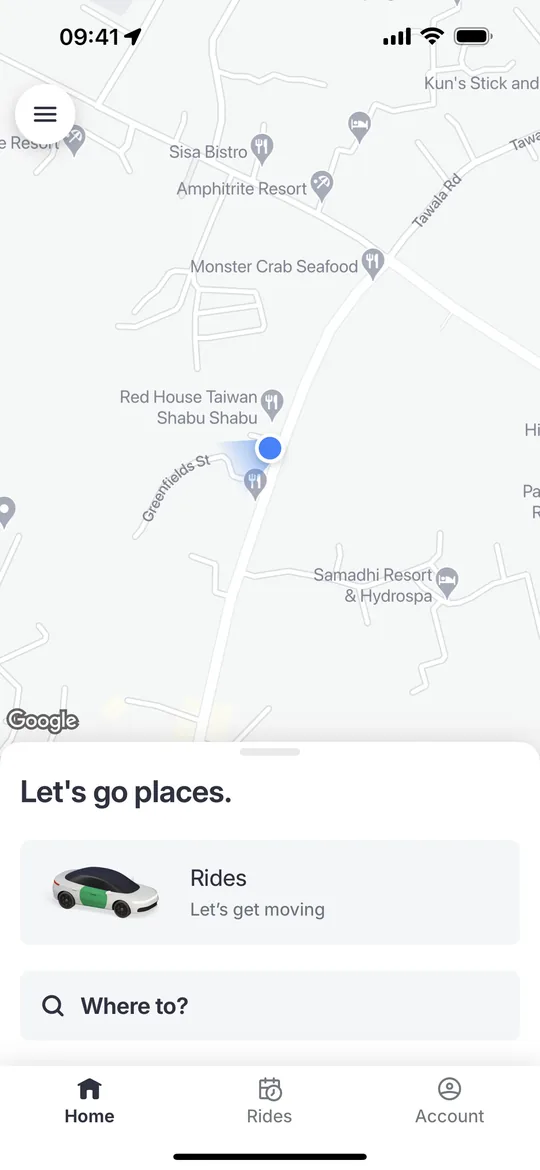
    Bolt Clone — Home screen
    Bolt Clone
    Ride-hailing · Europe & Africa
    Screens
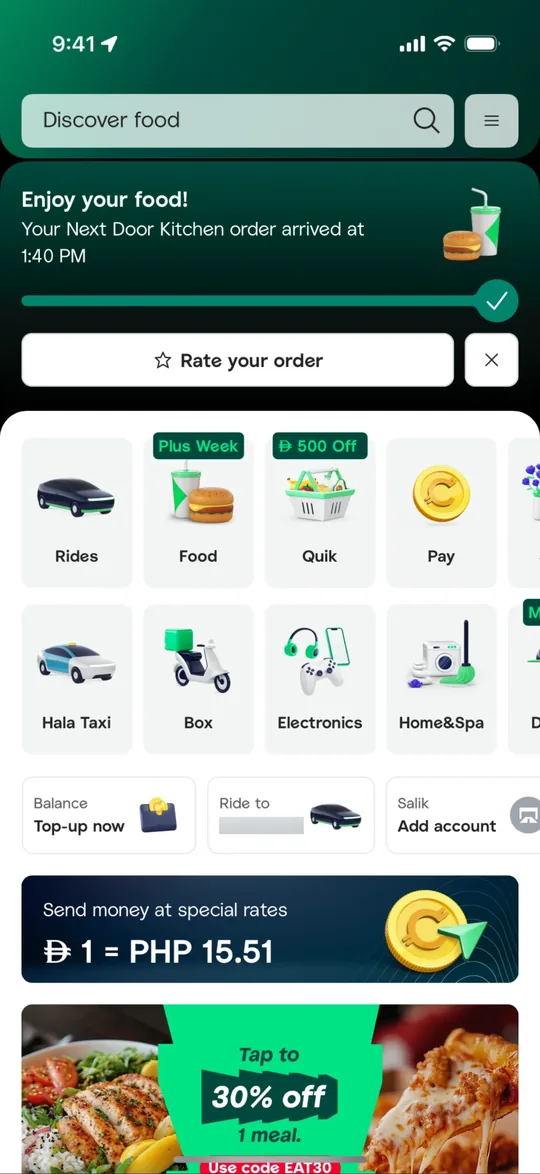
    Careem Clone — Super app home screen
    Careem Clone
    Super app · Middle East & North Africa
    Screens
    Gojek Clone — Service launcher screen
    Gojek Clone
    Super app · Southeast Asia
    Screens
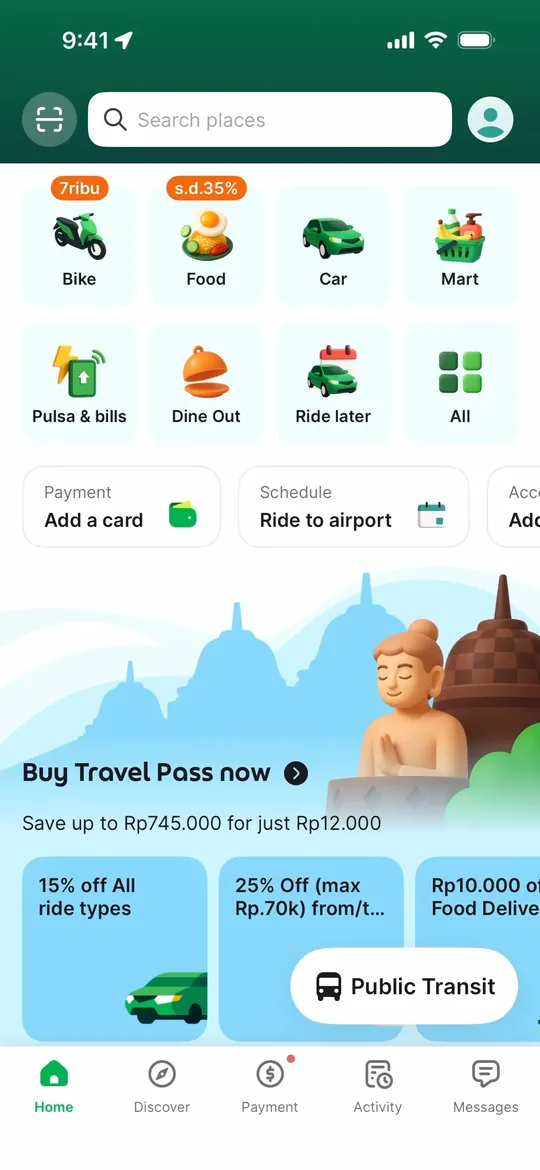
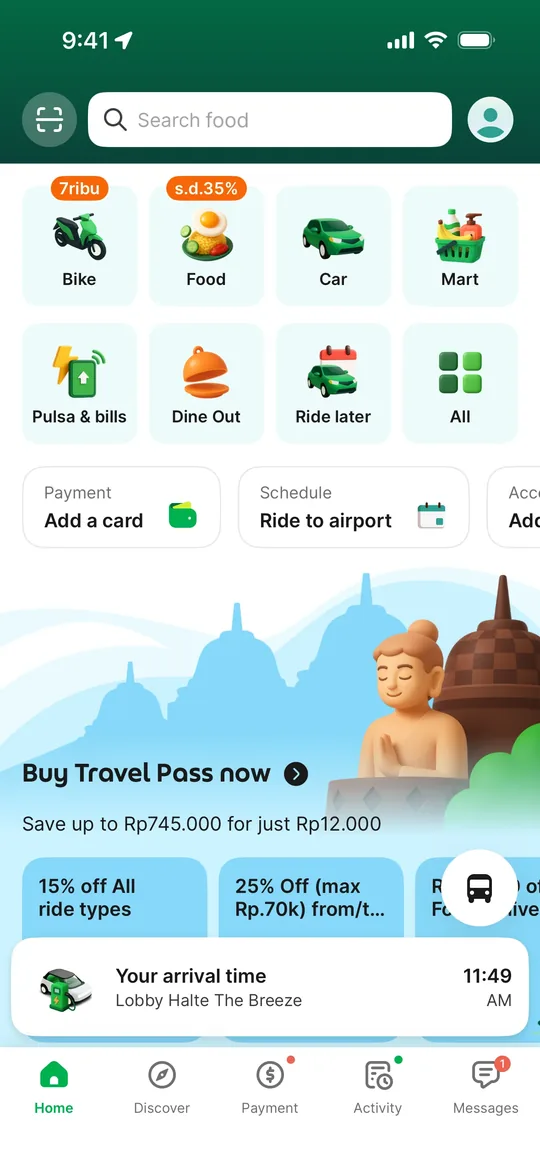
    Grab Clone — Super app home screen
    Grab Clone
    Super app · Southeast Asia
    Screens
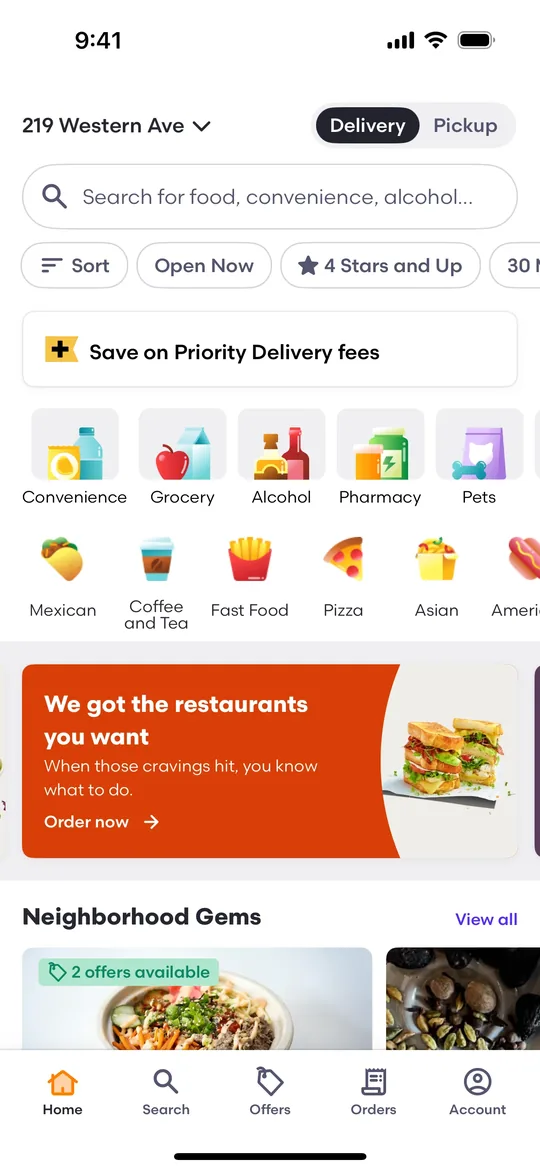
    DoorDash Clone — Home screen
    DoorDash Clone
    Food delivery · North America & Australia
    Screens
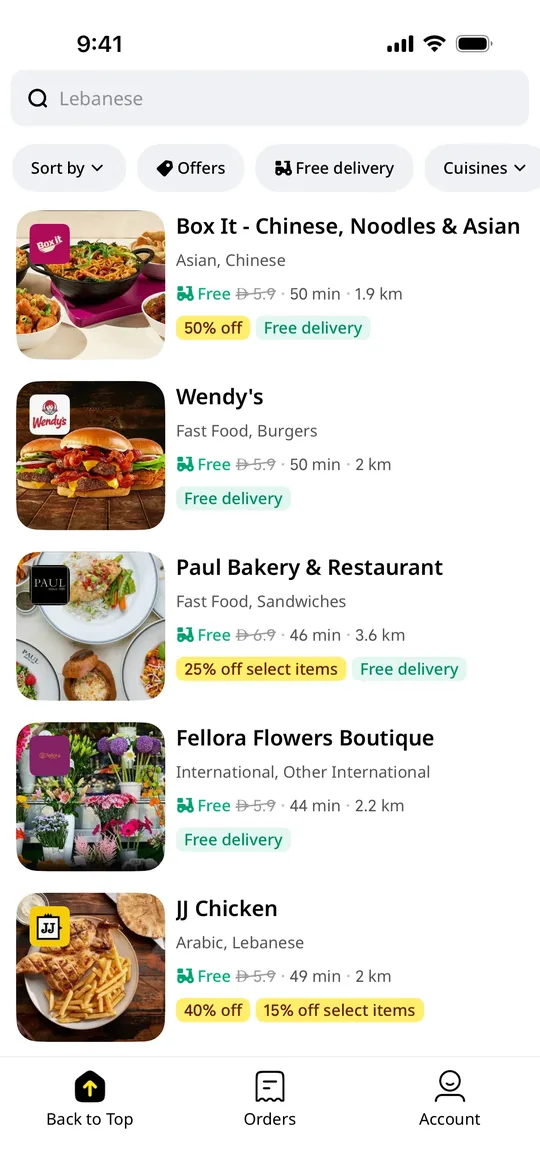
    Talabat Clone — Restaurant deals screen
    Talabat Clone
    Food delivery · Middle East (GCC)
    Screens
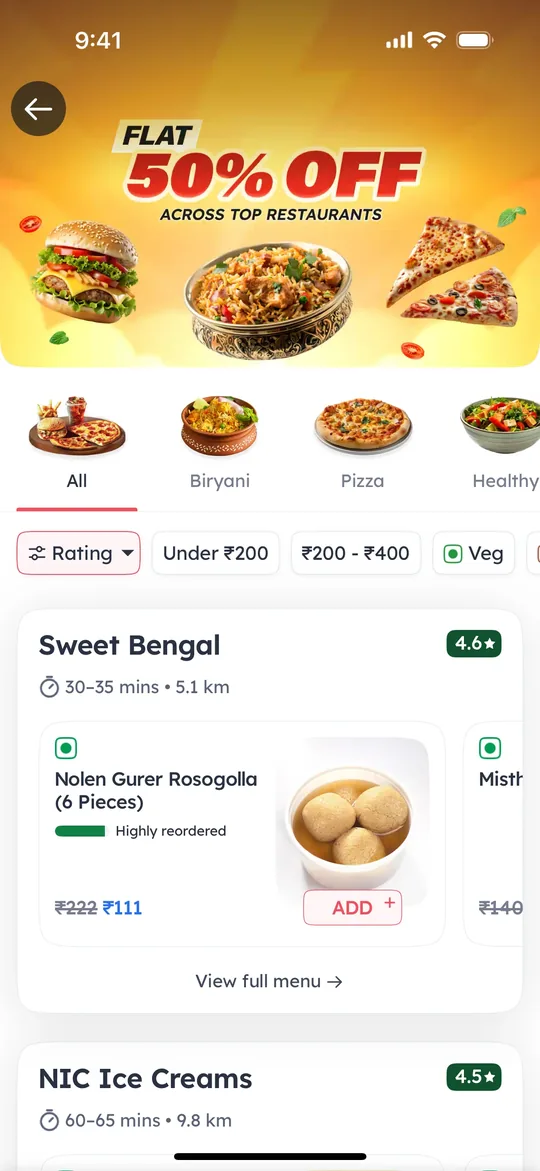
    Zomato Clone — Offers screen
    Zomato Clone
    Food delivery · South Asia & Middle East
    Screens
    Foodpanda Clone — Home screen
    Foodpanda Clone
    Food delivery · South & Southeast Asia
    Screens
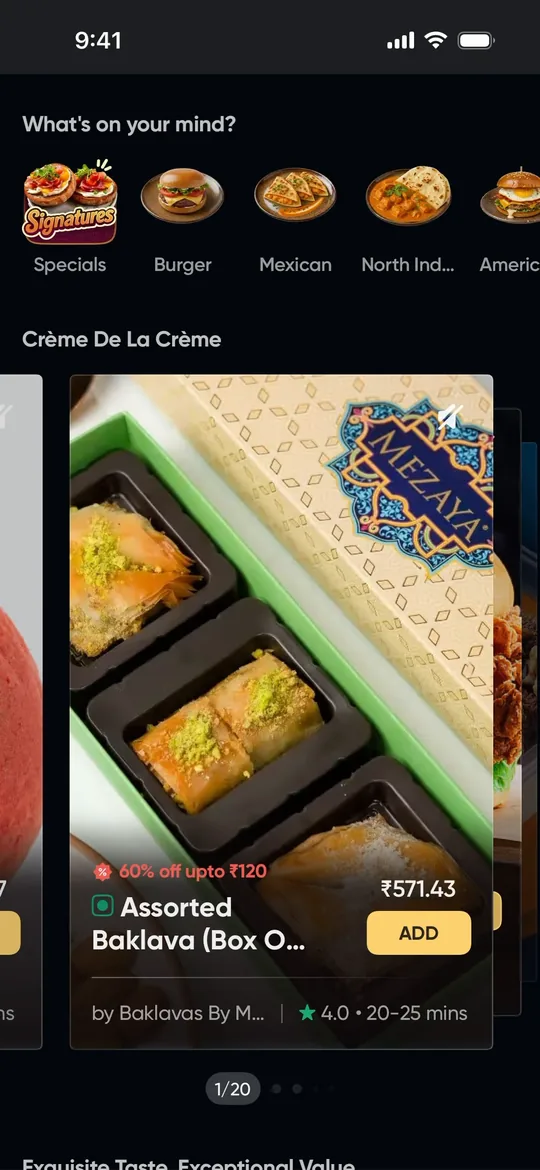
    Swiggy Clone — Home feed screen
    Swiggy Clone
    Food delivery · India & South Asia
    Screens
    Pathao Clone — Home screen
    Pathao Clone
    Super app · Bangladesh & South Asia
    Screens

    TaskRabbit is a trademark of its respective owner. Joldisoft LLC is not affiliated with or endorsed by TaskRabbit. “Clone” describes the business model and feature set we build; every app ships with your own brand, design and code.