Joldisoft
    UI reference · 19 screens

    Foodpanda Clone app screens

    The complete Foodpanda-style user flow. Your app ships with these flows in your own brand, colours and languages.
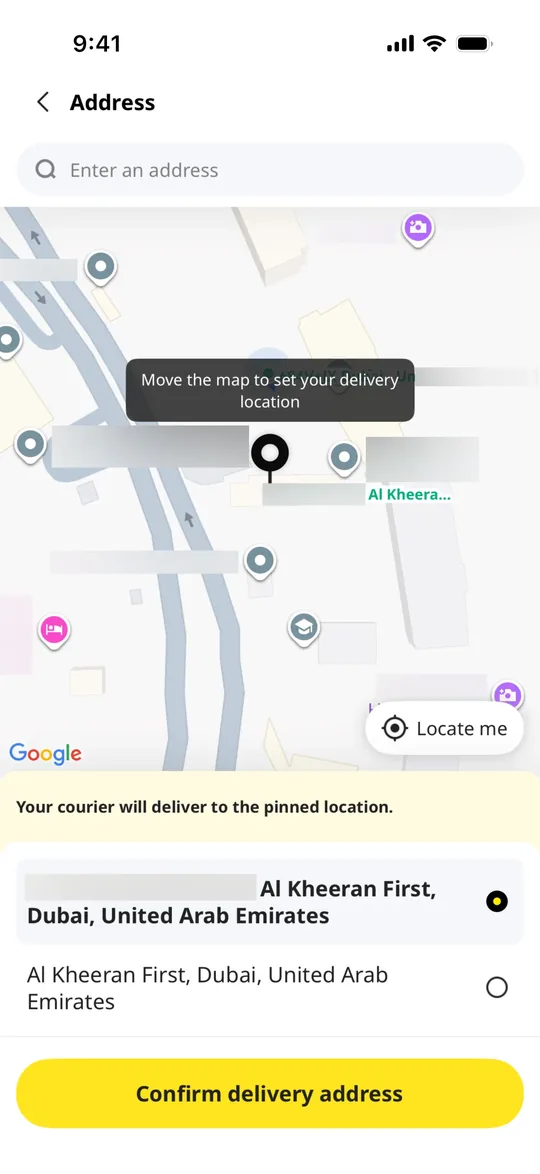
    Foodpanda Clone — Set delivery location screen
    01

    Set delivery location

    Customers drag the map pin to the exact drop-off spot and confirm their delivery address.
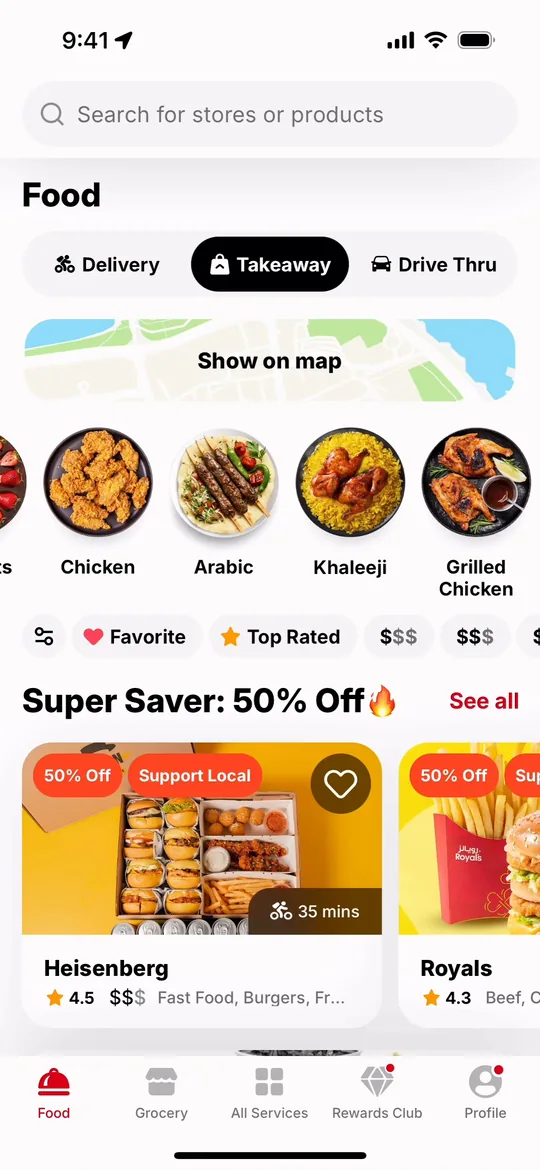
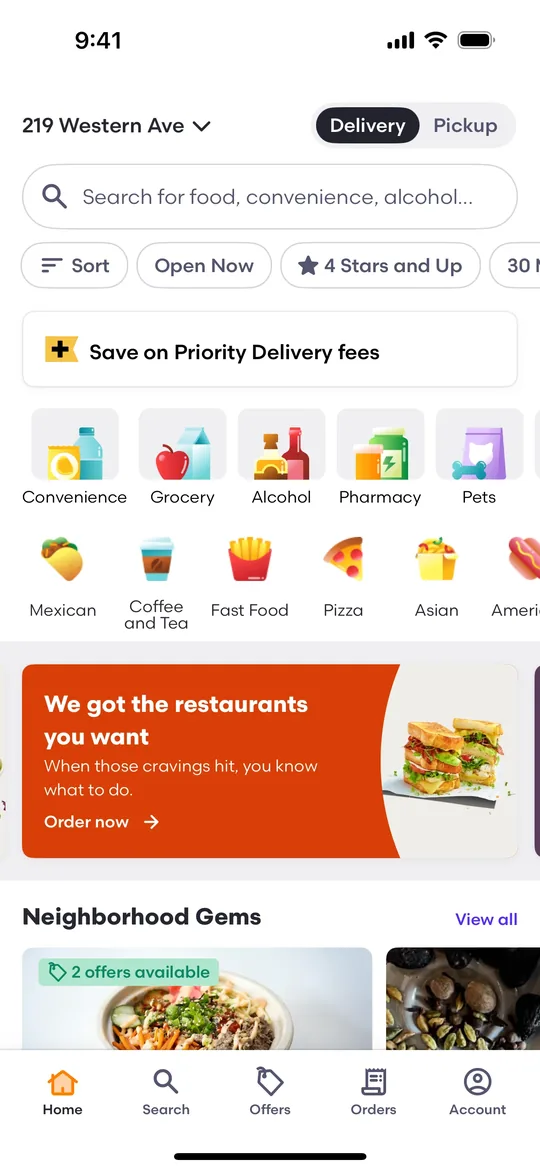
    Foodpanda Clone — Home screen
    02

    Home

    Customers switch between delivery and takeaway, browse cuisines and scroll through restaurant deals.
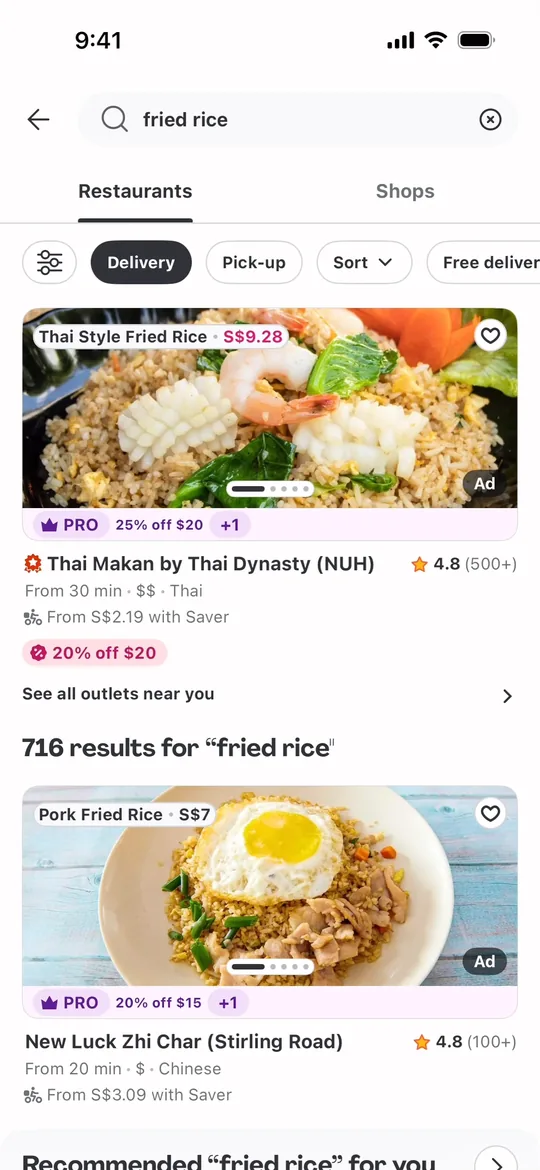
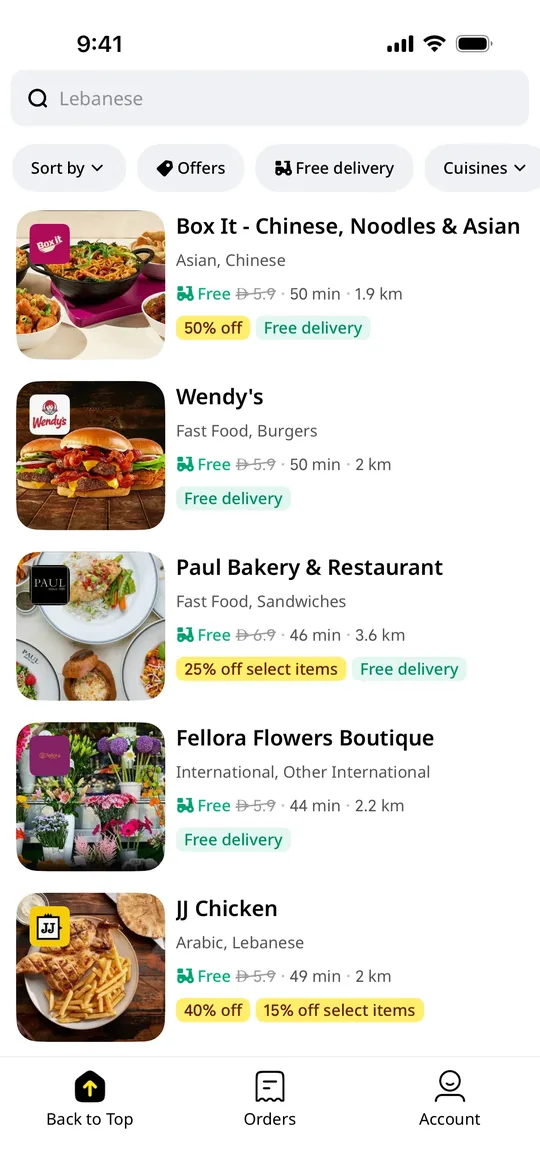
    Foodpanda Clone — Search screen
    03

    Search

    Customers search for a dish and see matching restaurants with photos, ratings, delivery times and offers.
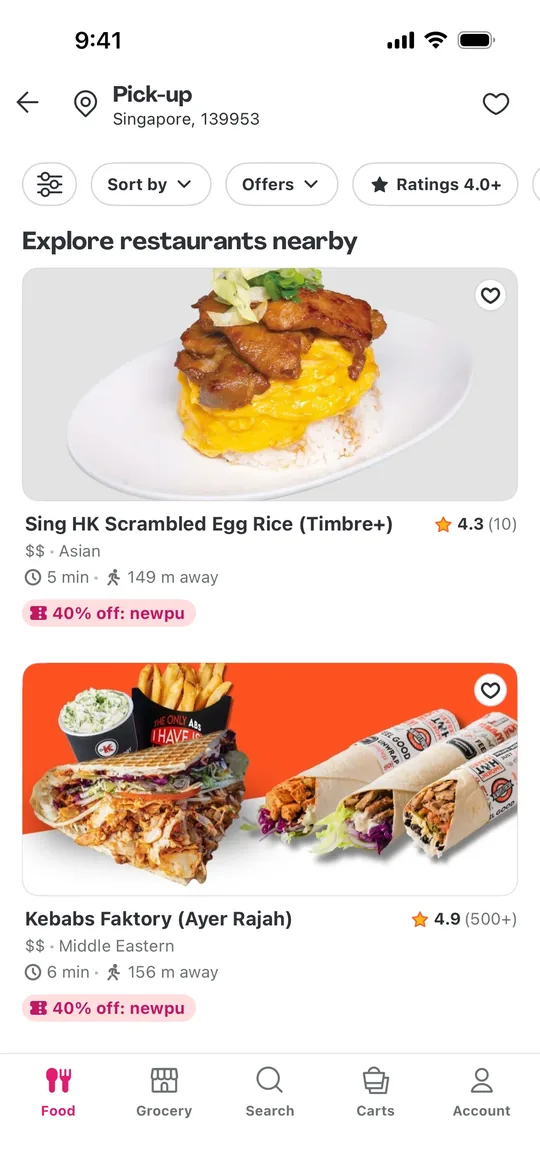
    Foodpanda Clone — Pick-up nearby screen
    04

    Pick-up nearby

    Customers who prefer to collect their order see nearby restaurants sorted by walking distance and pick-up discounts.
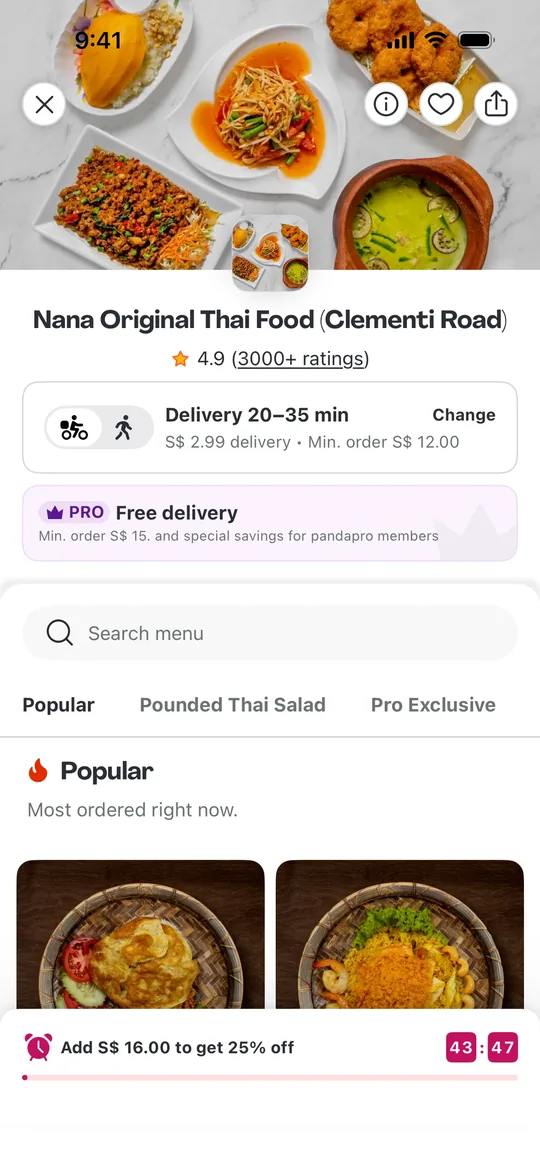
    Foodpanda Clone — Restaurant menu screen
    05

    Restaurant menu

    Customers open a restaurant to see its rating, delivery fee, minimum order, live offers and the full menu.
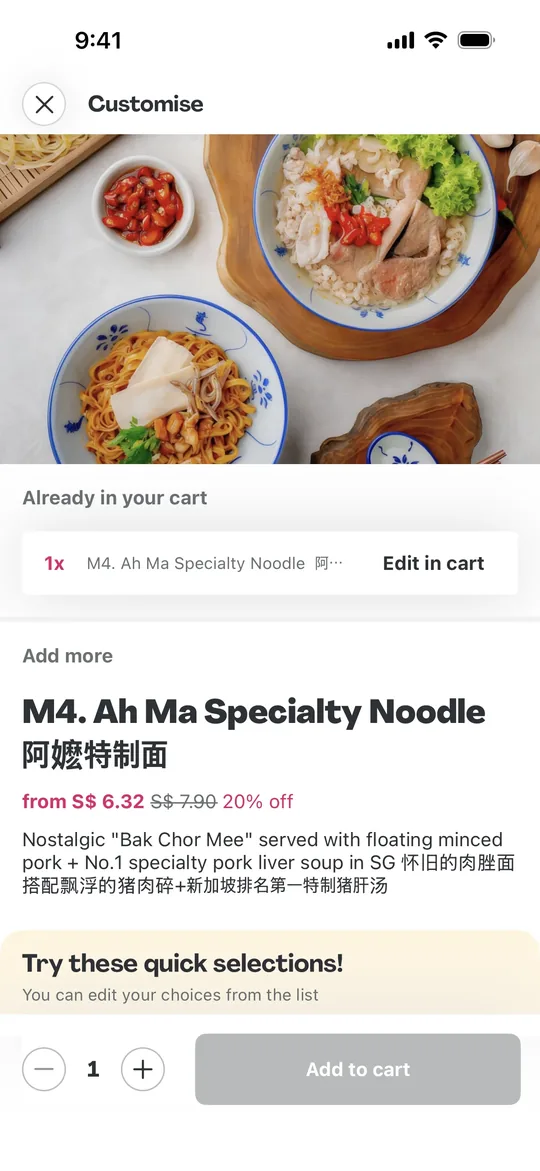
    Foodpanda Clone — Customise dish screen
    06

    Customise dish

    Customers view a dish with its photo, price and description, choose options and add it to the cart.
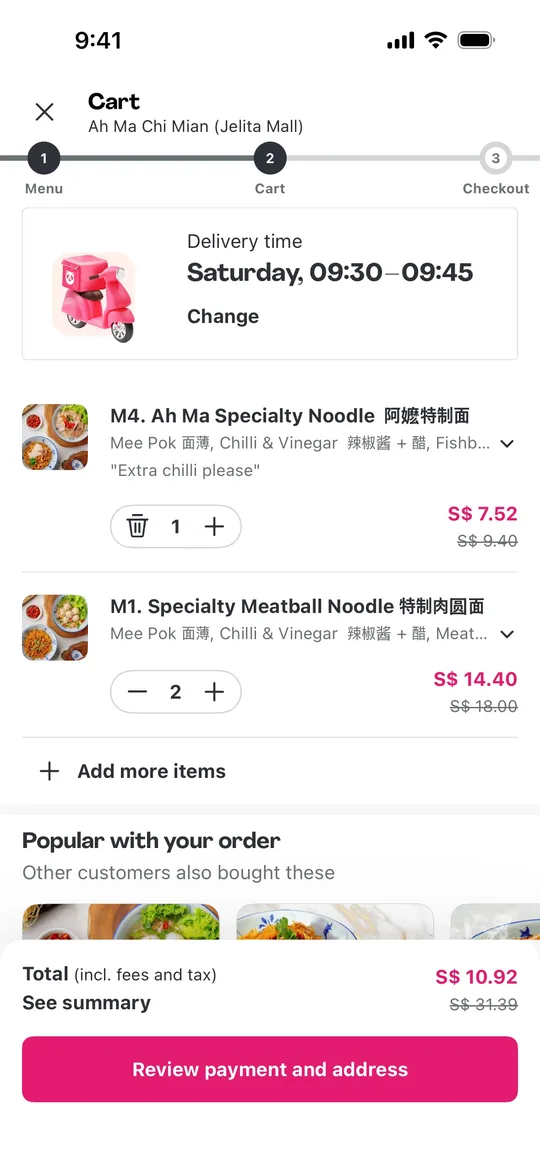
    Foodpanda Clone — Cart screen
    07

    Cart

    Customers review items, change quantities, pick a delivery time slot and see the running total.
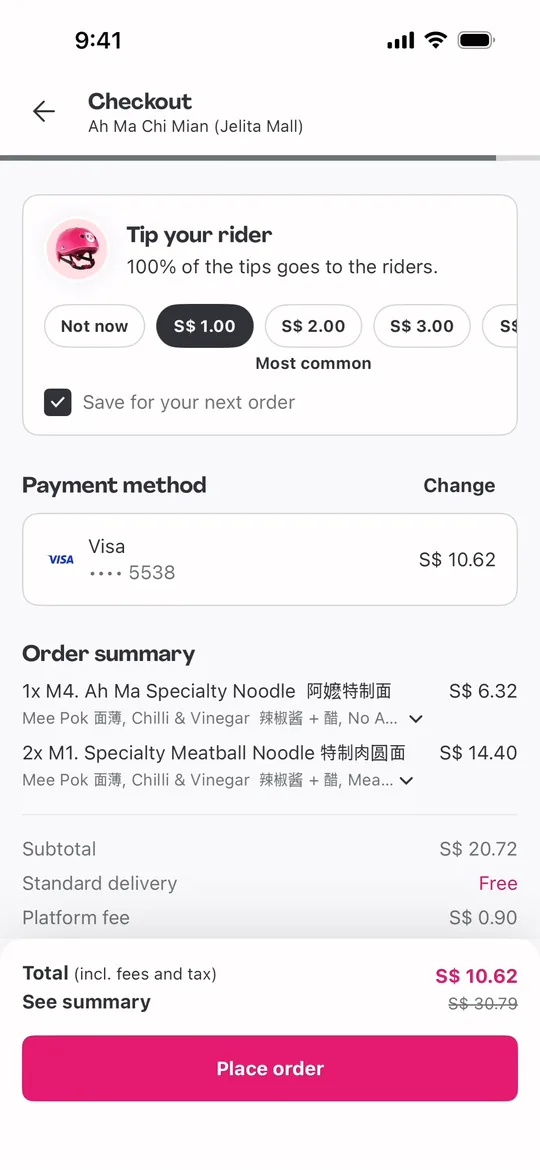
    Foodpanda Clone — Checkout screen
    08

    Checkout

    Customers add a tip for the rider, choose a payment method and check the order summary before paying.
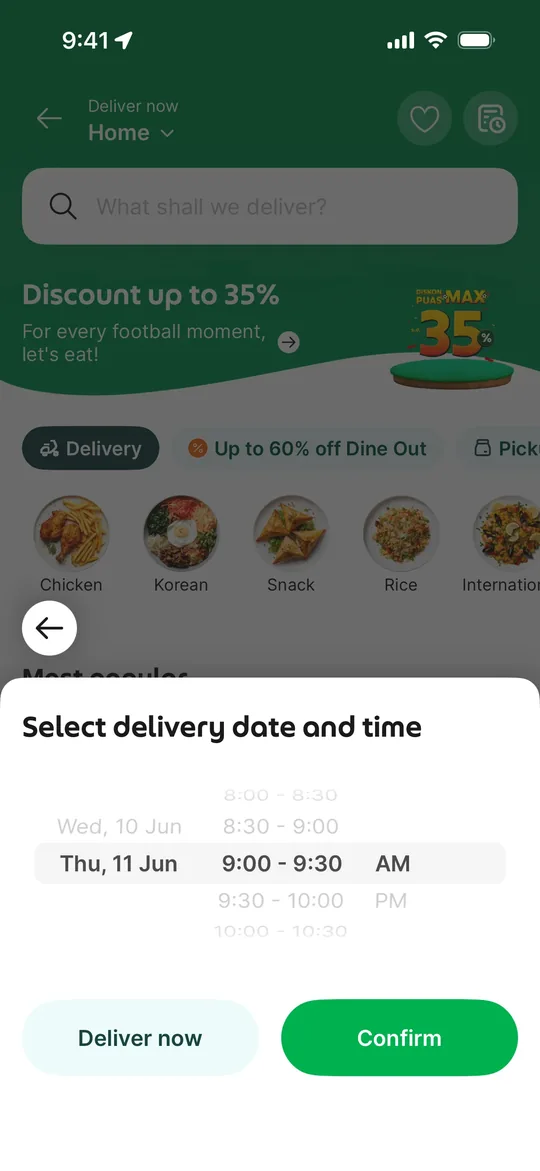
    Foodpanda Clone — Schedule delivery screen
    09

    Schedule delivery

    Customers order now or schedule delivery for a later date and time slot.
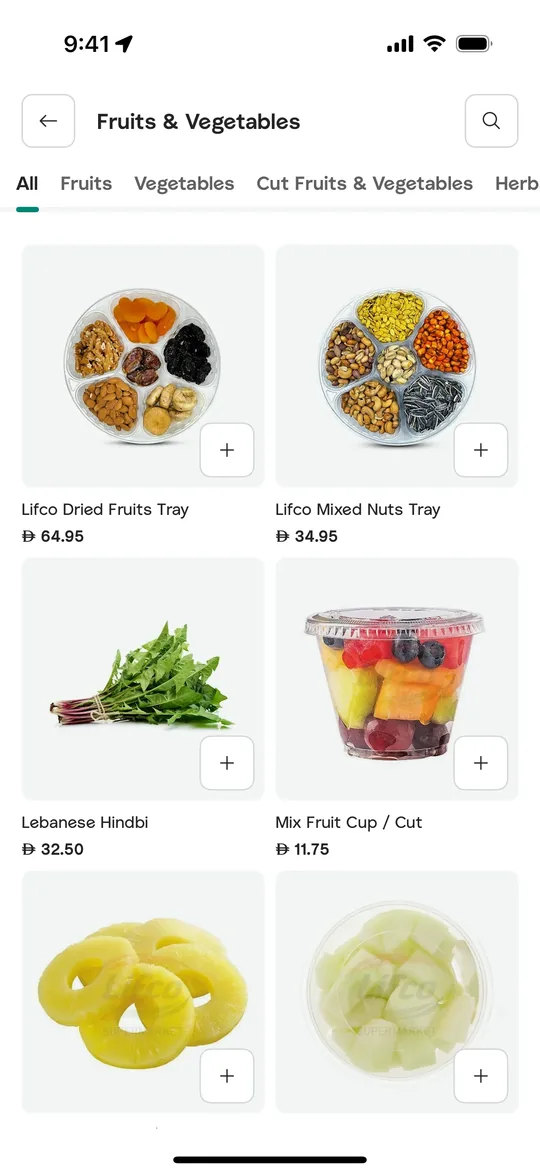
    Foodpanda Clone — Grocery aisle screen
    10

    Grocery aisle

    Customers browse fresh fruit and vegetables by sub-category in the quick-commerce grocery store and add items in one tap.
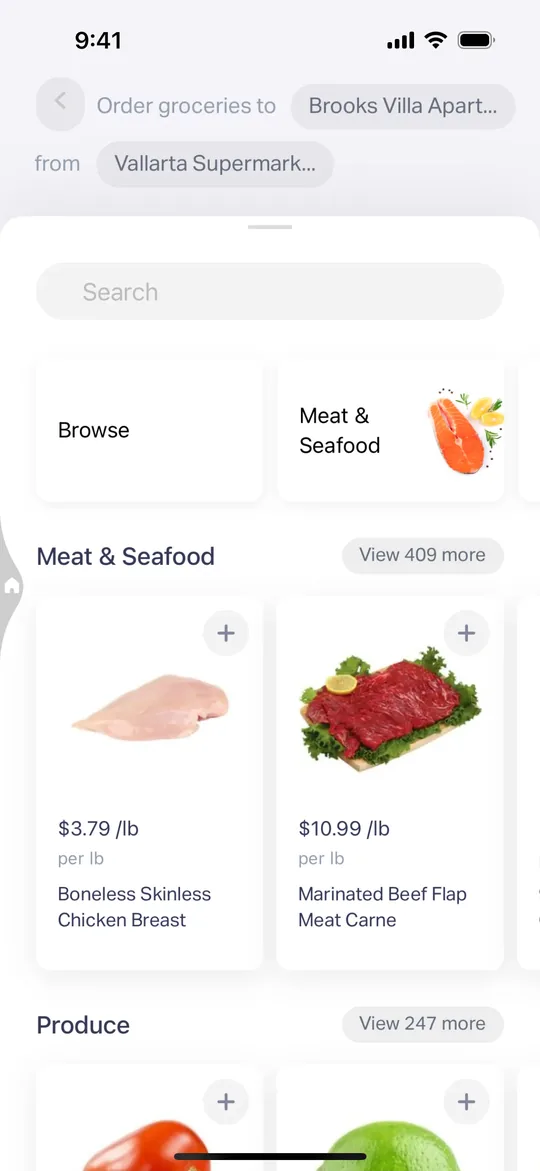
    Foodpanda Clone — Grocery store screen
    11

    Grocery store

    Customers search a grocery store and shop meat, seafood and produce priced per kilo.
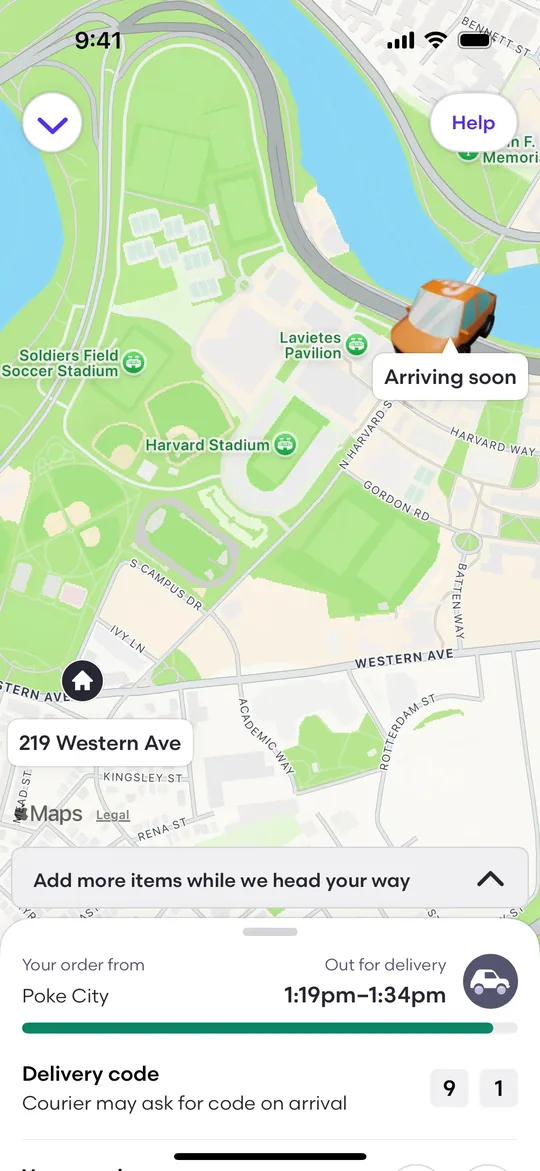
    Foodpanda Clone — Live order tracking screen
    12

    Live order tracking

    Customers follow the courier on a live map with the arrival window and a delivery code to share at the door.
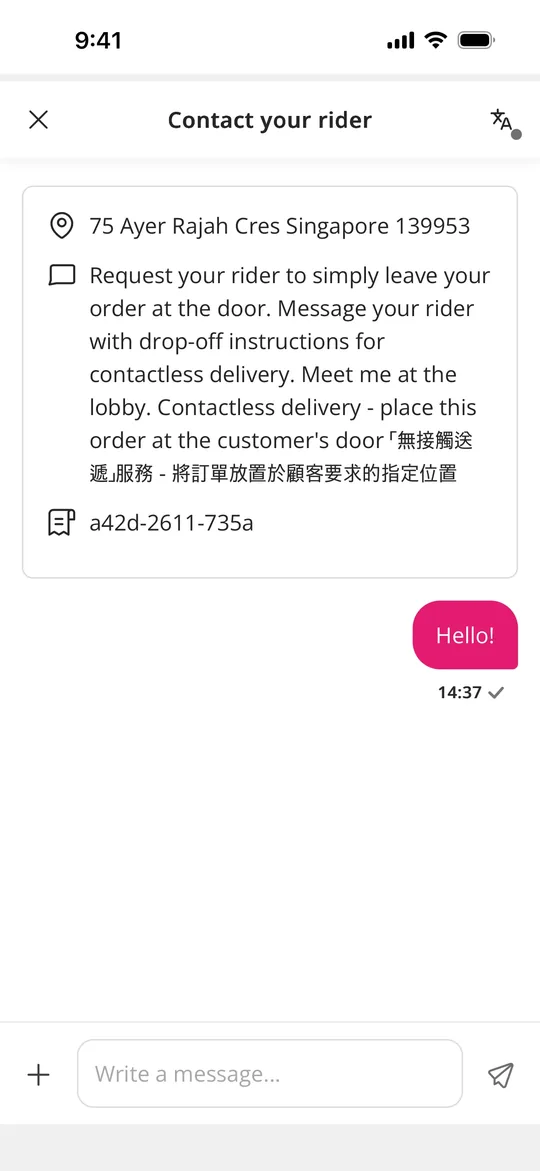
    Foodpanda Clone — Chat with rider screen
    13

    Chat with rider

    Customers message their rider in the app, with the address and drop-off instructions pinned at the top.
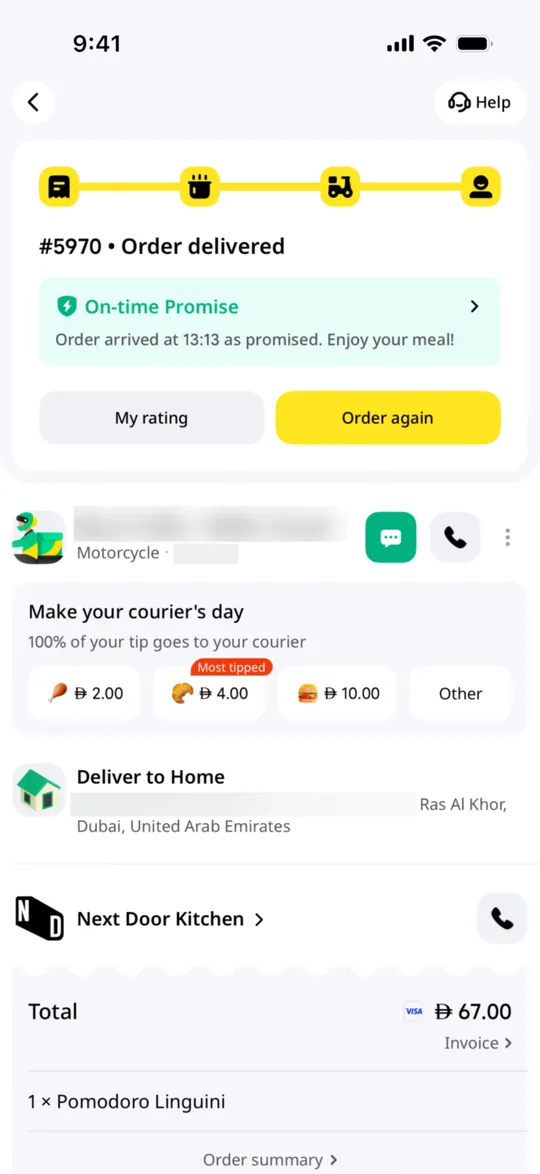
    Foodpanda Clone — Order delivered screen
    14

    Order delivered

    After delivery customers rate the order, tip the courier and reorder with one tap.
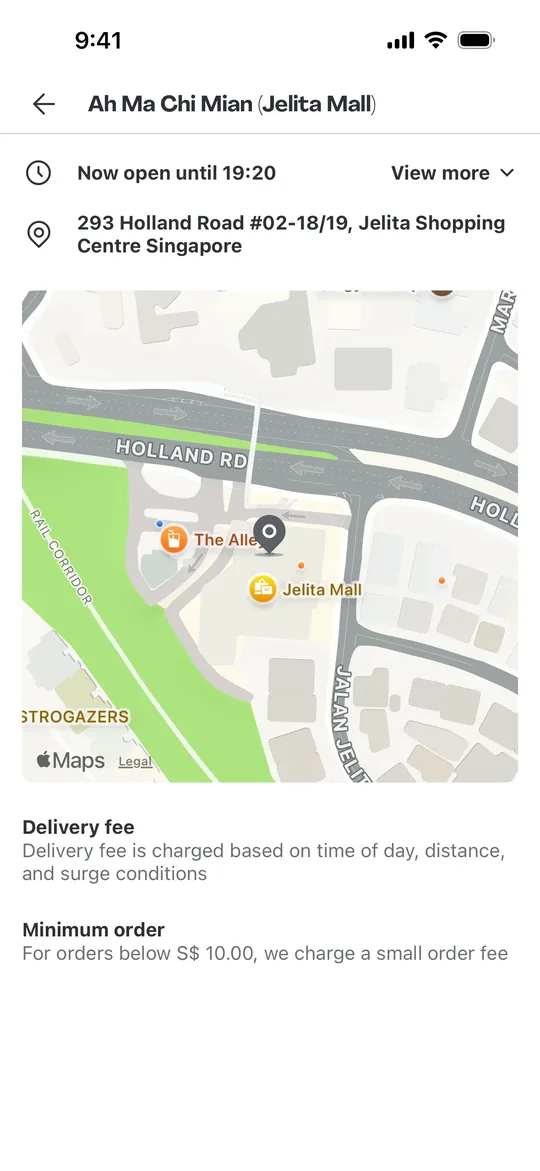
    Foodpanda Clone — Store info screen
    15

    Store info

    Customers check a restaurant's opening hours, address on the map, delivery fee rules and minimum order.
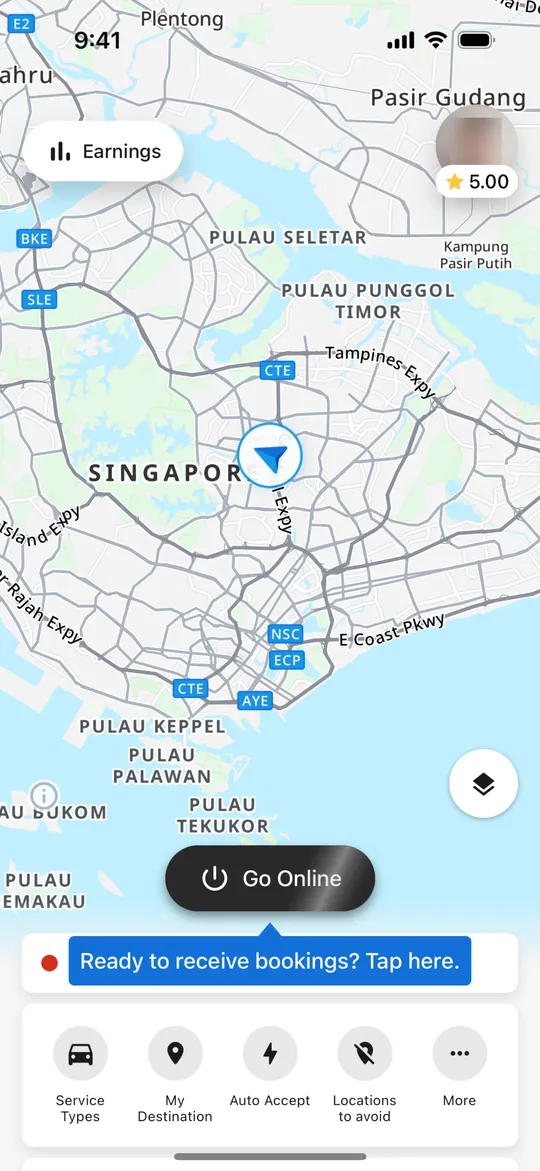
    Foodpanda Clone — Go online screen
    16

    Go online

    Riders see their position on the map, set preferences like auto-accept and tap Go Online to start getting orders.
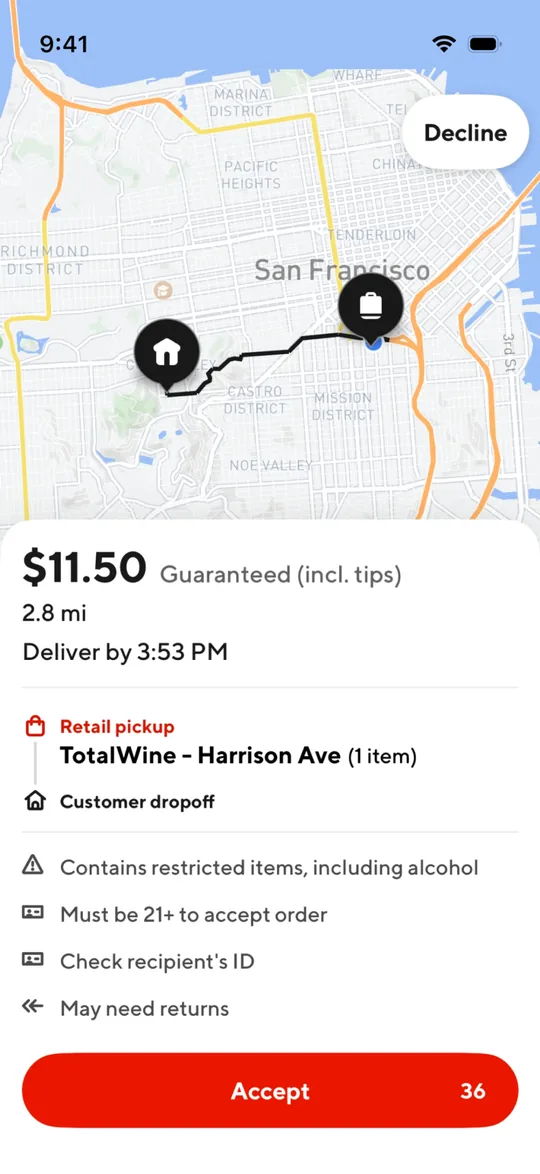
    Foodpanda Clone — New delivery offer screen
    17

    New delivery offer

    Riders see the guaranteed payout, distance, deadline and pickup-to-dropoff route before accepting an order.
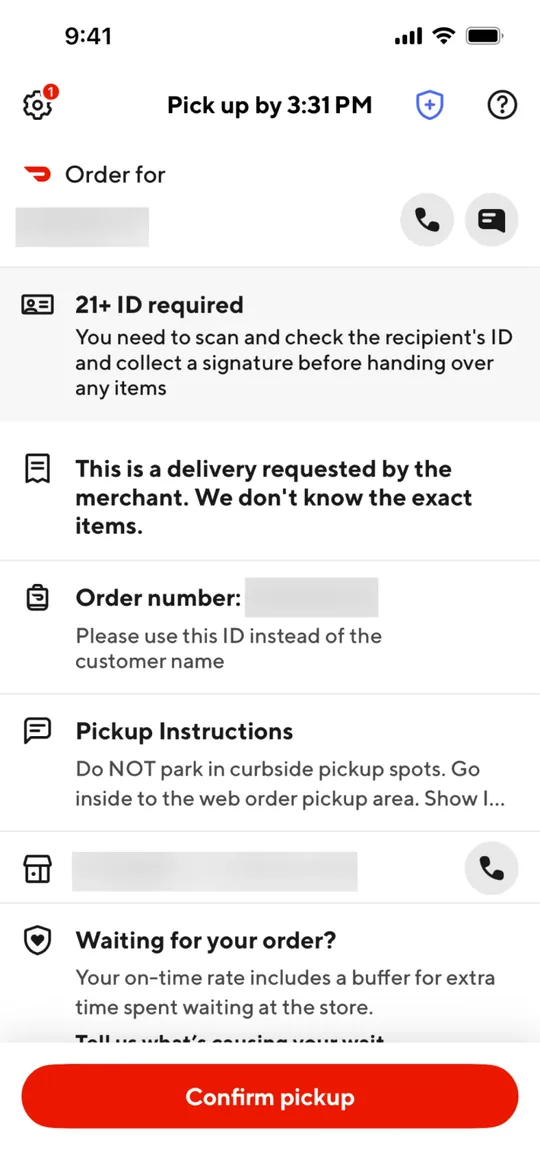
    Foodpanda Clone — Confirm pickup screen
    18

    Confirm pickup

    At the store the rider reads the order number and pickup instructions, then confirms the pickup.
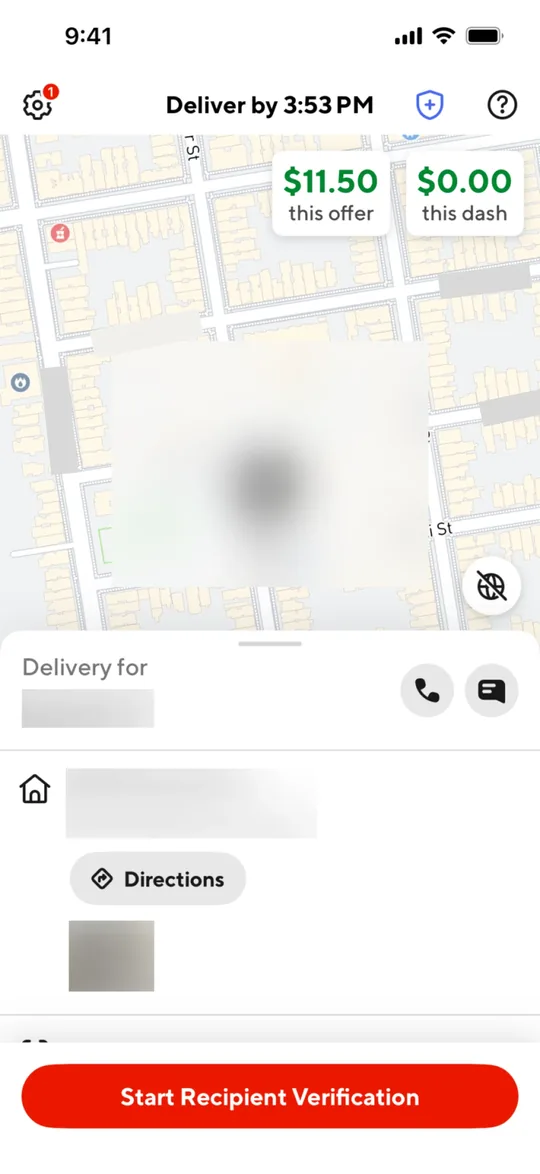
    Foodpanda Clone — Deliver to customer screen
    19

    Deliver to customer

    Riders get directions to the customer, call or chat with them and start the hand-over check at the door.

    Want these screens in your brand?

    White-label from $3,000 in 2–3 weeks, or a custom Foodpanda Clone MVP from $12,000.

    Explore more

    Other clone apps we build
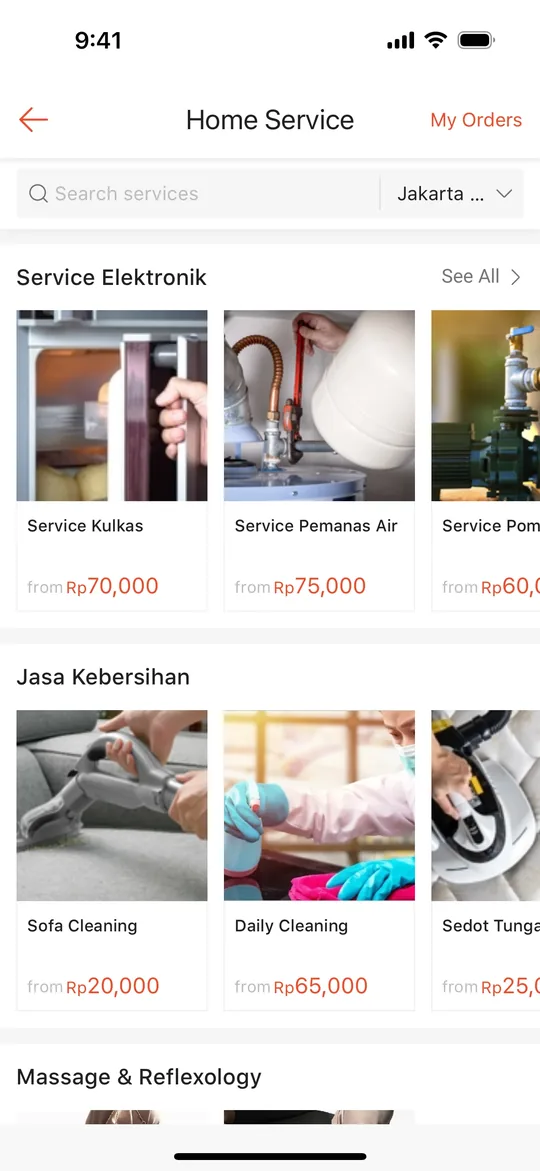
    DoorDash Clone — Home screen
    DoorDash Clone
    Food delivery · North America & Australia
    Screens
    Talabat Clone — Restaurant deals screen
    Talabat Clone
    Food delivery · Middle East (GCC)
    Screens
    Zomato Clone — Offers screen
    Zomato Clone
    Food delivery · South Asia & Middle East
    Screens
    Swiggy Clone — Home feed screen
    Swiggy Clone
    Food delivery · India & South Asia
    Screens
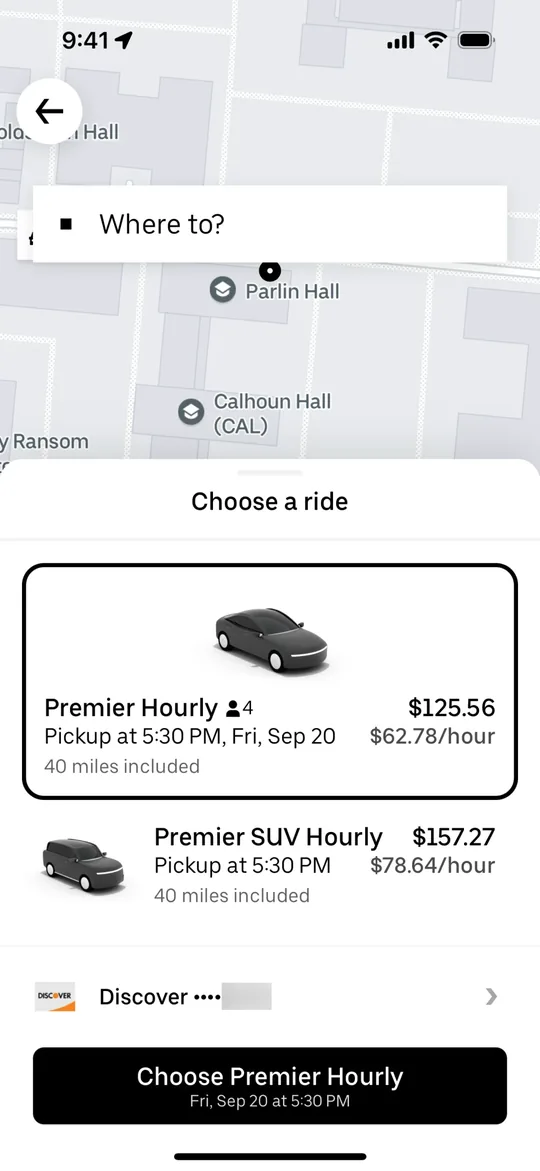
    Uber Clone — Choose a ride screen
    Uber Clone
    Ride-hailing · Global
    Screens
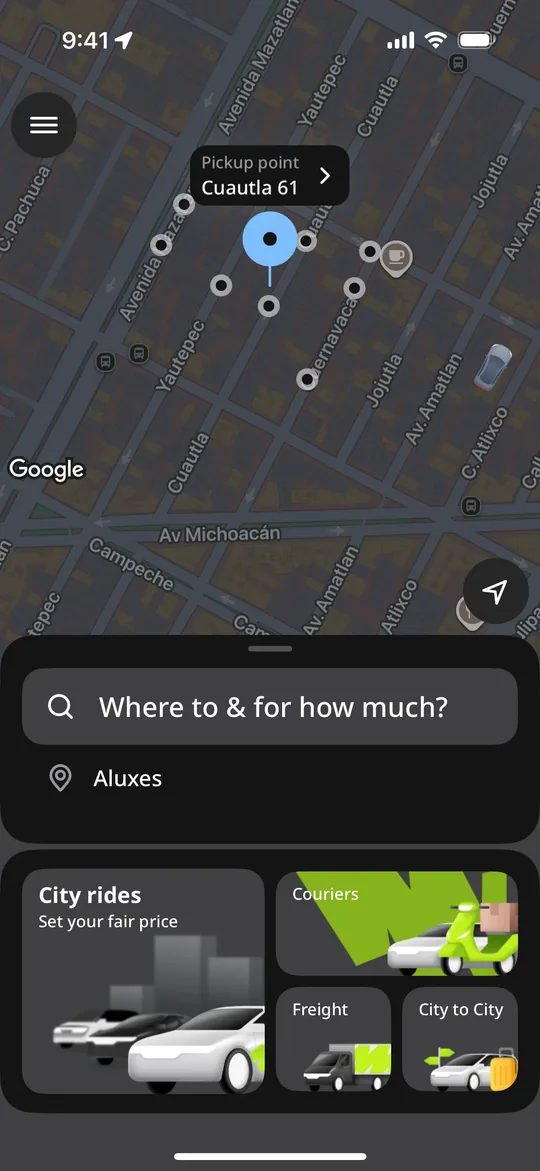
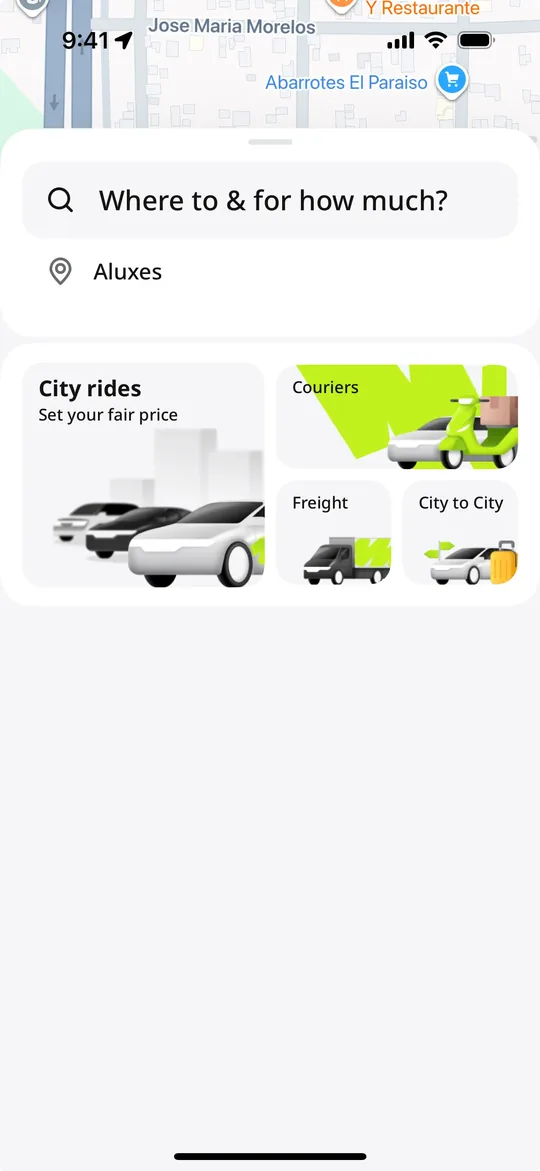
    inDrive Clone — Where to and for how much screen
    inDrive Clone
    Ride-hailing · Global, strong in Asia, Africa & Latin America
    Screens
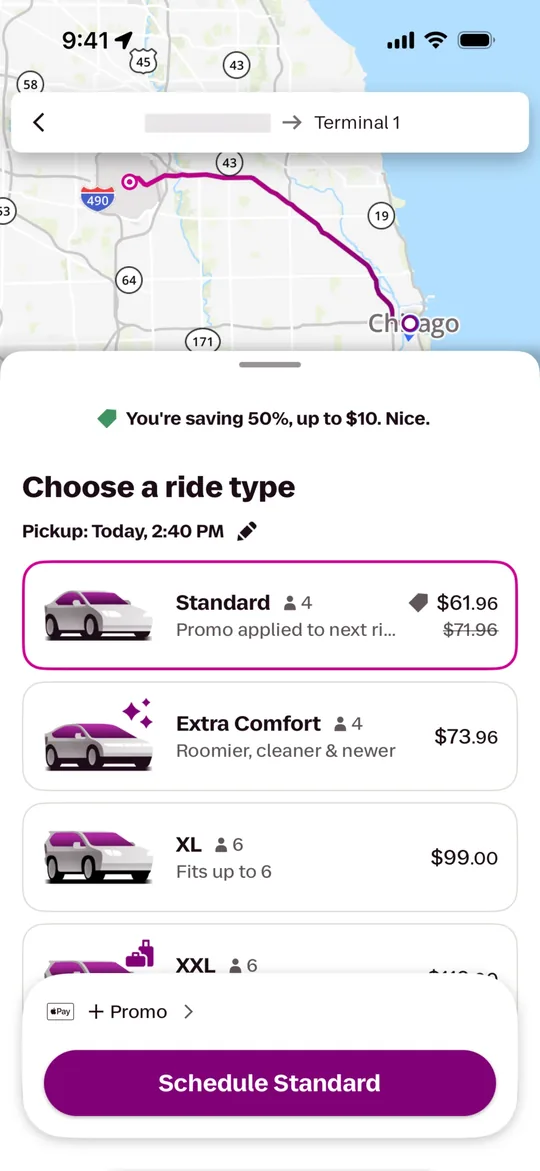
    Lyft Clone — Choose a ride type screen
    Lyft Clone
    Ride-hailing · North America
    Screens
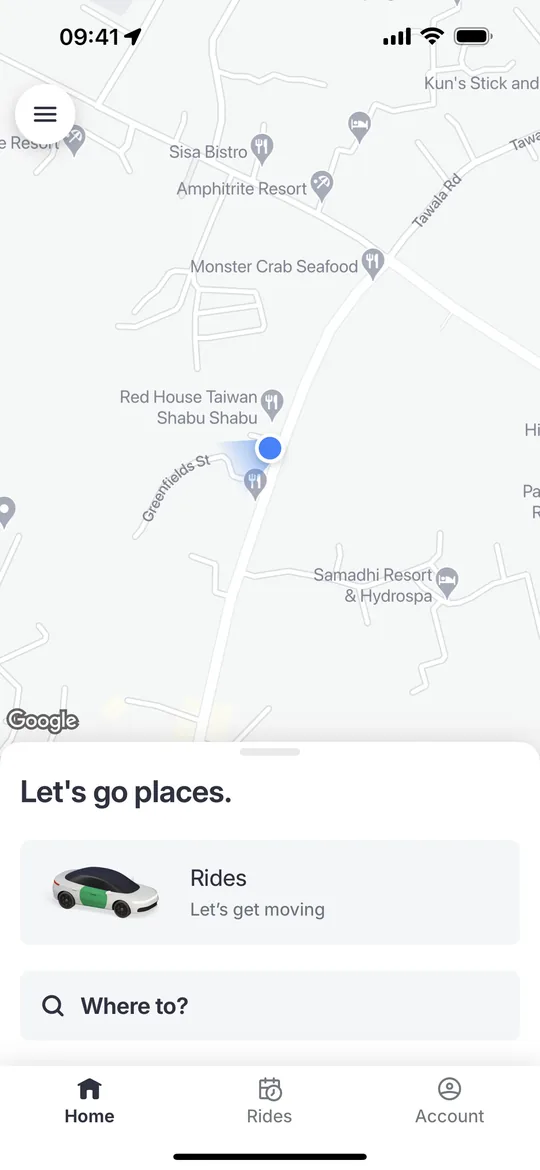
    Bolt Clone — Home screen
    Bolt Clone
    Ride-hailing · Europe & Africa
    Screens
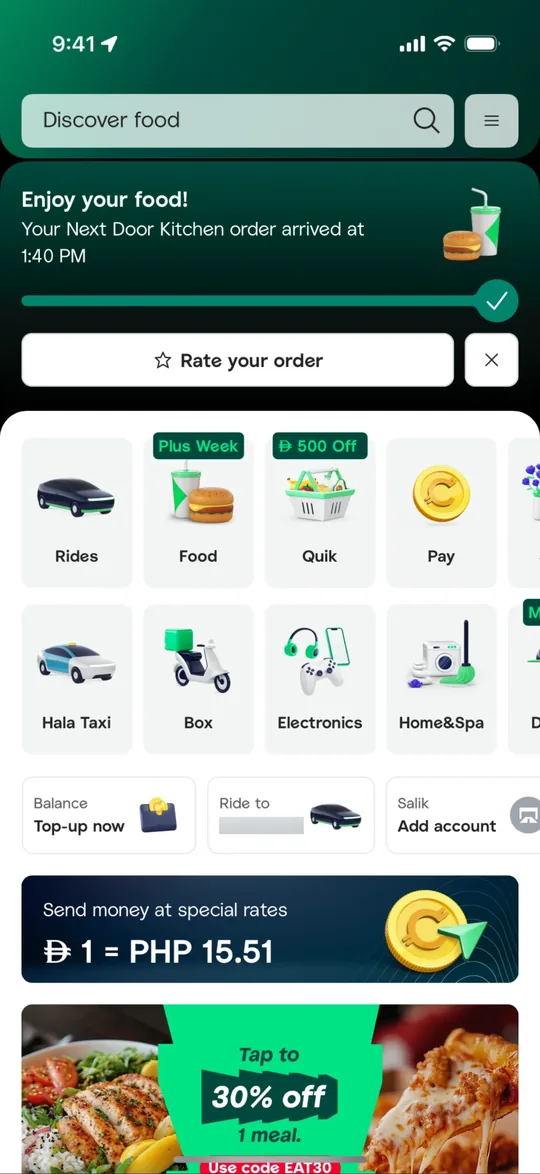
    Careem Clone — Super app home screen
    Careem Clone
    Super app · Middle East & North Africa
    Screens
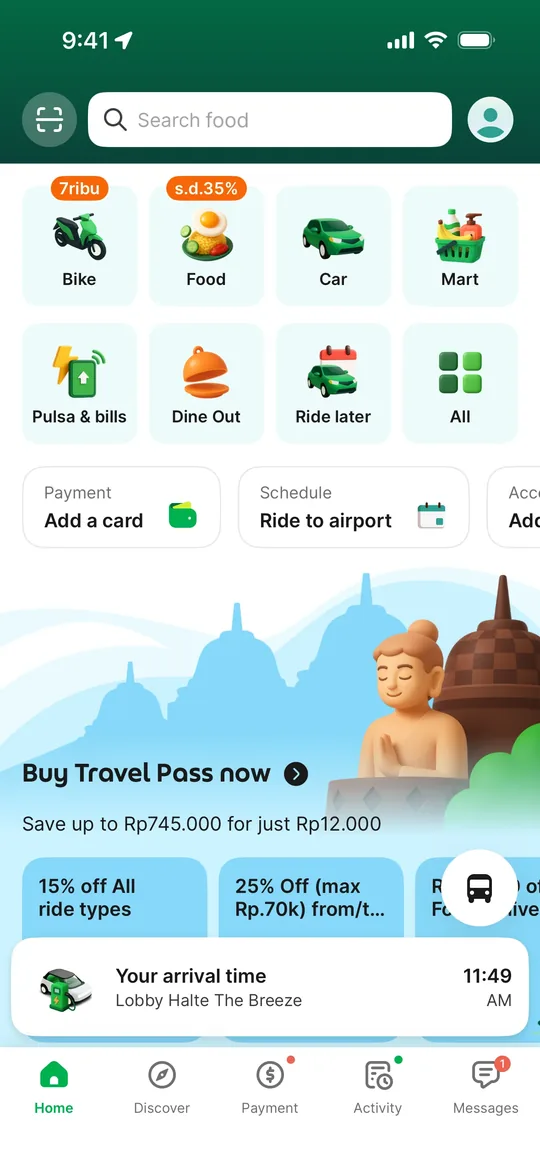
    Gojek Clone — Service launcher screen
    Gojek Clone
    Super app · Southeast Asia
    Screens
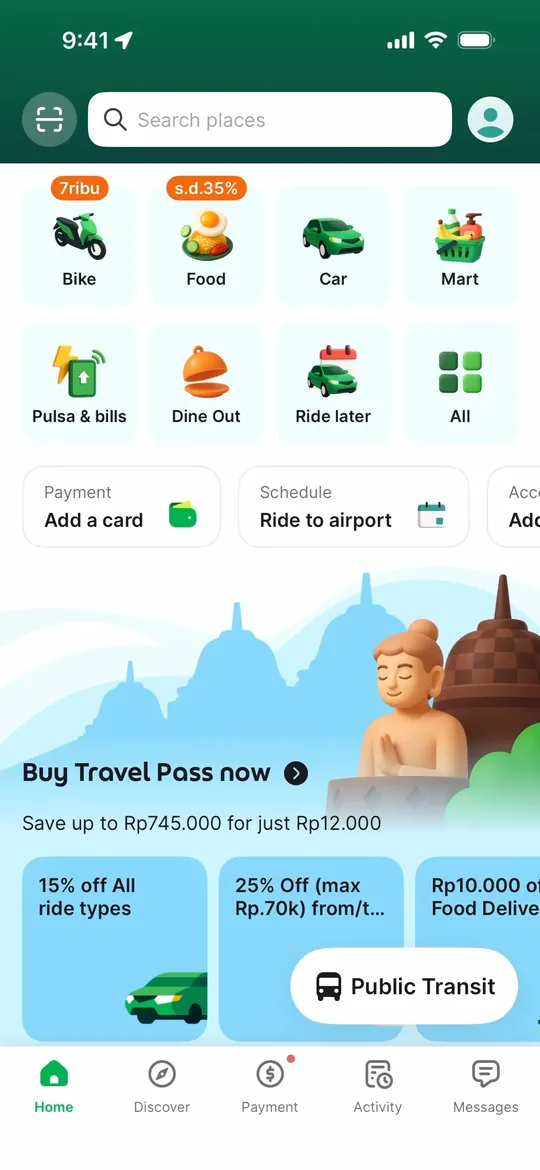
    Grab Clone — Super app home screen
    Grab Clone
    Super app · Southeast Asia
    Screens
    Pathao Clone — Home screen
    Pathao Clone
    Super app · Bangladesh & South Asia
    Screens
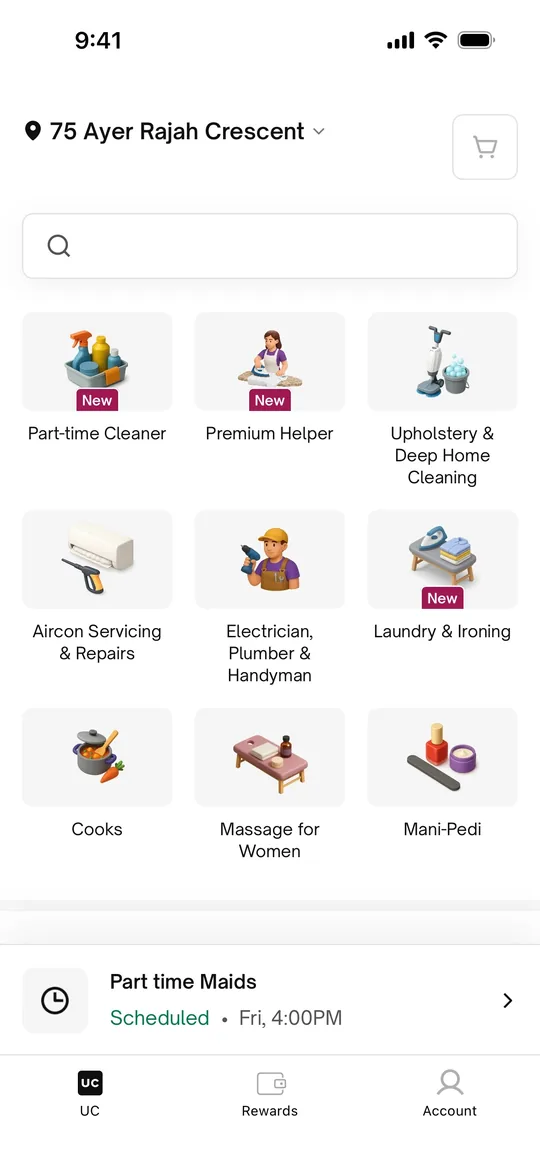
    Urban Company Clone — Home screen
    Urban Company Clone
    Home services · India, Middle East & South Asia
    Screens
    Sheba.xyz Clone — Home screen
    Sheba.xyz Clone
    Home services · Bangladesh
    Screens
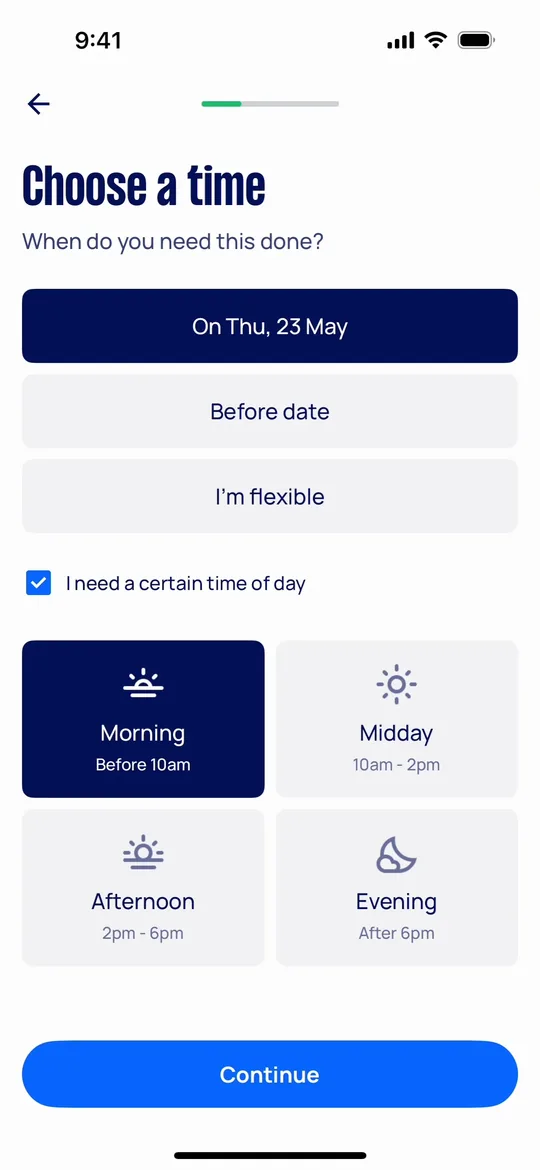
    Airtasker Clone — Choose a time screen
    Airtasker Clone
    Home services · Australia, UK & global
    Screens
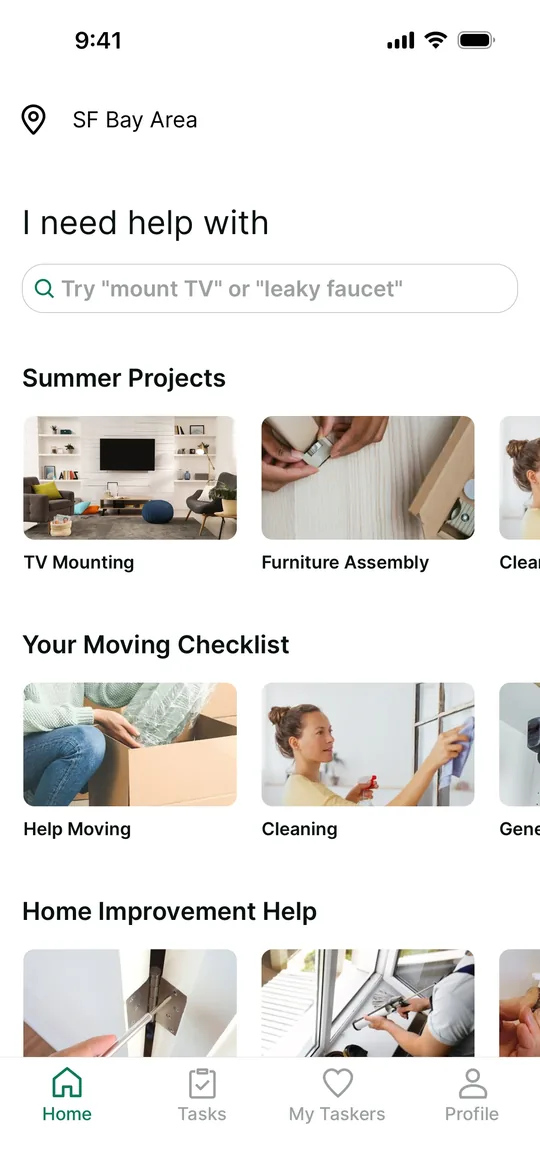
    TaskRabbit Clone — Home screen
    TaskRabbit Clone
    Home services · North America & Europe
    Screens

    Foodpanda is a trademark of its respective owner. Joldisoft LLC is not affiliated with or endorsed by Foodpanda. “Clone” describes the business model and feature set we build; every app ships with your own brand, design and code.